







How to Add Inline LaTeX Formulas in Confluence (and Why They Don’t Work by Default)

Every so often, someone tries to paste LaTeX syntax for inline formulas directly into a Confluence page, something simple like $\Sigma$, and then wonders why nothing happens. We recently came across this exact question in a community thread. So let’s break down why it happens and, more importantly, how to add inline LaTeX formulas in Confluence.
Why LaTeX doesn’t work in Confluence
Confluence does not support LaTeX out of the box. If you enter even simple LaTeX syntax for an inline formula, for example, $\Sigma$, the system treats it as regular text rather than a formula, and you see plain symbols on the page instead of a nicely rendered formula.
But there are some workarounds that will help you add inline LaTeX formulas in Confluence. 
The most straightforward workaround (that doesn’t scale well)
One of the options is to insert Confluence formulas as inline images in your text. What you need to do is to take a screenshot of your formula, paste it into a Confluence page, and choose inline formatting. The approach can work well if you use formulas rarely and don’t expect to update or edit them later. However, complex formulas will be complicated to read when inserted as inline images in Confluence.
So, if you’re documenting technical content, screenshots are not the best long-term solution.
The better approach: use a dedicated LaTeX app
If you want formulas to behave like a natural part of your documentation, editable, properly formatted inline within your text, you’ll need an app from the Atlassian Marketplace, like LaTeX Math for Confluence.
The dedicated apps support full LaTeX syntax and typically provide two types of macros:
- Inline macro for displaying Confluence formulas inside text
- Block macro for standalone equations
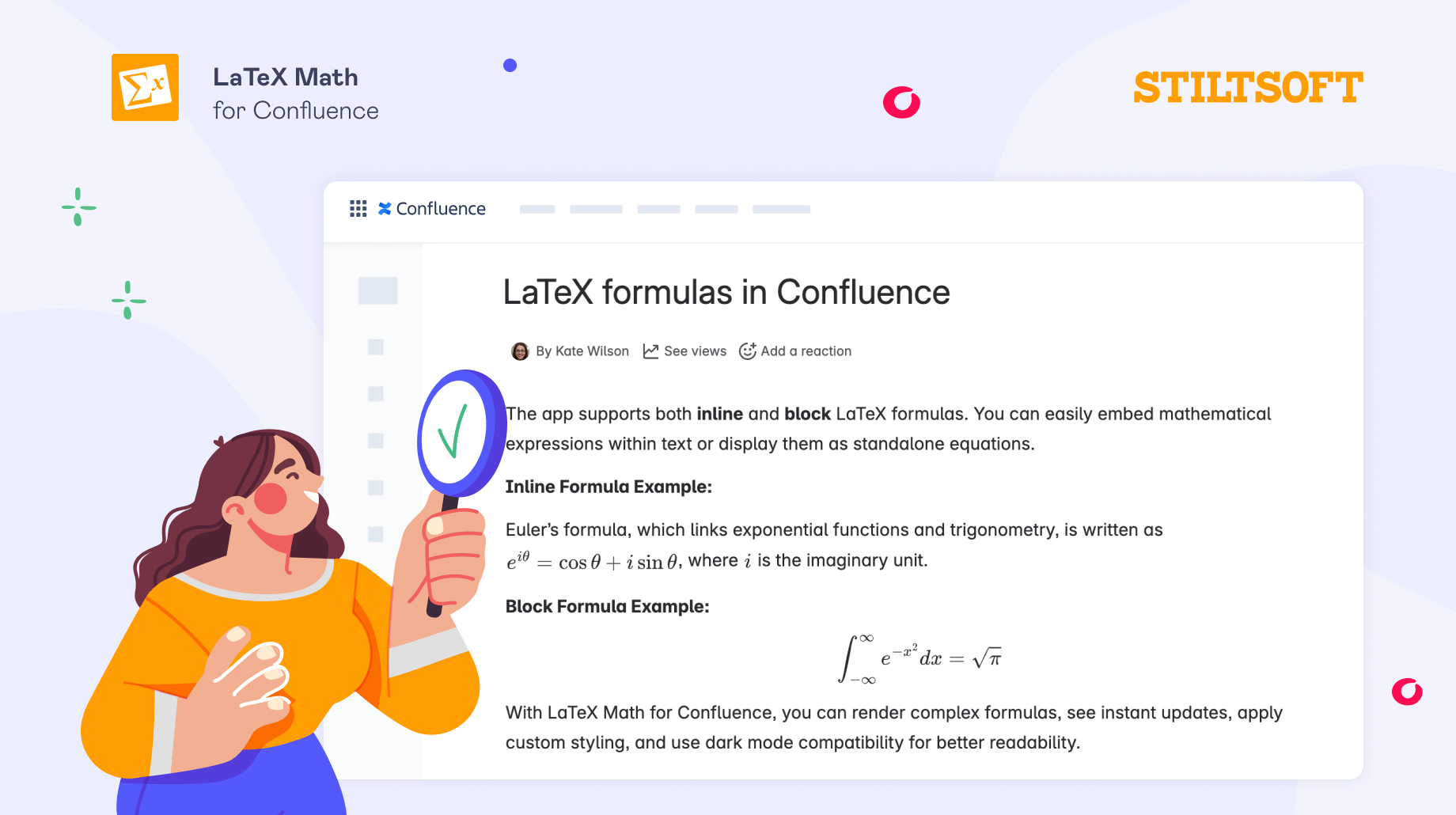
As an example, let’s have a look at how adding LaTeX inline formulas works using our LaTeX app.
How to write inline LaTeX formulas in Confluence
Once you’ve installed the app, you can add inline LaTeX formulas in Confluence just a few clicks:
- Open the Confluence page where you want to insert your formula.
- Type
/latex, where the formula should appear, and select the LaTeX Inline Formulas macro from the list. - Enter LaTeX syntax in the editor. Our app also has a built-in keyboard to make entering symbols faster.
- When you’re done, save your edits.
That’s it. Your formula will appear fully integrated into your text.
Try it yourself
If you’re working with formulas regularly, using a dedicated LaTeX app makes a huge difference.
You can try LaTeX Math for Confluence free for 30 days and see how much easier it is to work with both inline and block formulas in your documentation.
If you are just getting started with LaTeX formulas in Confluence, these tutorials may be of help: