







How to Export LaTeX to PDF in Confluence (Without Broken Formulas)

If you’ve ever tried to export LaTeX to PDF in Confluence, and instead of formulas got something like “formula rendering error”, you’ve probably faced the same issue many people in the Atlassian Community report:
“The app displays formulas correctly on pages, but it doesn’t support LaTeX PDF export in Confluence.”
Let’s break down why this happens and how to fix it.
Why LaTeX formulas break during PDF export in Confluence Cloud
Most users assume that exporting a Confluence page to PDF is essentially the same as printing what they see on the screen. If the formula renders correctly in the browser, it should surely render correctly in the exported document. But Confluence Cloud doesn’t work that way.
When you export a page to PDF, the system doesn’t simply take a visual snapshot of the browser view. Instead, it re-renders the content. If a LaTeX app does not support this export process, formulas will not be interpreted correctly and will be shown as error messages.
That’s why the issue is not that LaTeX itself in Confluence is unreliable, but that not every LaTeX Math app is designed with PDF export in mind.
What is a simple way to export LaTeX to PDF in Confluence?
The answer is easy: when looking for apps that can render formulas in Confluence, pick the one that works well with Confluence Cloud and supports exporting LaTeX formulas to PDF.
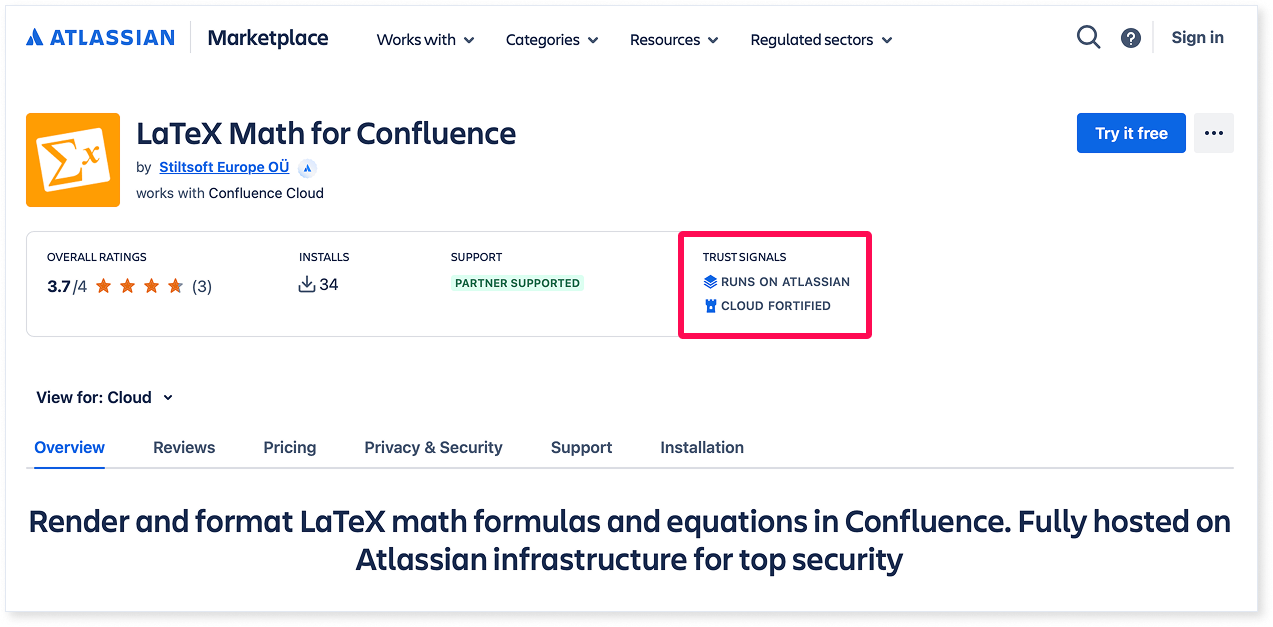
One of them is the LaTeX Math for Confluence app. It is built on Atlassian Forge, which means it runs directly on Atlassian’s infrastructure, uses native Atlassian components for a smooth experience, and is fully compatible with Confluence Cloud.
The app supports not only PDF export, which works in Confluence by default, but also PDF and Word export via third-party apps: Scroll PDF Exporter and Scroll Word Exporter for Confluence.
How to Export LaTeX from Confluence to PDF
Let’s have a quick look at how to export LaTeX formulas from Confluence to PDF with the Confluence LaTeX app. (Spoiler: it’s actually very simple.)
Step 1: Add your LaTeX formula
To add LaTeX macros to your Confluence page after installing LaTeX Math for Confluence from the Atlassian Marketplace, use the slash command: /latex. You can pick between two macros based on where you want your formula to show up:
- LaTeX Inline Formulas to add an equation within text
- LaTeX Block Formulas to create standalone formulas
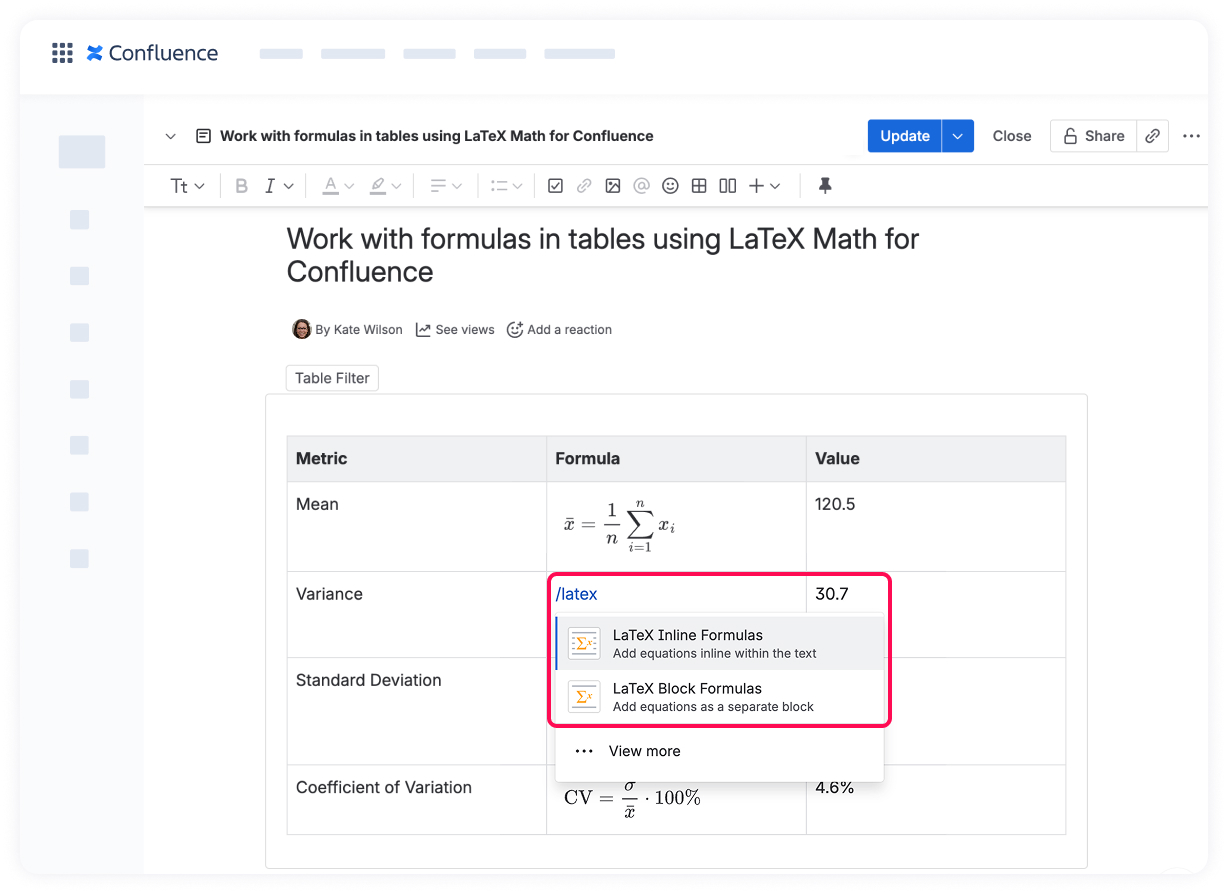
Enter your LaTeX code in the modal dialog. Once you save your edits, the formula will render instantly on the page.
Step 2: Export LaTeX to PDF
After you’ve finished making changes to your document, save your page and click the … menu in the top-right corner. From the dropdown list, select Export -> PDF.
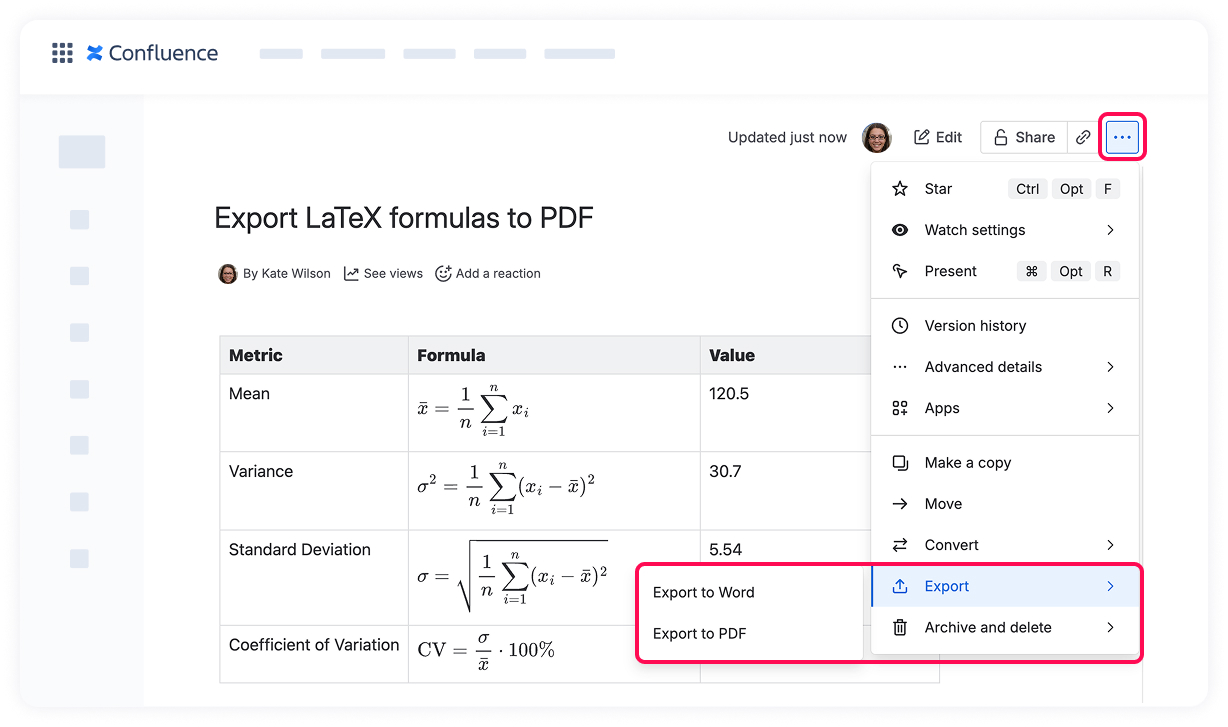
If you would like to export formulas via Scroll PDF Exporter or Scroll Word Exporter, you just need to choose their options in the menu:
- Export with Scroll PDF Exporter or
- Export with Scroll Word Exporter
That’s it. No extra configuration required.
Final Thoughts
Exporting LaTeX to PDF in Confluence requires just a proper Cloud-native implementation. If your current solution breaks during export, the issue is usually a lack of support for PDF export rendering.
With LaTeX Math for Confluence, built on Forge for Confluence Cloud, LaTeX formulas are rendered correctly both on the page and in exported PDFs (even processed with the help of Scroll PDF and Word Exporter).
Start your 30-day free trial, and no longer worry about the “it worked on the page but disappeared in the PDF” scenario.
If you are just getting started with LaTeX in Confluence, here are some guides that will help you avoid the most common mistakes: