







How to Fix LaTeX Formula Size in Confluence

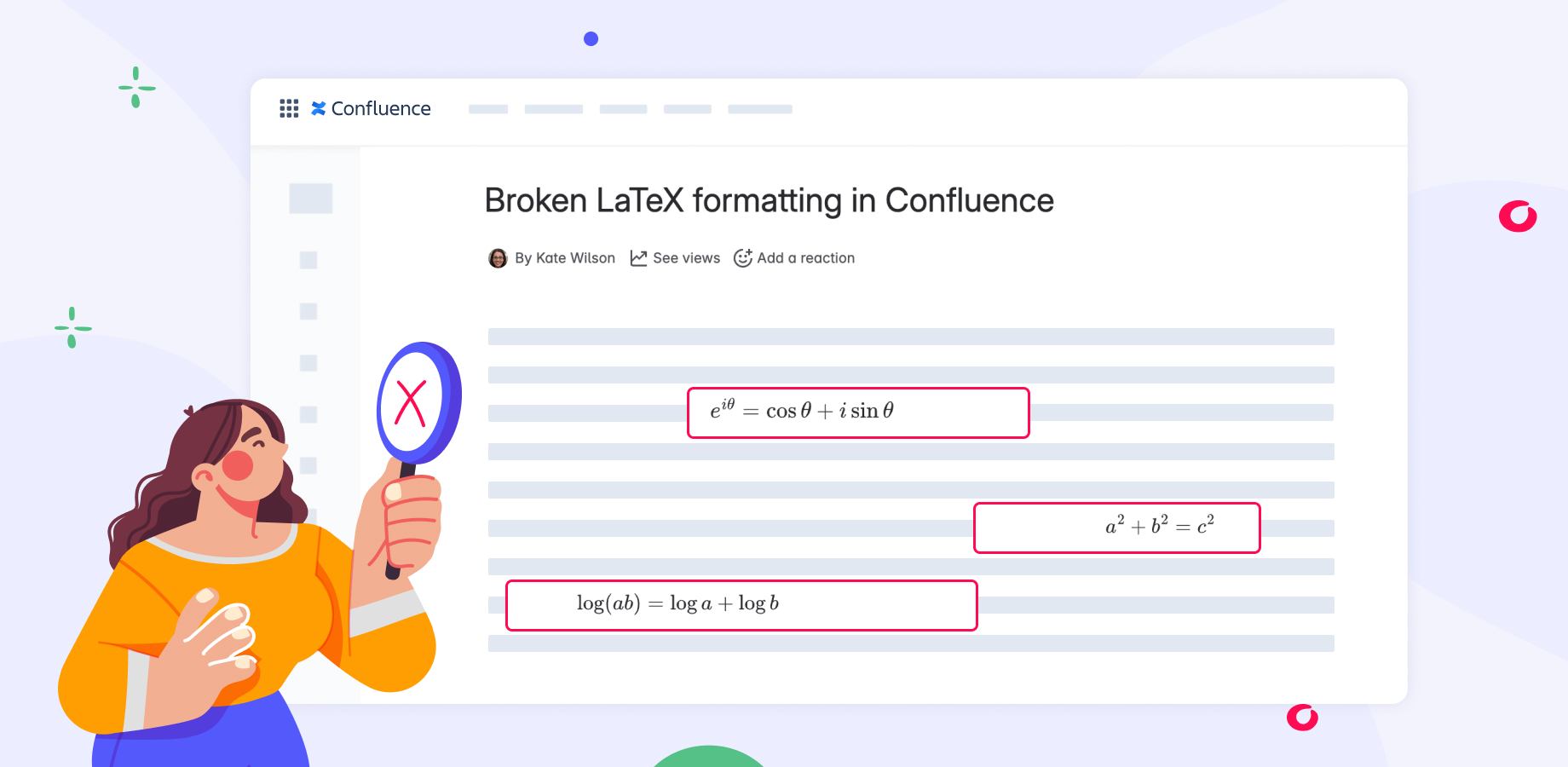
When working with LaTeX formulas in Confluence, the formatting does not always behave as expected. Some of the LaTeX frames may appear much larger than needed and leave an empty space to the right or left of the actual formula. It remains visible in both edit and view modes of the Confluence page, can happen sporadically, and is difficult to control.
Let’s take a look at why this may happen and how to fix LaTeX formula size in Confluence.
Why are LaTeX formulas not displayed correctly in Confluence
Unfortunately, if you have faced this issue, the most likely answer is that the app you are using to render formulas is not doing a good job. Here’s why.
To add a formula to a Confluence page, there are usually two types of macros:
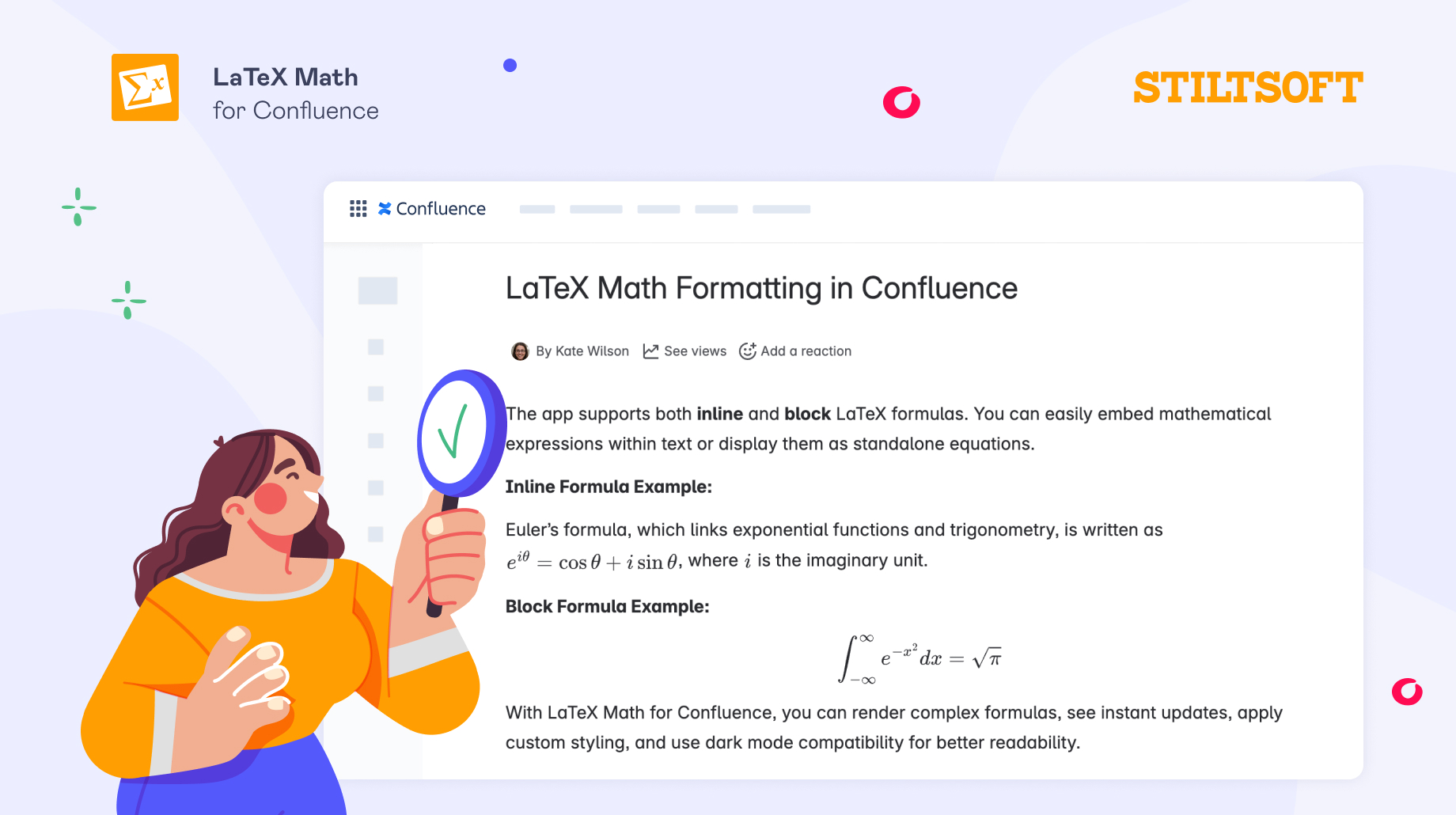
- Inline formulas macro — to insert the formula directly into the text and make it part of your sentence. Using this macro means that there should be no unexpected extra spaces between the text and the formula.
- Block formulas macro — to insert the formula as a separate block, which means there should be no text next to it, unless you add it intentionally to your formula.
In the situation described above, the formula behaves as neither. The formula is not truly part of the text because it does not render cleanly inline and leaves space around it, yet it is not displayed appropriately as a separate block.
How to fix and resize LaTeX formulas in Confluence
As the issue with the LaTeX formula size is most probably caused by how the app renders formulas, it cannot be fixed manually on your Confluence page. And the most reliable way to make sure that formulas are displayed correctly is to use an app that distinguishes between inline and block equations and renders them with proper dimensions automatically.
Many apps on the Atlassian Marketplace support LaTeX commands, but not all of them do it well. The good news is that they offer a 30-day free trial, which gives you enough time to evaluate how well the app displays and renders formulas on Confluence pages.
What else to look at when evaluating a LaTeX app for Confluence Cloud
When evaluating a LaTeX for Confluence Cloud app, apart from its performance, it’s also worth paying attention to whether the app meets additional Atlassian security standards, such as:
- Runs on Atlassian, meaning an app uses Atlassian infrastructure and does not store your data externally.
- Cloud Fortified, indicating that an app meets additional requirements for reliability and support.
- Participation in the Bug Bounty program, which lets external researchers test an app for vulnerabilities.
If you would like to dive deeper into these standards, you can check out our guide on choosing a secure app for LaTeX formulas in Confluence.
A reliable way to fix LaTeX formula rendering issues
One example of a secure app for clean formulas rendering in Confluence is LaTeX Math for Confluence. It has two separate macros for inline and block formulas that will help you clearly define where and how formulas should appear within your documentation.
The app is also hosted on Atlassian infrastructure and does not send any data outside, which will make internal approval easier within your company.
You can try it for free for 30 days and check how seamlessly formulas can be integrated into your documentation.
If you are getting started with LaTeX in Confluence, you can also explore these guides: