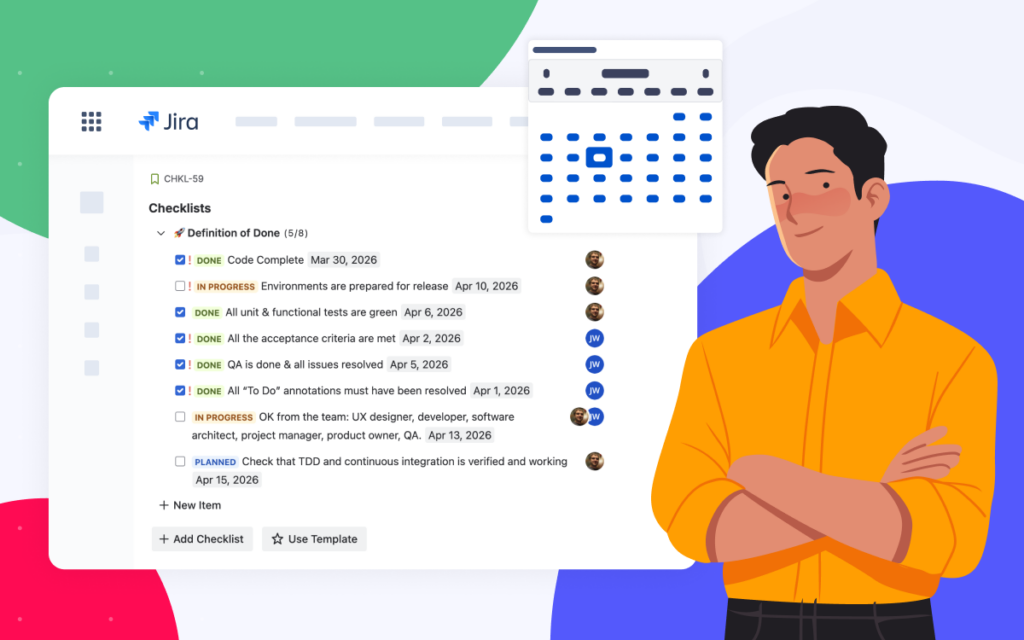







How to Choose the Best Jira Checklist App in 2026: 6 Key Considerations for Teams

At some point, almost every Jira team realizes the same thing: work can fail because processes aren’t followed consistently. That realization usually leads to the Atlassian Marketplace and a search for a “Jira checklist app” to help the team track each step of the process.
This guide offers tips to help you choose the best Jira checklist app for your team in 2026.
The mistake most teams make when comparing checklist apps
Most comparisons focus on surface-level features like “supports checkboxes” or “has templates”. But almost every app can claim that. The real question isn’t whether the app can create a checklist. The real question is whether the app can become the process layer of Jira.
When teams choose a tool that only solves the immediate need, they often end up replacing it later once workflows become more complex, more teams join Jira, or security requirements increase.
Choosing the best Jira checklist app for your team correctly means thinking about how your processes will evolve over time.
What matters when choosing a Jira checklist app
1) Does the checklist app feel native inside Jira?
A checklist solution should look and behave like Jira itself. The editing experience should match the Atlassian editor, formatting should feel familiar, and users should not need to learn a new mini-product. This matters more than it sounds. Tools that feel native get used automatically. If a tool feels foreign, teams will try to avoid it.
2) Can it handle real Jira workflows?
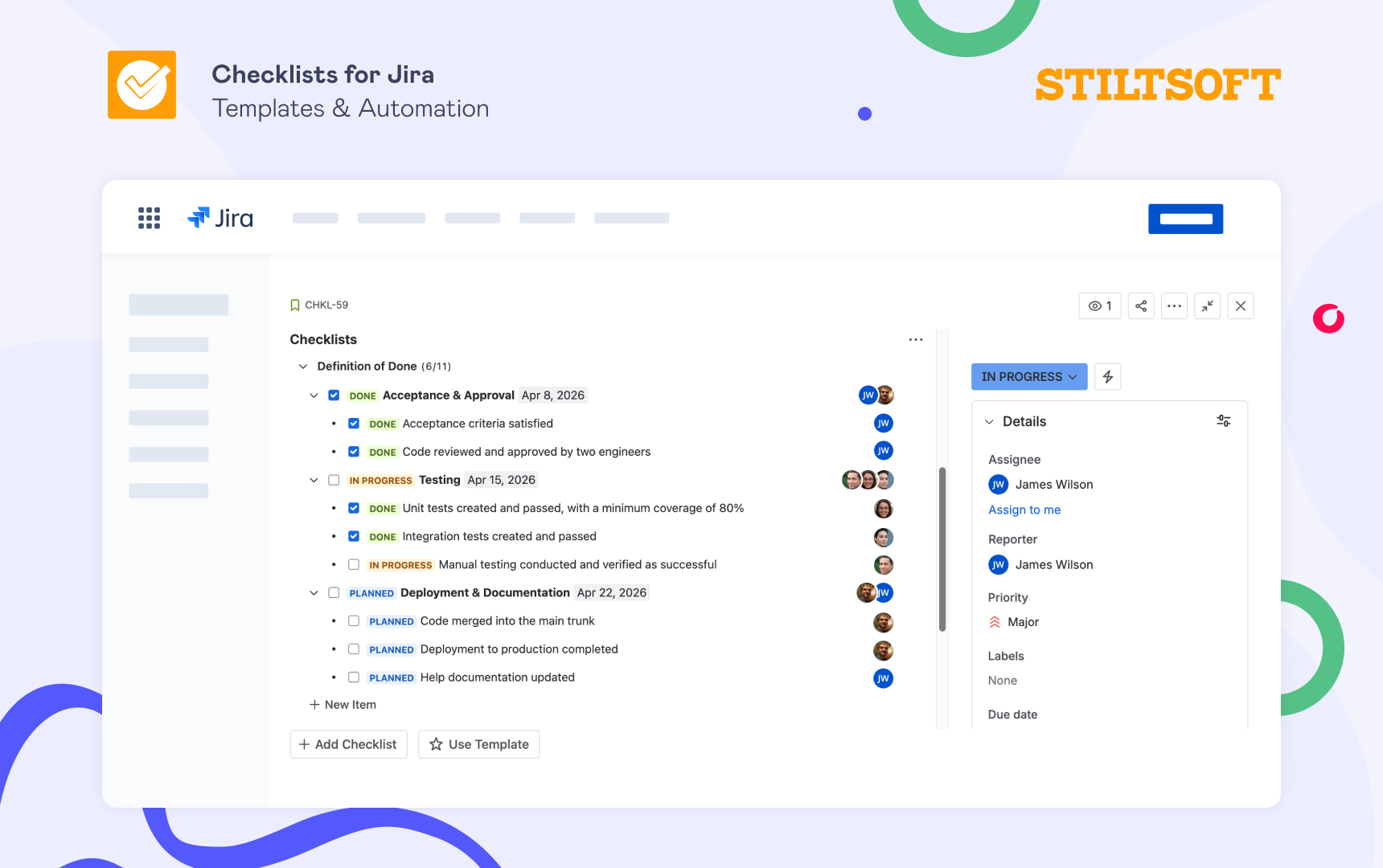
Real workflows are not flat lists. They are structured, layered, and often long. This is where nested checklists become critical. They allow teams to group steps, structure complex workflows, and keep large processes readable. Collapsible checklists and items add another layer of usability by reducing noise inside busy Jira work items.
Without hierarchy and collapsibility, large checklists become overwhelming, and teams can stop using them.
3) Can it scale from one team to the entire company?
A checklist for a single project is easy. A checklist system for an organization is not. As teams mature, they want to standardize:
- Definition of Done across projects
- Onboarding across departments
- Release workflows across products
- Security and compliance steps across the company
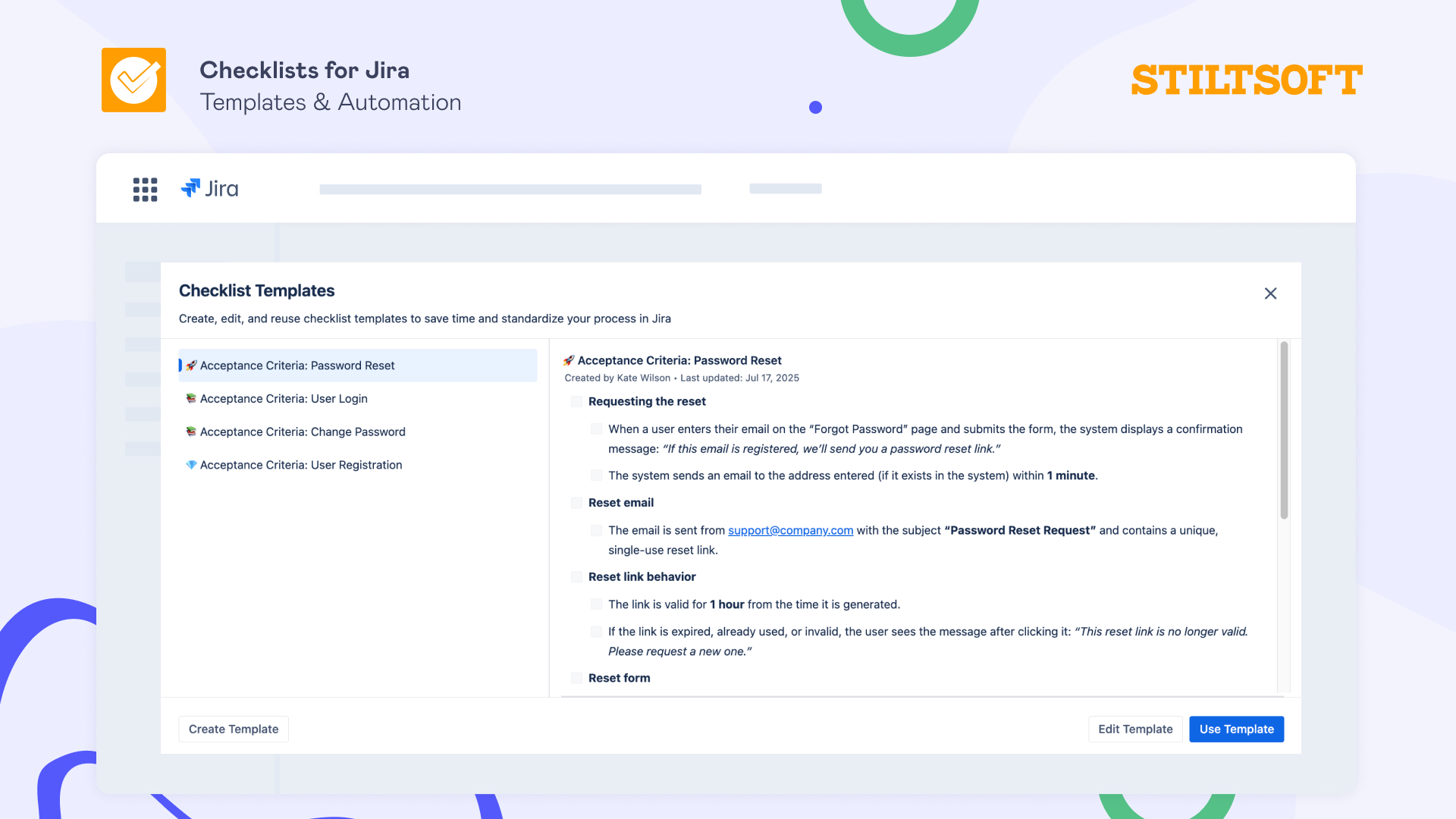
This is why strong template capabilities are essential. Templates are what transform checklists from personal to-dos into organizational standards.
4) Does the checklist app support automation?
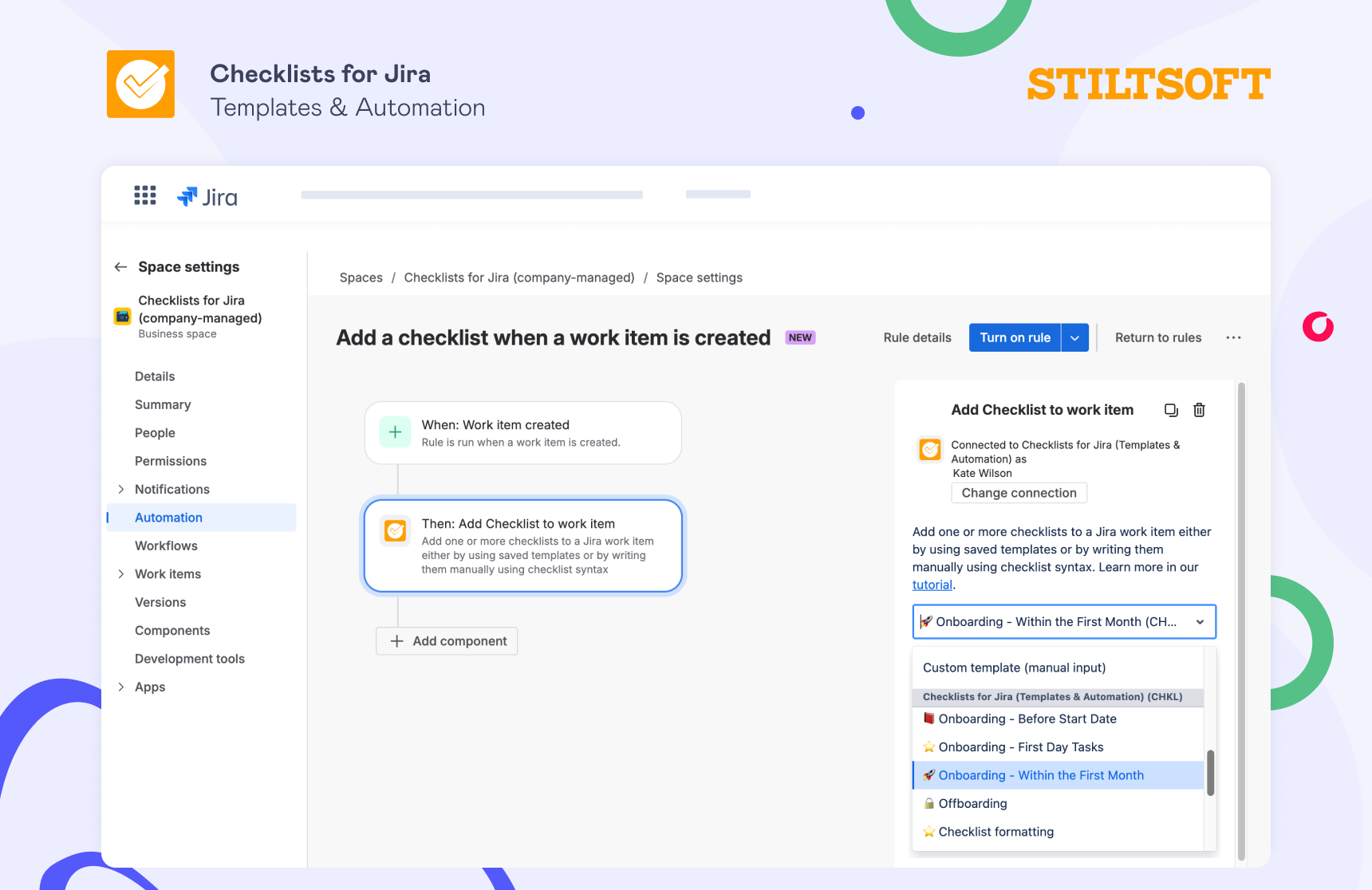
Manual processes eventually fail. Automation ensures the process appears exactly when it’s needed. A strong Jira checklist app should allow templates to be applied automatically based on work item type, project, workflow transitions, or any other actions that matter to your workflow. Integration with Jira automation is what turns checklists into guardrails instead of reminders.
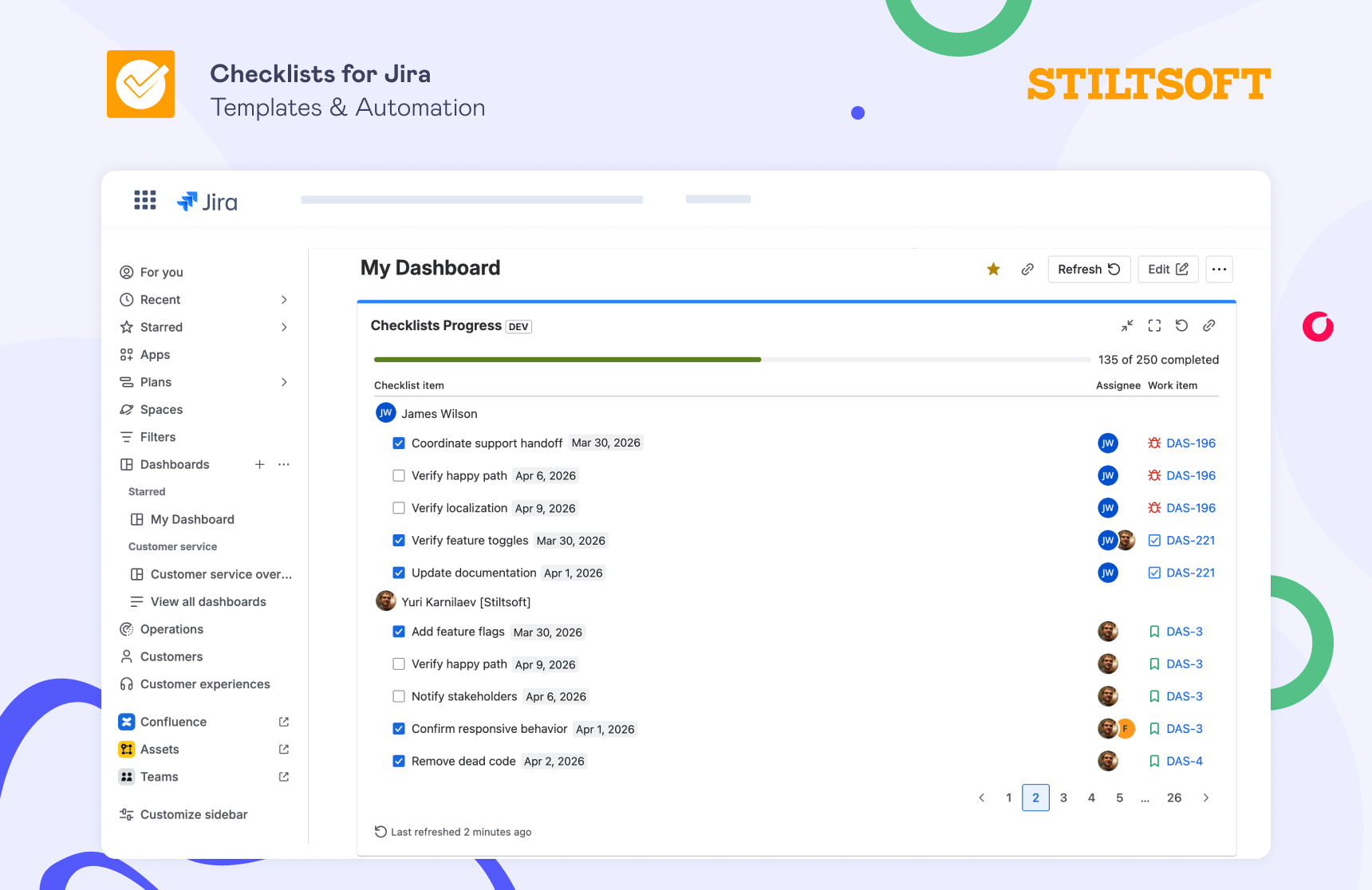
5) Can you track checklist progress across Jira?
Creating checklists in Jira is only half of the story. As adoption grows, teams inevitably ask a new question: How do we see whether processes are actually being followed?
That’s why a Jira checklist app should provide reporting that gives teams and managers visibility into what’s happening within work items and allows them to identify blockers and monitor progress over time.
Without reporting and dashboards, checklists remain local to individual tasks, and it becomes difficult to understand process health at scale.
6) Does the checklist app meet enterprise security expectations?
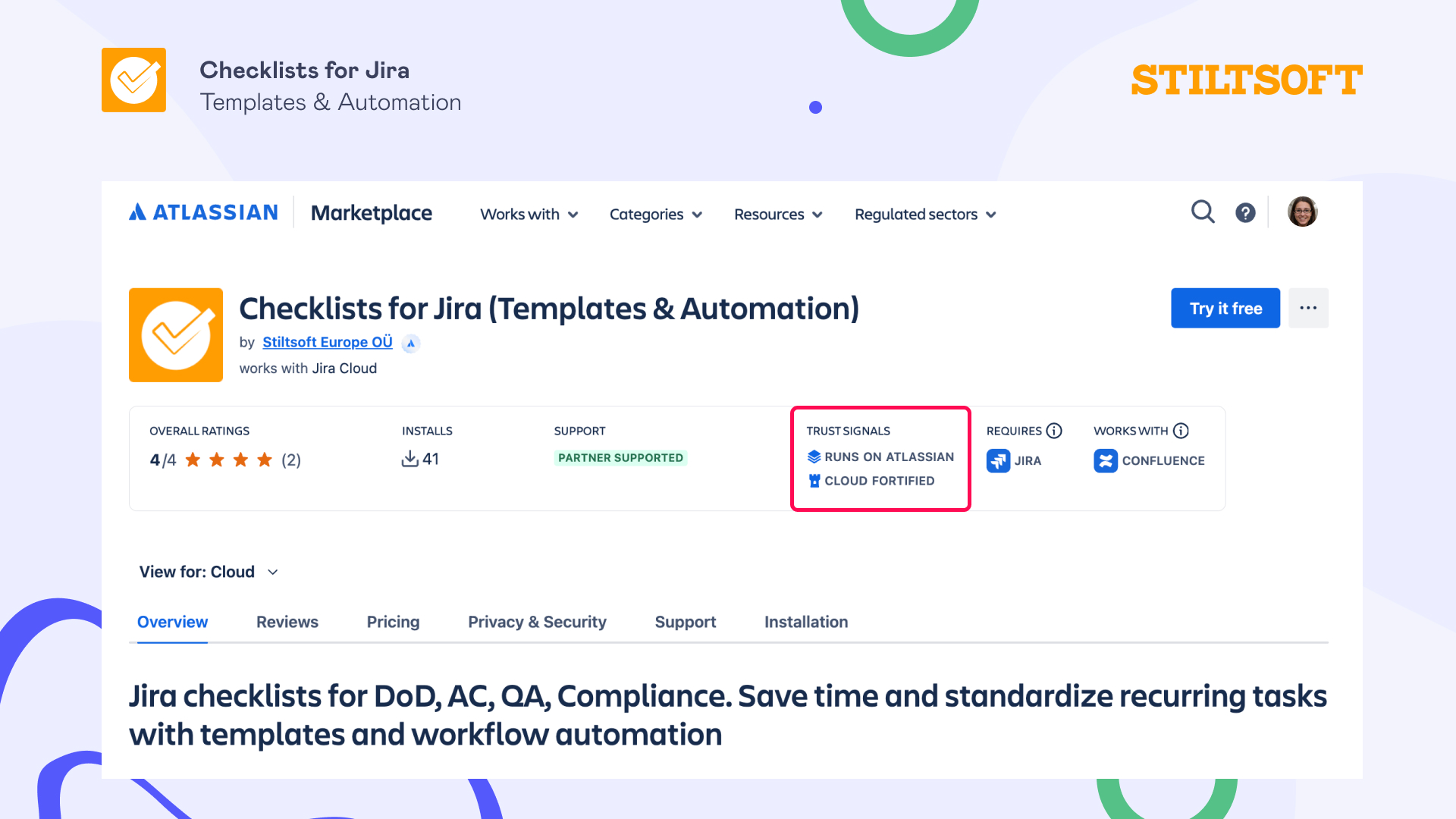
For growing organizations, this point becomes a decisive factor. Security teams look for trust signals such as:
- Runs on Atlassian -> no data is processed outside Atlassian infrastructure
- Cloud Fortified -> the app meets additional enterprise-level standards defined by Atlassian
- Participation in the Atlassian Bug Bounty Program -> external researchers test the app for vulnerabilities
These signals indicate strong security practices and reliability; hence, choosing a tool that meets these standards early prevents future adoption blockers.
So, how do these criteria translate into a real Jira checklist solution?
All of the criteria above may sound obvious on paper, but this is exactly where many teams get stuck when browsing the Atlassian Marketplace. Almost every checklist app promises templates, automation, and better workflows. In practice, the differences become clear only after several months of use — when processes grow, more teams join Jira, or governance and security become real requirements.
Our solution is the Checklists for Jira (Templates & Automation) app, which was built with all these criteria in mind:
- It uses the Atlassian Editor and integrates directly into the Jira issue view, which means checklists feel like a natural extension of Jira.
- With nested checklists and collapsible items, the app allows teams to structure complex workflows, group related tasks, and keep Jira tasks readable even when processes become detailed.
- The app allows teams to create reusable templates and apply them automatically using Jira automation and workflow triggers.
- Dashboards make it possible to track checklist progress across projects and monitor how teams follow workflows.
- Trust badges like Runs on Atlassian, Cloud Fortified status, and participation in the Atlassian Bug Bounty Program signal reliability and security from day one.
TL;DR — How to choose the best Jira checklist app for your team
Here’s what matters when choosing the best Jira checklist app for your workflow:
- Native Jira experience. Choose an app that feels like part of Jira.
- Support for real workflows (not flat lists). Look for nested and collapsible checklists, as real processes are long and structured.
- Scalable templates. The app should support reusable checklist templates that can be used across projects and teams.
- Automation support. Checklists should appear automatically based on your criteria.
- Reporting. You should be able to track checklist progress across projects and teams.
- Enterprise-grade security. Look for the following trust signals:
- Runs on Atlassian
- Cloud Fortified
- Atlassian Bug Bounty participant
One of the solutions is Checklists for Jira (Templates & Automation) by Stiltsoft. It lets teams create structured checklists, reuse templates with Jira automation, track progress in dashboards, and meet enterprise security requirements.
If you’d like to explore more about Checklists for Jira, check out our resources further: