


MathJax in Confluence Cloud: How to Add It

Many teams keep their engineering and technical documentation in Confluence Cloud. These docs often need formulas, but Confluence has no built-in way to add them, and MathJax in Confluence isn’t supported out of the box. So teams usually end up pasting screenshots they can’t edit later.
LaTeX Math for Confluence by Stiltsoft adds MathJax to Confluence Cloud. You write a formula in LaTeX or AsciiMath, and the app shows it as clean math on the page. This article explains why you can’t add MathJax to Confluence yourself and how the app runs it inside Atlassian Cloud.
Key takeaways
- MathJax is an engine that turns formulas written as text into proper math.
- Confluence Cloud doesn’t include MathJax, and you can’t add the MathJax script to a page with built-in tools.
- LaTeX Math for Confluence by Stiltsoft adds MathJax to Confluence through the Atlassian Marketplace.
- The app runs on Atlassian Forge. Formulas are rendered inside Atlassian Cloud, and your data stays there.
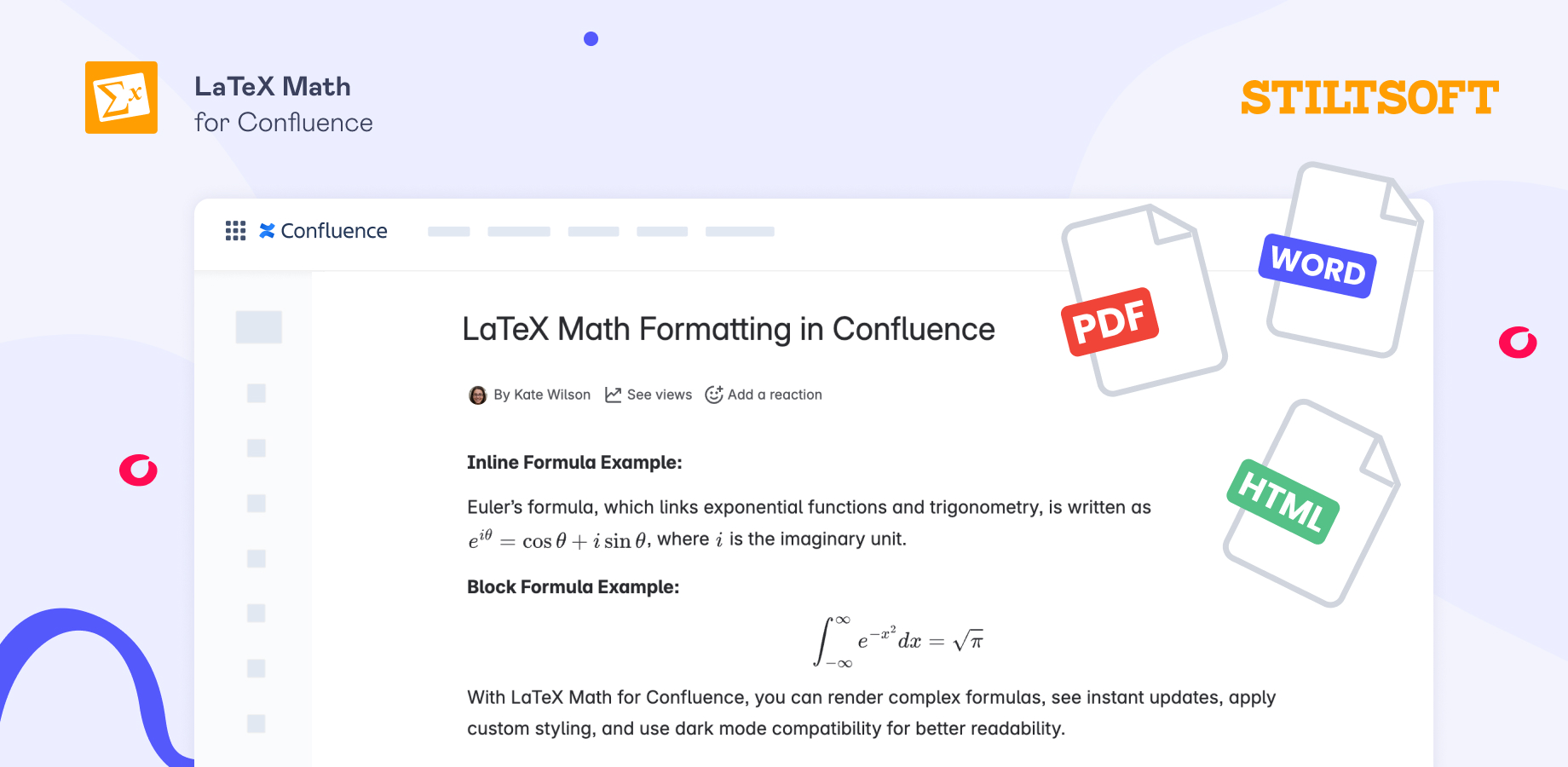
- Formulas stay sharp at any size, show up in PDF exports, work with Scroll exporters for Word and HTML, and match light and dark themes.
Why you can’t just add MathJax to Confluence
On a regular website, adding MathJax is simple. The site owner adds a short MathJax script to the page. When someone opens the page, the script runs in their browser and turns formulas like \frac{a}{b} into properly formatted mathematical expressions.
Confluence Cloud doesn’t allow this. It has no built-in HTML macro, so you can’t add your own scripts to a page, and it has no math engine of its own. If you type a LaTeX formula on a page, it stays plain text.
You may find older guides that add MathJax through the HTML macro. They were written for Confluence Server and Data Center, where the HTML macro is built in, and admins can enable it. Even there, the macro is off by default because Atlassian warns that it can make a site vulnerable to cross-site scripting attacks. Confluence Cloud has no HTML macro out of the box and no other built-in way to add MathJax.
So in Confluence Cloud, MathJax comes from an app from the Atlassian Marketplace.
How teams add math to Confluence
To add math to Confluence, teams usually pick one of these options:
- Screenshots. For a formula you add once a year, this is a quick fix: paste an image and move on. On a page full of math, it gets hard. Screenshots blur when you zoom, look bad in print, and can’t be edited. To fix a typo, you redo the image, and you end up maintaining dozens of them by hand.
- Plain text like e^-x^2/2. The author knows what the formula means, but other readers have to guess what it is.
- Unicode symbols like x², √ or π typed into the text. They are real characters you can copy. They only work for simple cases, though. You can’t build a proper matrix or an integral with limits, and the symbols can look different in different fonts.
- A math app from the Atlassian Marketplace. You write the formula in LaTeX or AsciiMath, and the app shows it as proper math on the page. You can edit it any time. What matters here is choosing the app well. As they differ in render quality, export, data handling, and security, it’s worth checking those before you commit.
If you only need a formula once in a while, any of the first three will do. If math is a regular part of your documentation, none of them is good enough, and you will need an app that renders it properly. LaTeX Math for Confluence by Stiltsoft is one of them, and it uses MathJax.
How LaTeX Math for Confluence runs MathJax
LaTeX Math for Confluence is built on Atlassian Forge, Atlassian’s own platform for cloud apps. The app runs inside Atlassian Cloud, where your Confluence site lives. It doesn’t send your pages or formulas for rendering to any outside server.
Here is what happens when you add a formula with LaTeX Math for Confluence:
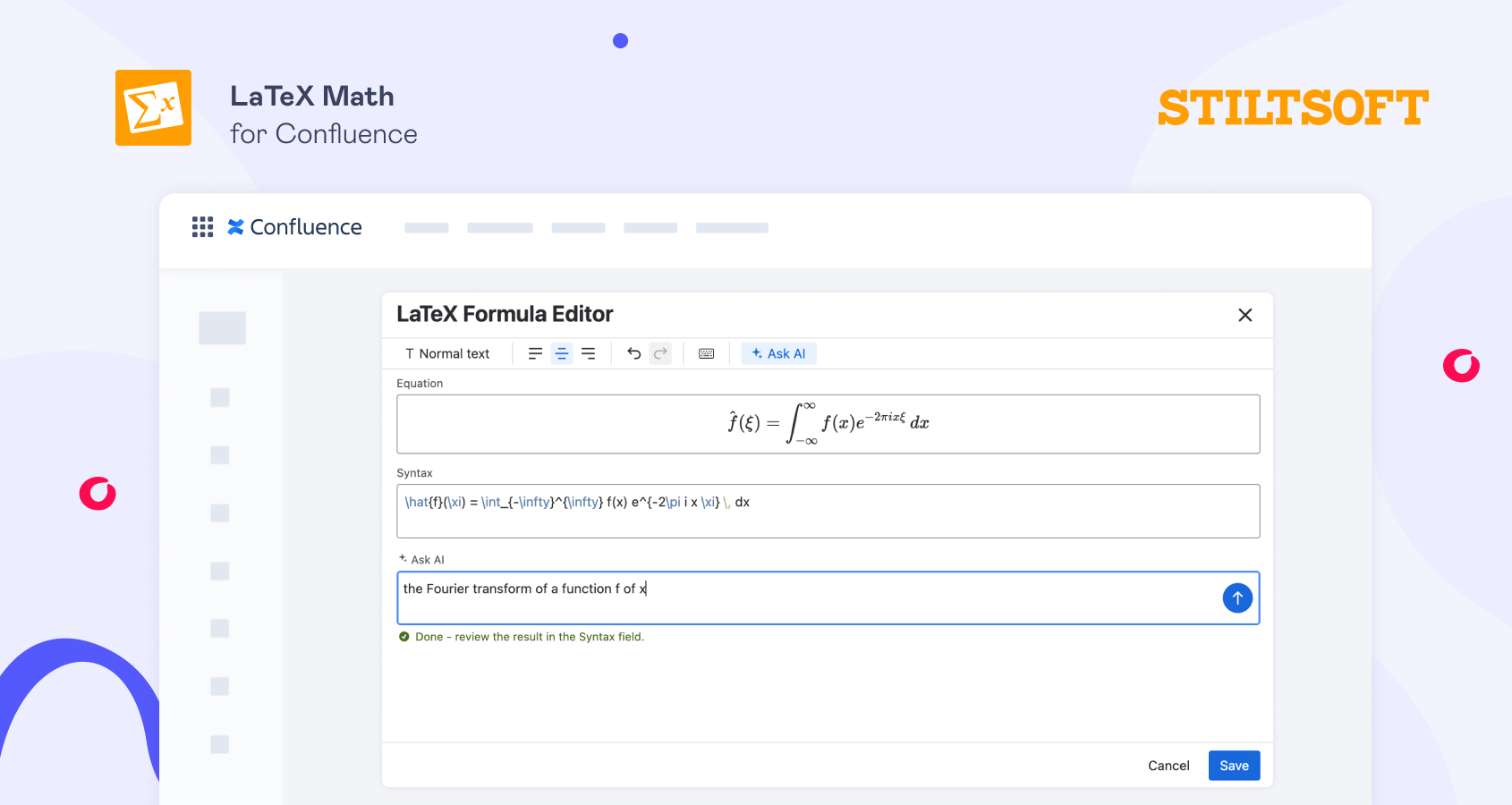
- In the Confluence editor, you type /latex or /ascii, choose a formula macro, write the formula in LaTeX or AsciiMath syntax, and save it.
- When someone opens the page, the app passes the formula to MathJax, which runs inside Atlassian Cloud on Forge.
- MathJax renders the formula so it stays clear at any size and in print.
- The app places the formula on the page and matches its colors to the light or dark theme. The reader’s browser shows a finished image and doesn’t need to load MathJax.
The app works for simple formulas and for complex ones like matrices and integrals. To learn the syntax, see the guide to writing LaTeX math equations in Confluence.
Benefits of rendering MathJax formulas in Atlassian Cloud
When MathJax renders your LaTeX and AsciiMath formulas inside Atlassian Cloud, your Confluence pages get these benefits:
- One install for the whole site. A Confluence admin installs the app once. After that, everyone on the site can add and read formulas. Nobody needs to install anything else or set up MathJax.
- Everyone sees the same formula in any browser and on any device.
- Formulas show up in exports. The app passes formulas to Confluence’s built-in PDF export. It also works with the Scroll PDF Exporter, Scroll Word Exporter, and Scroll HTML Exporter apps.
- Dark mode works. Formulas match the page theme.
- Your data stays in Atlassian Cloud. Formulas are processed on Forge and don’t leave Atlassian.
How to get MathJax in Confluence
Confluence Cloud doesn’t include MathJax, and you can’t add it yourself with built-in functionality. LaTeX Math for Confluence by Stiltsoft adds MathJax to Confluence: you write formulas in LaTeX or AsciiMath, and MathJax renders them inside Atlassian Cloud. Your pages show sharp math that you can edit at any time.
LaTeX Math for Confluence is available on the Atlassian Marketplace with a 30-day free trial.
FAQ
Does Confluence support MathJax? No. Confluence Cloud has no built-in math engine and doesn’t include MathJax. You can add it with a Marketplace app such as LaTeX Math for Confluence by Stiltsoft.
Can I add the MathJax script to Confluence Cloud myself? Not with built-in tools. Confluence Cloud has no HTML macro and no other built-in way to add scripts to a page. Guides that use the HTML macro were written for Confluence Server and Data Center.
Do I need to set up MathJax myself? No. LaTeX Math for Confluence by Stiltsoft includes MathJax. A Confluence admin installs the app once. After that, anyone who edits a page can add a formula macro and type a formula.
Does my formula data leave Atlassian Cloud? No. LaTeX Math for Confluence by Stiltsoft runs on Atlassian Forge, so formulas are processed inside Atlassian Cloud.
Will formulas show up in PDF and Word exports? Yes. LaTeX Math for Confluence by Stiltsoft passes formulas to Confluence’s built-in PDF export, so they appear in the exported file. For Word and HTML, formulas work with the Scroll Word Exporter and Scroll HTML Exporter apps.
Can I add formulas without knowing LaTeX? Yes. With LaTeX Math for Confluence by Stiltsoft, you can use AsciiMath, which is simpler to type, or the AI assistant, which writes the LaTeX from a plain description. See how to add formulas without knowing LaTeX.