


Boost your Confluence experience with powerful status management tools. Discover how to effectively use native status macros and enhance workflows with Handy Macros. Streamline updates, track progress, and create interactive dashboards effortlessly.
You can use monday.com for a wide range of financial management tasks – from budgeting and expense tracking to estimating and reporting. While it isn’t a full-fledged accounting system, monday.com is highly…
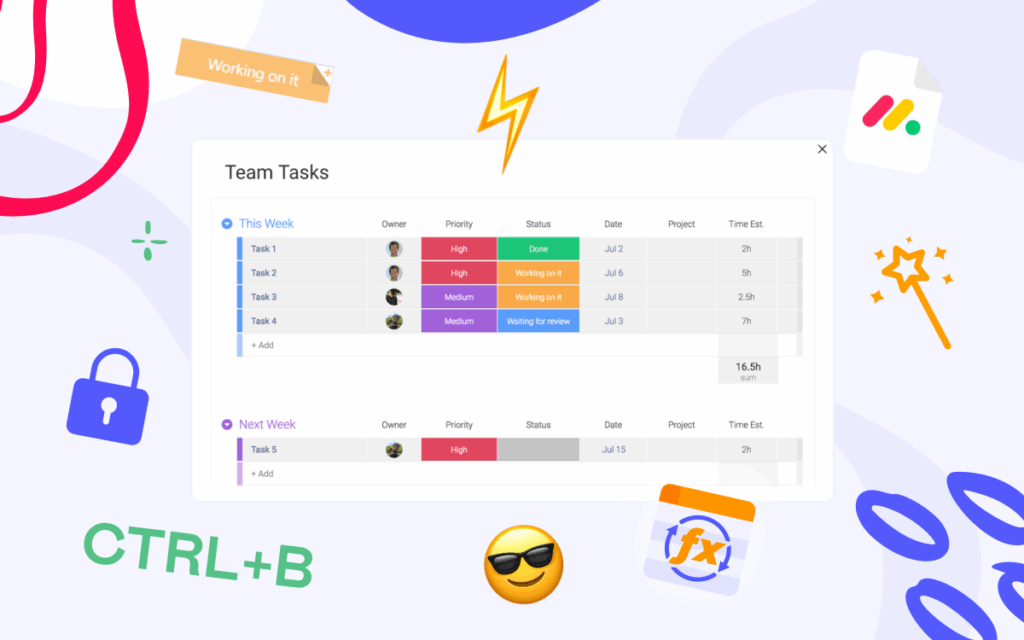
No matter how long you’ve used monday.com, there’s always that one feature that makes you think, “How did I not know this before?” In this article, 10 Tips I Wish I…
What is the Time Tracking Column in monday.com? The Time Tracking column in monday.com is a built-in feature that allows teams to log and monitor the exact amount of time spent on tasks….
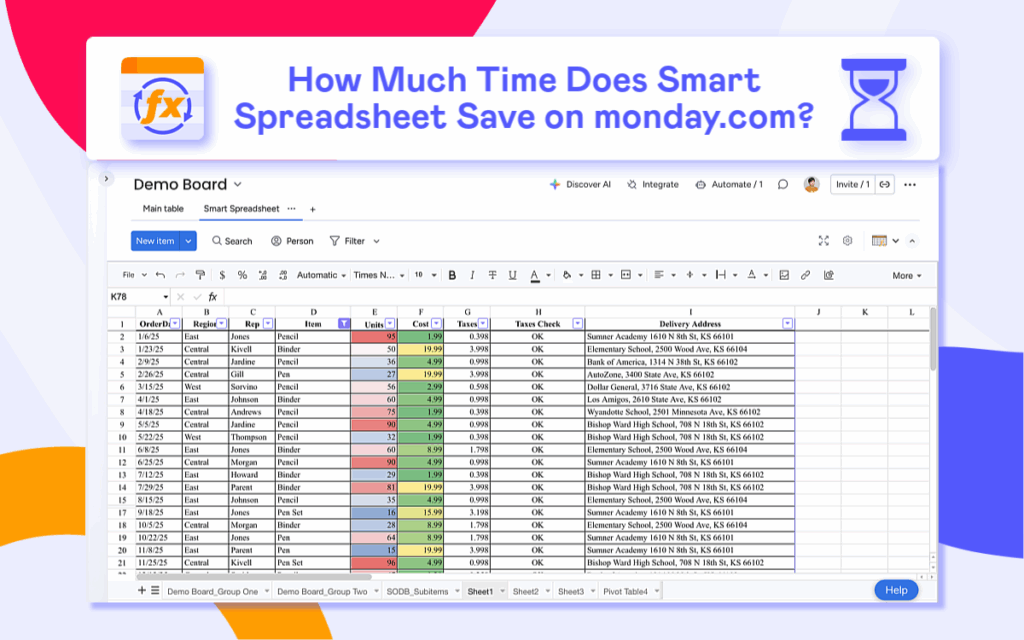
We recently conducted a study to measure how much time the Smart Spreadsheet for monday app saves our users. The results speak for themselves: the app helps save 30 to 60 minutes…
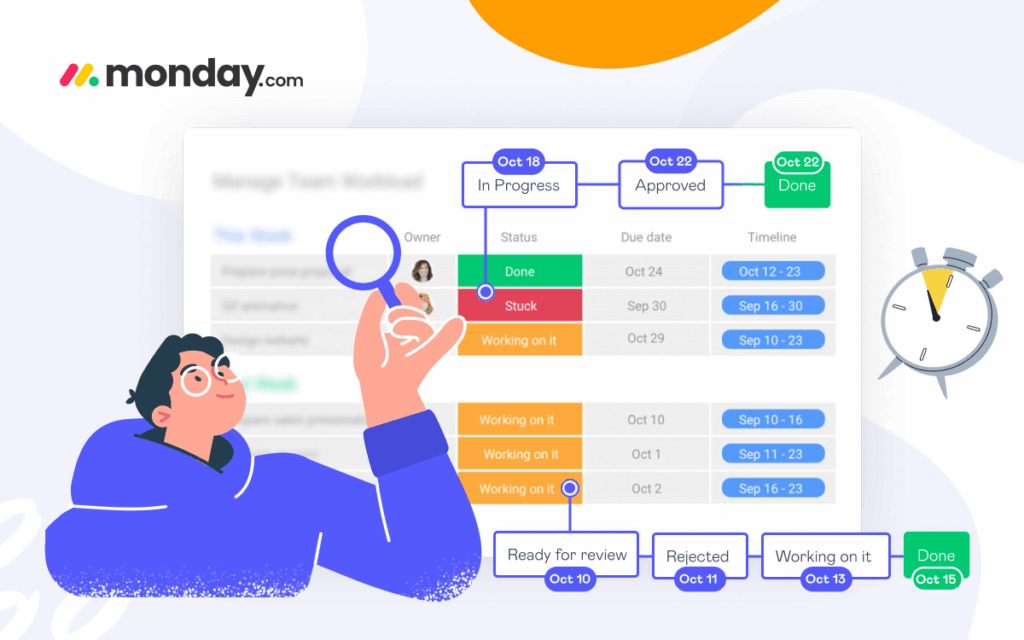
As you know, a monday.com board is dynamic and constantly changing — but there’s no simple way to view board versions, or put simply, to see what your board looked…
Once embraced, spreadsheets become lifelong companions. But for those who endlessly switch between monday.com and Excel, there’s great news —you can work with spreadsheets directly on the platform. In this…