15K+
 4.9/5
 3M
Build a company-wide master project register
Context and Challenge
A digital marketing company manages its technical projects in Jira and keeps supporting project documentation across Confluence. The team needed to create its own central overview of all ongoing technical projects.
Project status and project data lived in one place, while related documentation and page information lived elsewhere. The team needed one company-wide register that would bring this information together and give everyone — including senior leadership — a clear view of the project portfolio.
Result
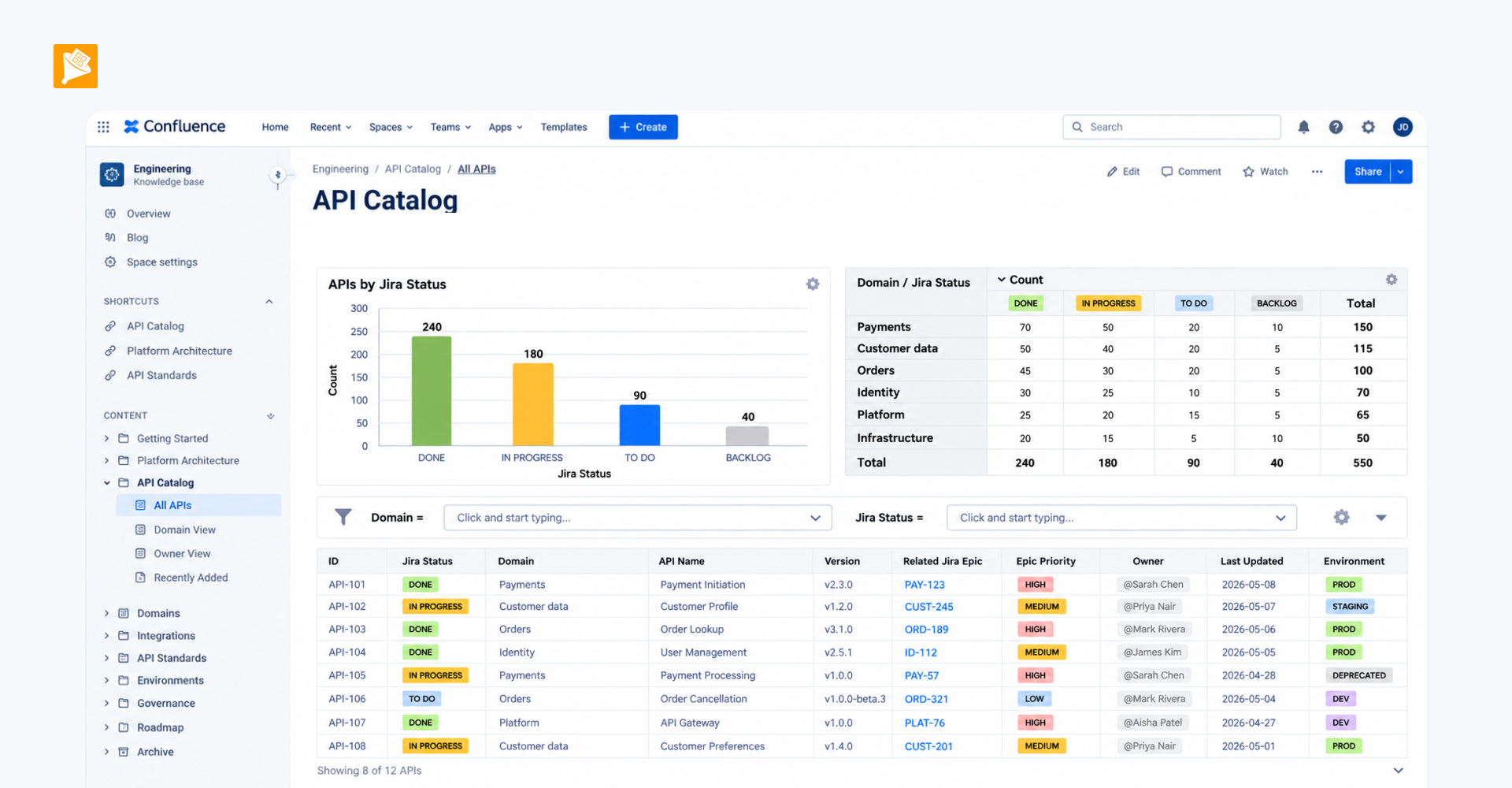
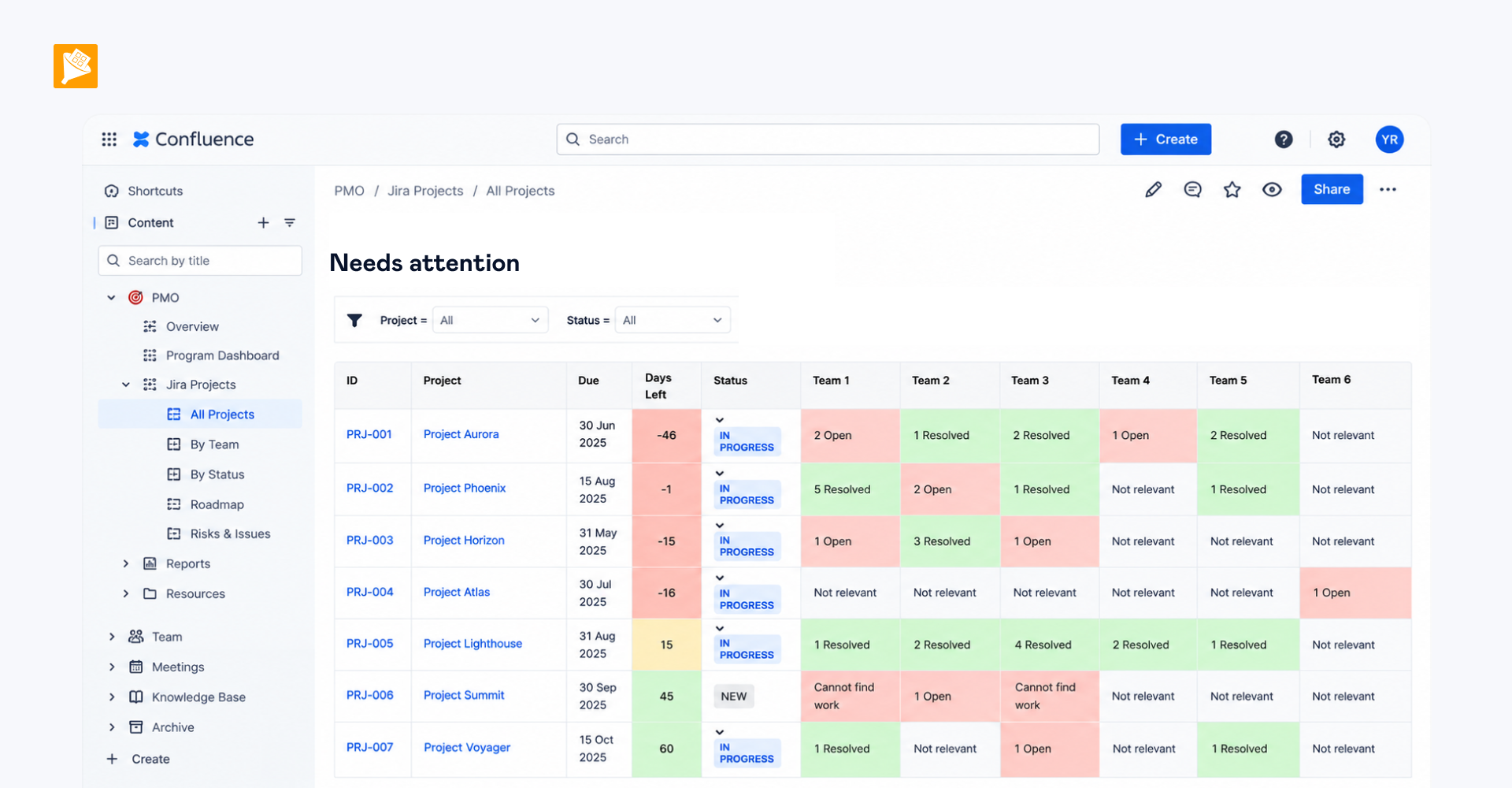
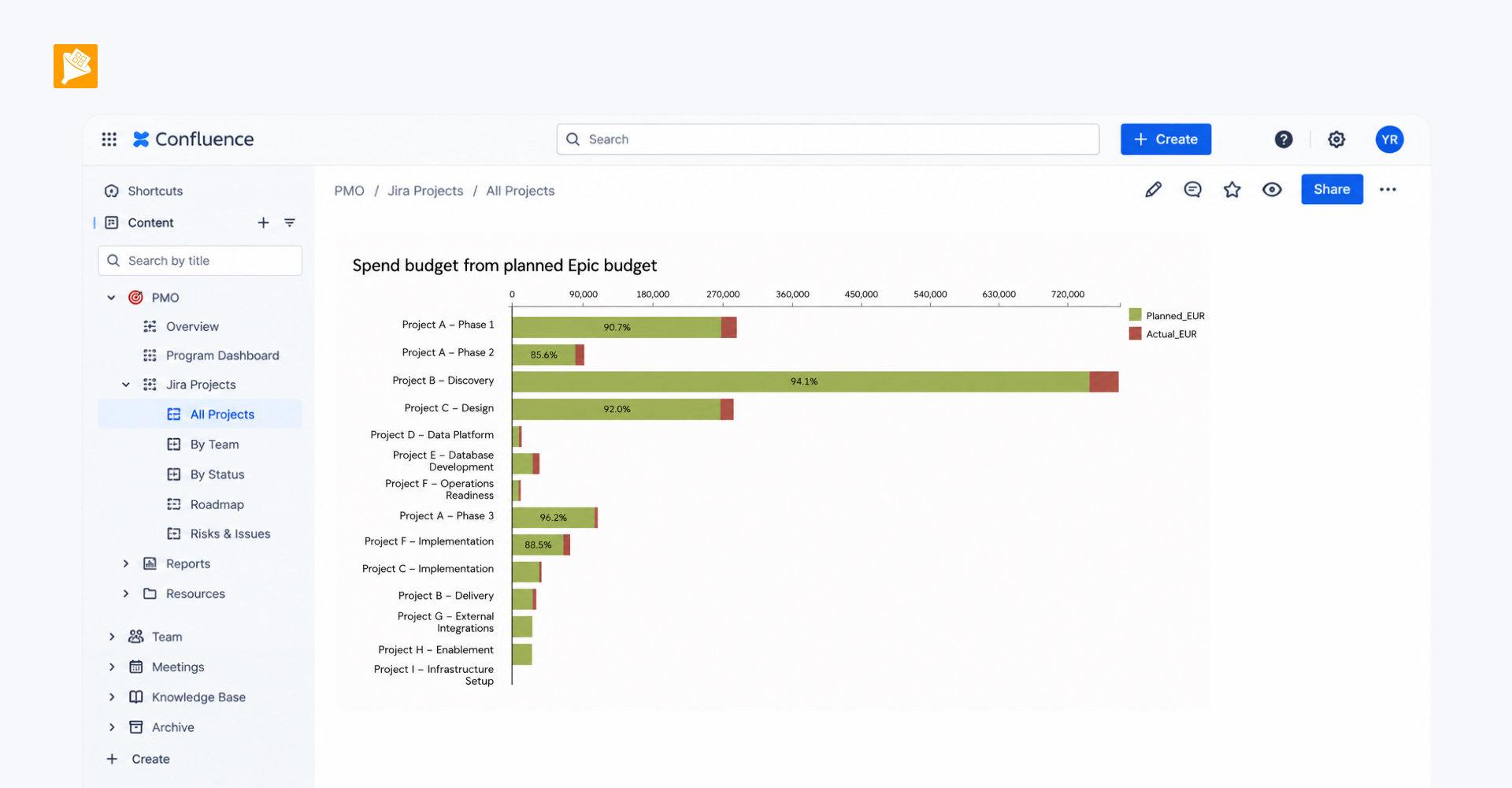
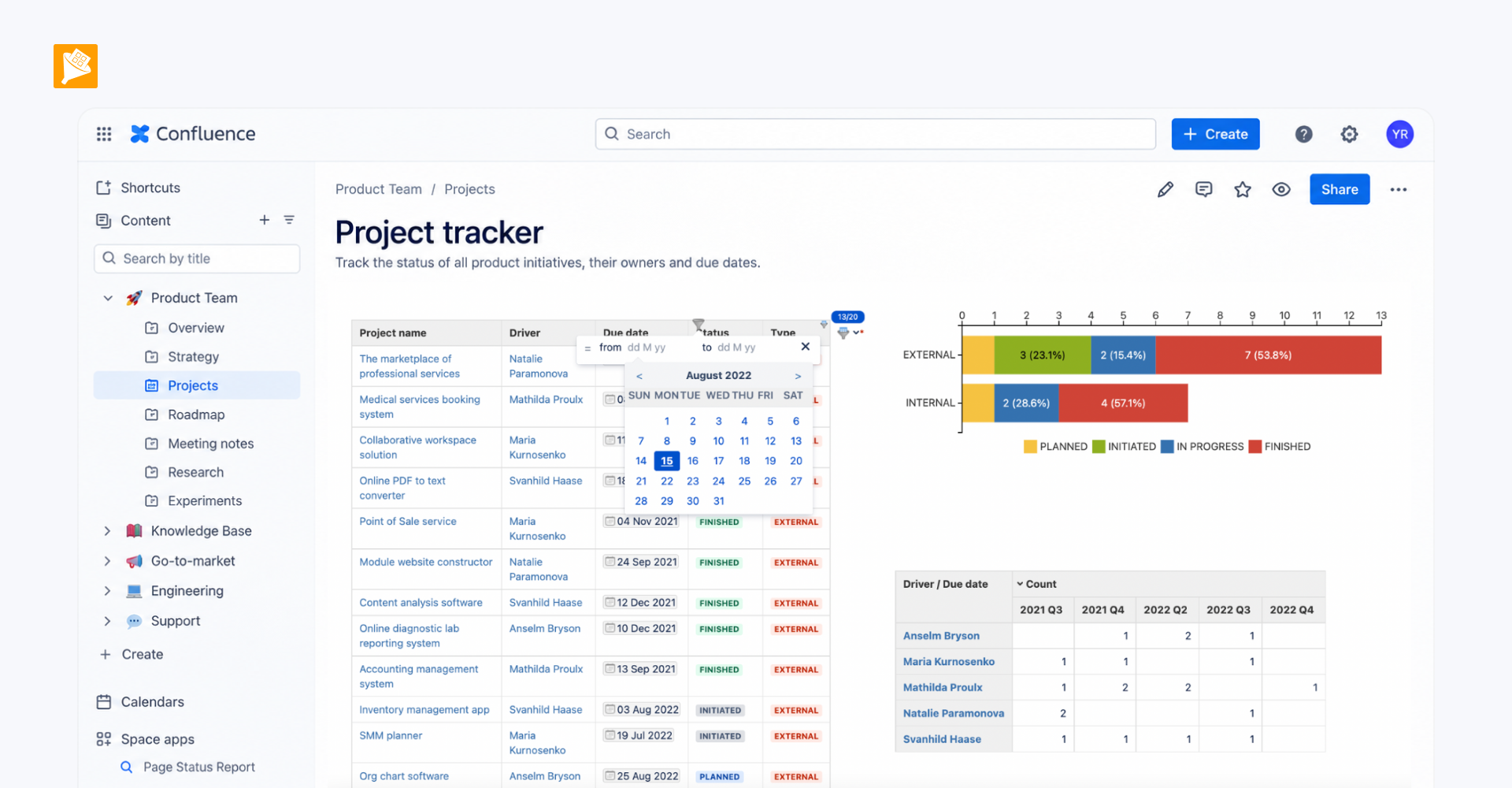
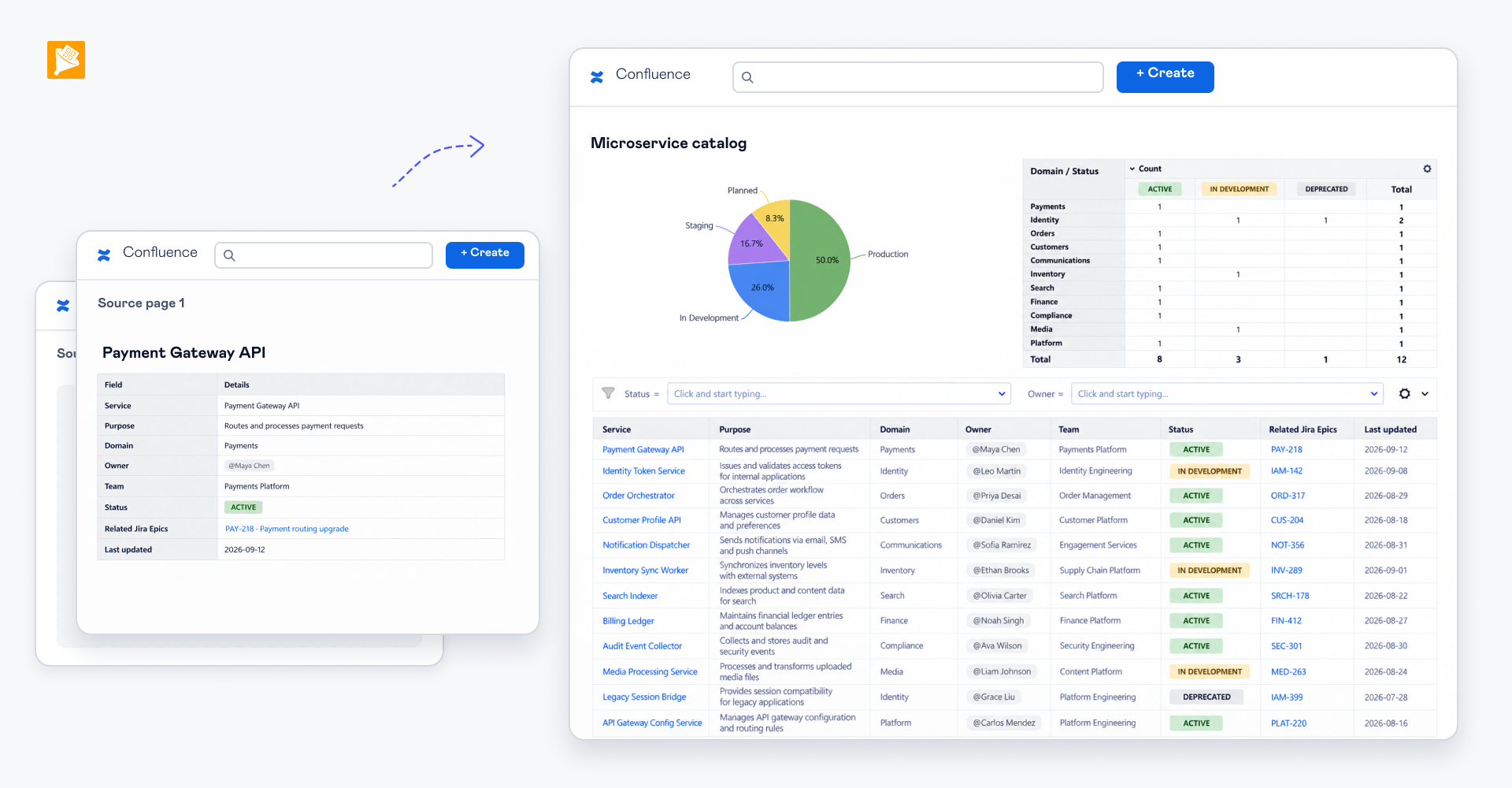
The company now has a master project register in Confluence that brings technical projects, their statuses, and links to related documentation into one consolidated view.
The register is visible across the company, including to the CEO, CTO, and CRO, and serves as a central place to understand what projects are running and quickly navigate to the underlying project information.
How it is built
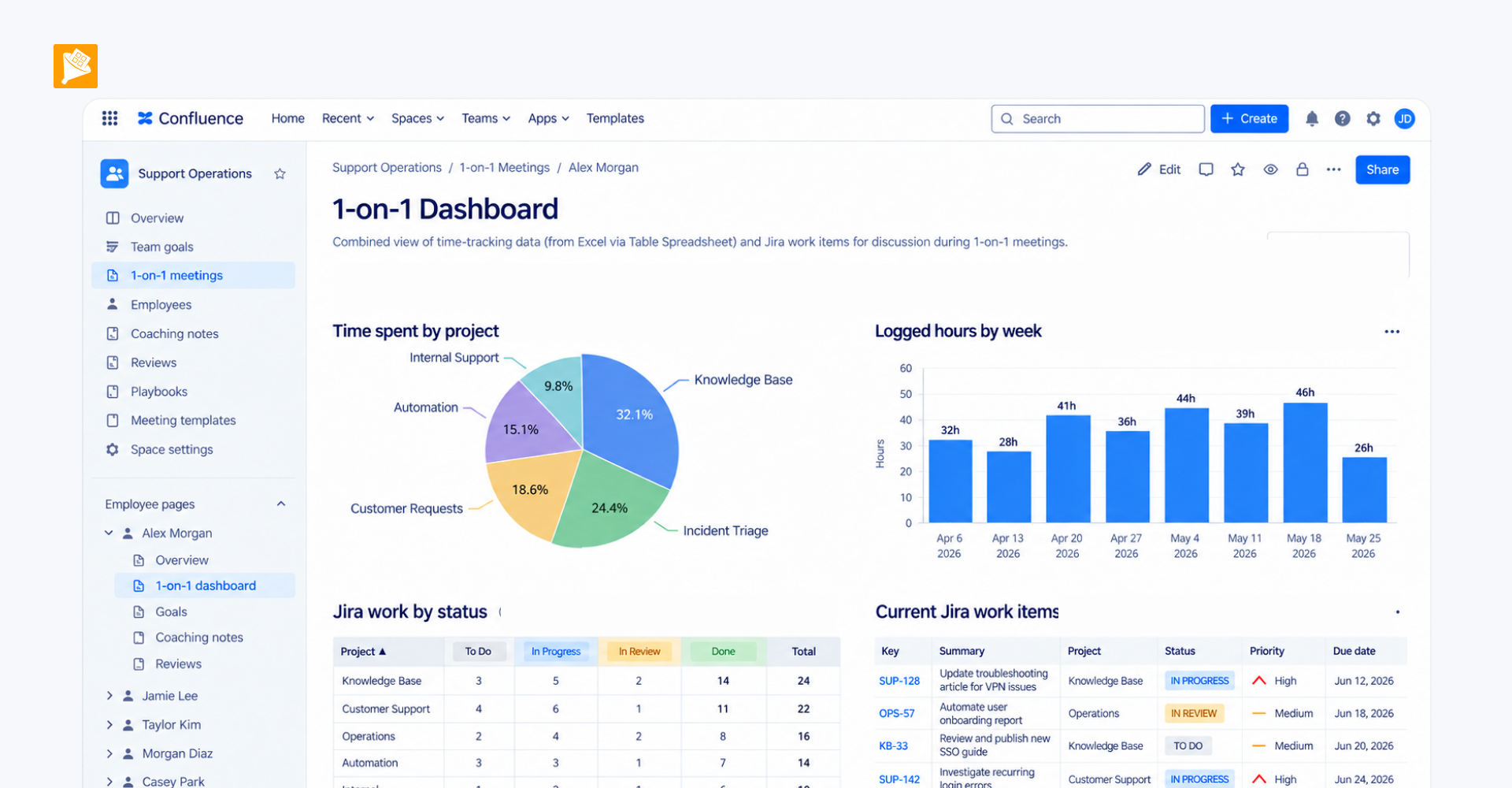
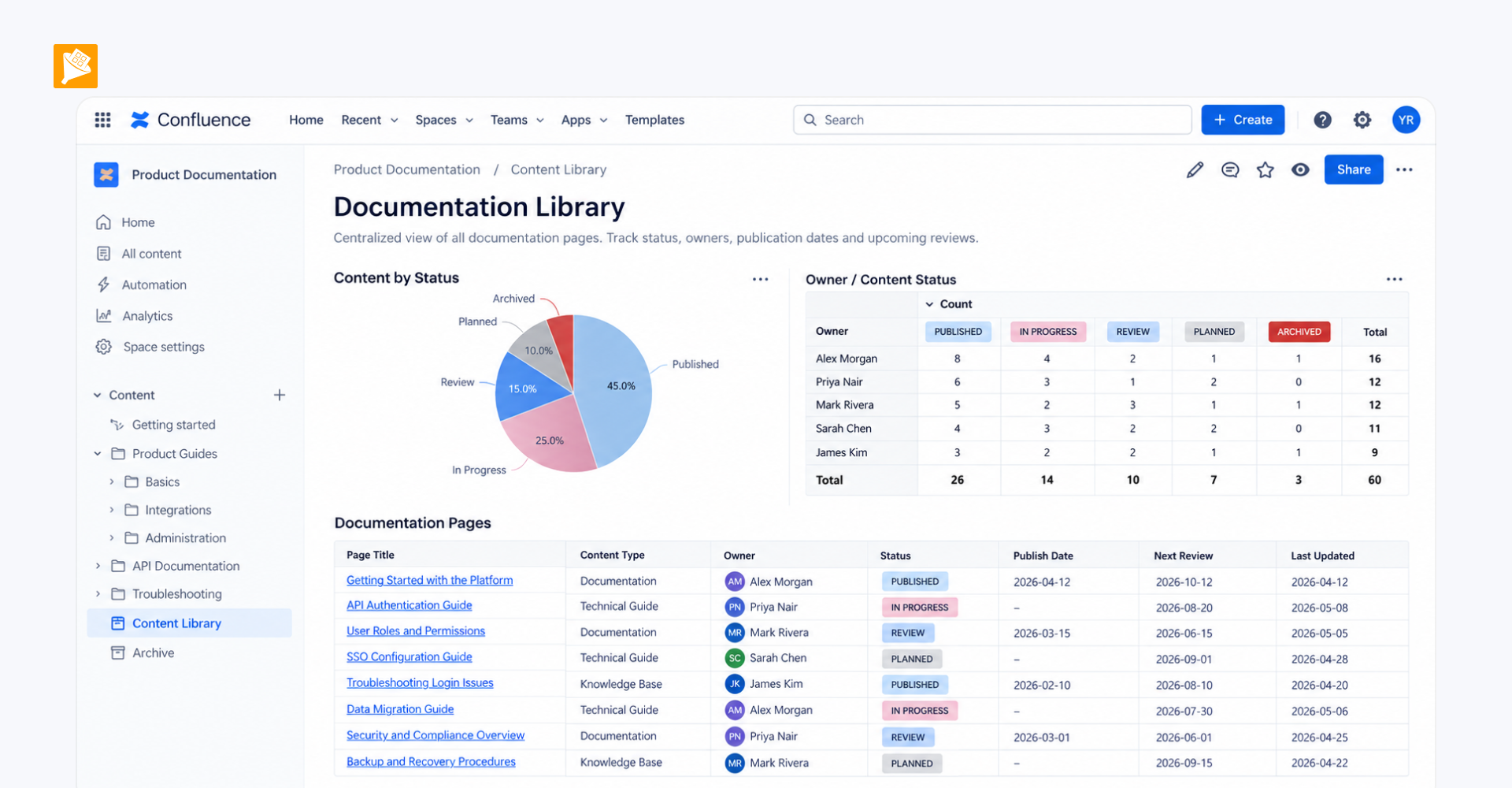
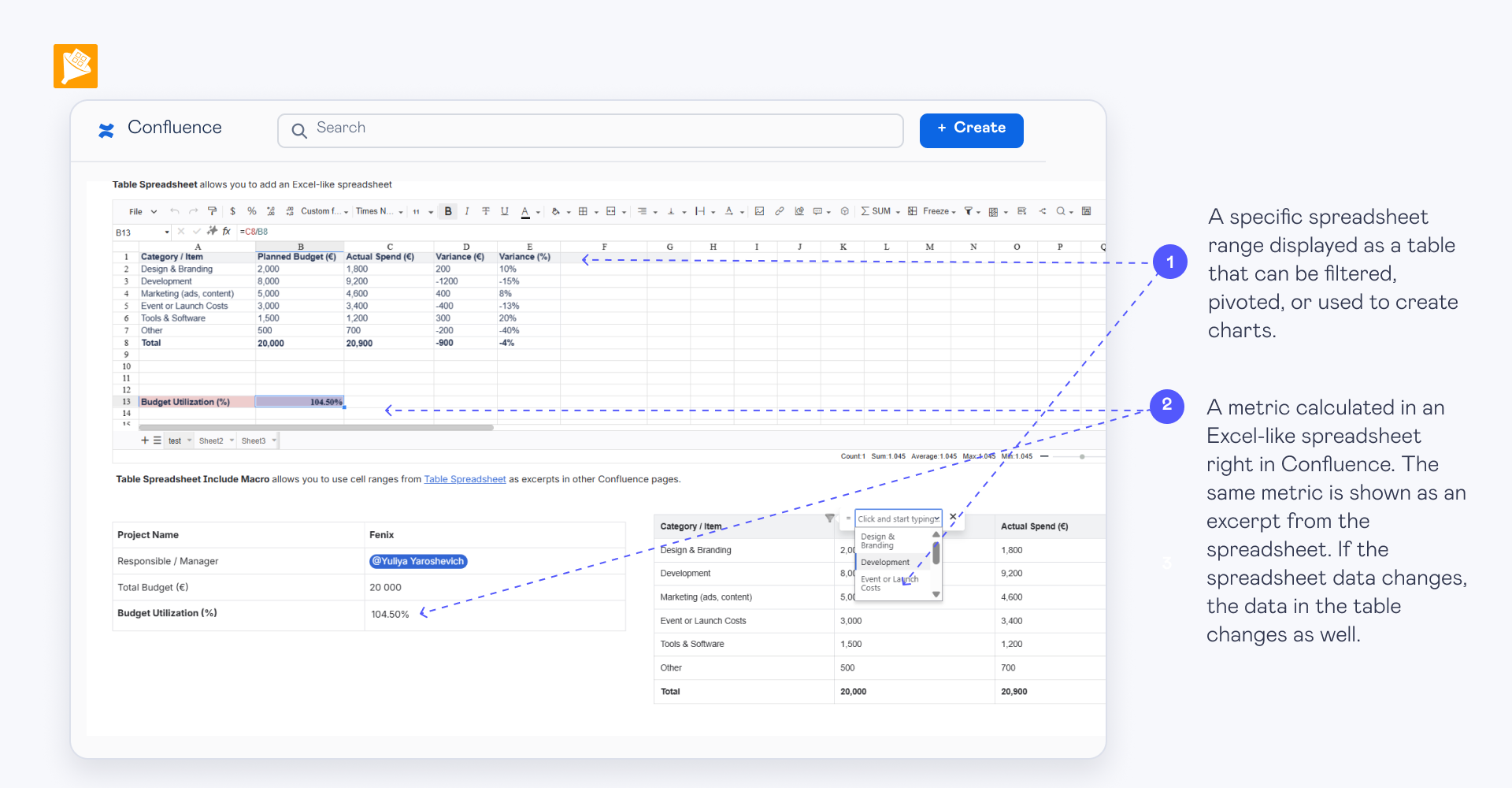
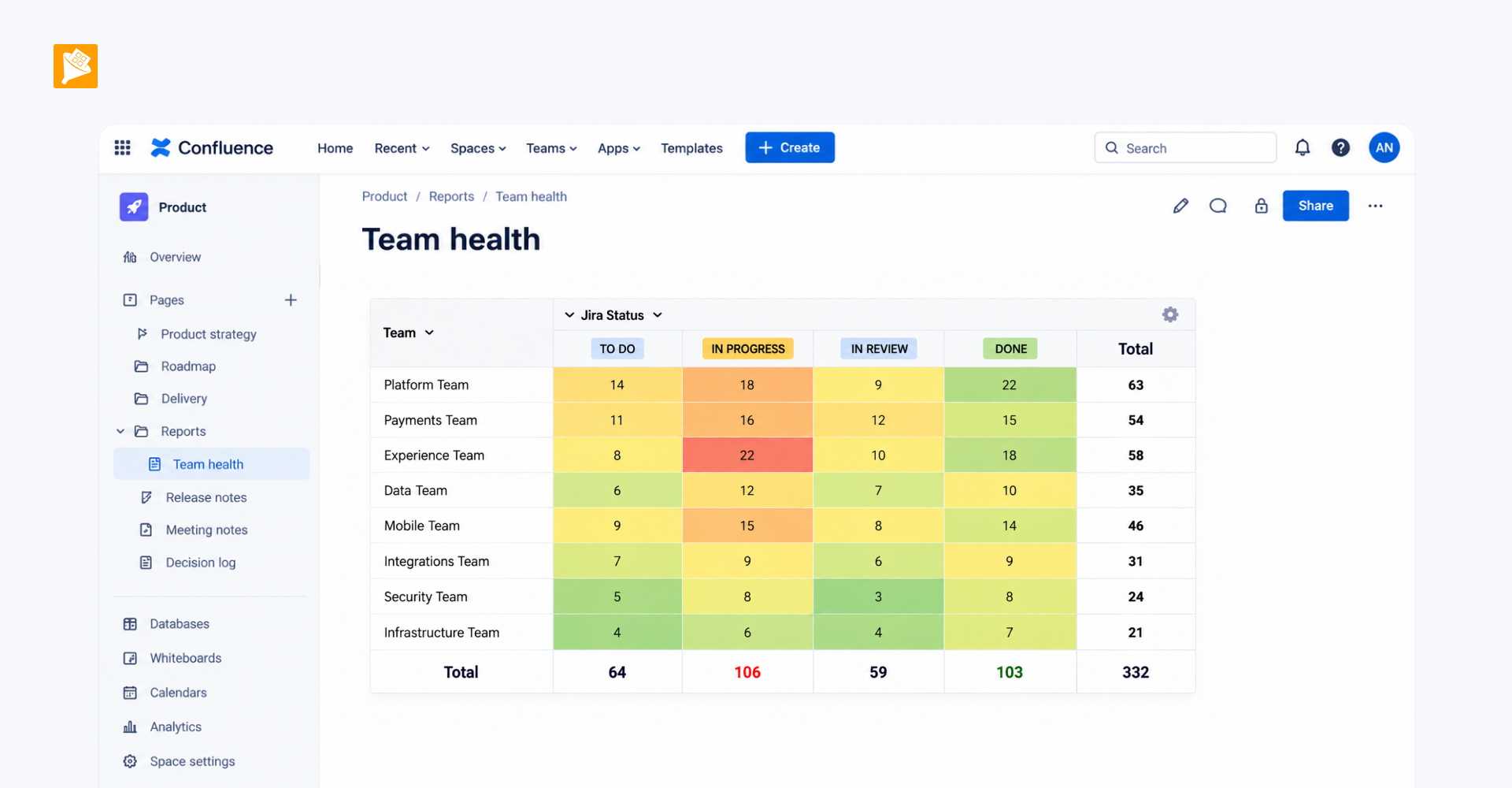
The master project register combines project data from Jira with information maintained on other Confluence pages. The native Jira Work Items macro is used to bring Jira data onto a Confluence page. Table Transformer is used to bring these sources together and structure them into one consolidated project table. Table Filter is added on top of the resulting table to make the register searchable and filterable for different users and reporting needs.