15K+
 4.9/5
 3M
Work with tables directly in Confluence instead of embedding Excel
Context and Challenge
Teams at an internal software company serving the insurance business needed a better way to work with structured data directly in Confluence. Around four years ago, teams started asking for what they described as “smarter tables.” Their use cases were not complex financial models or project roadmaps, but everyday working lists: artifacts, components, team members, and business requirements.
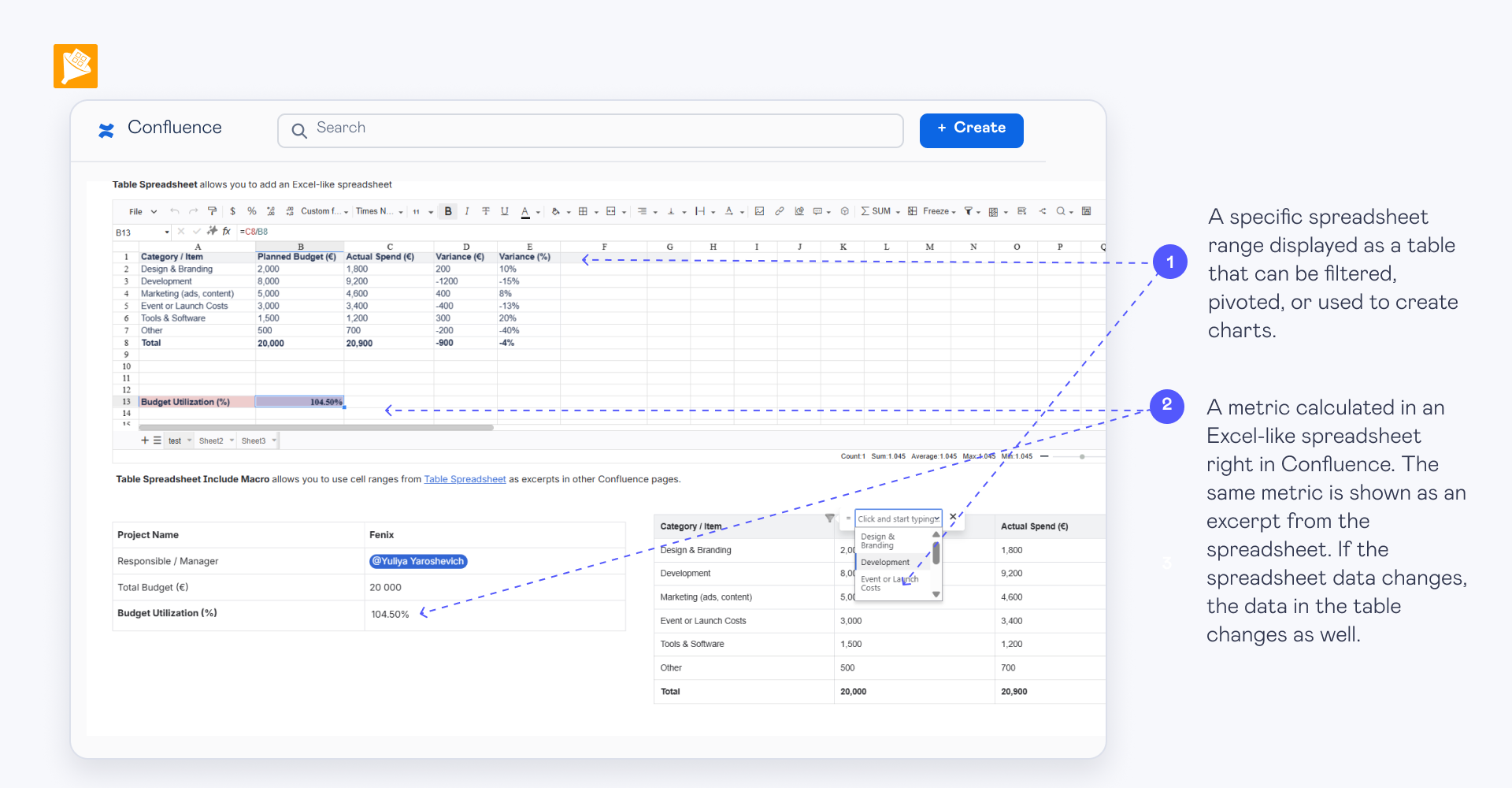
They wanted these tables to live directly on Confluence pages while still being easy to filter and work with. The alternative was to create the data in Microsoft Excel and embed the spreadsheet into Confluence.
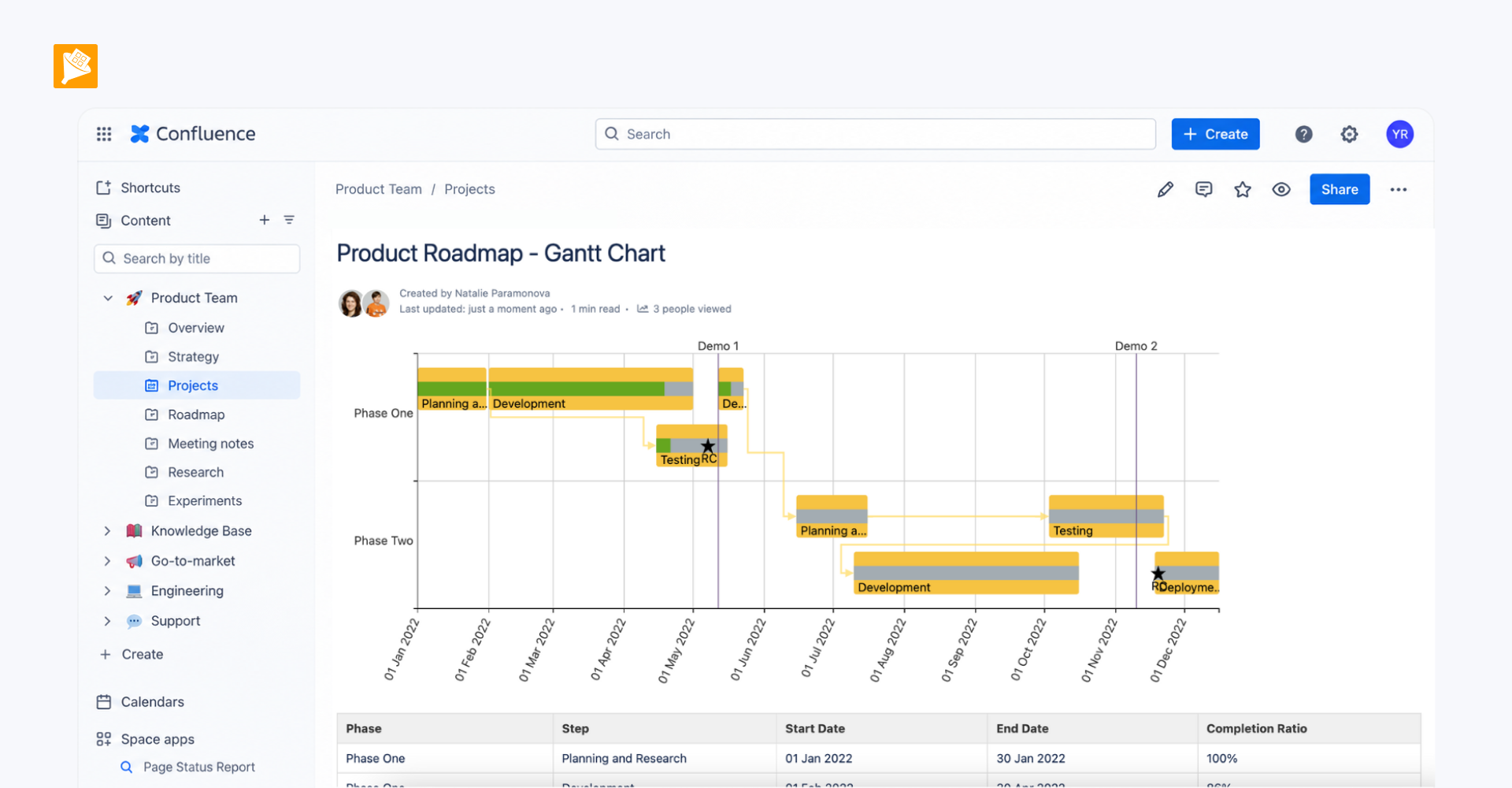
The company uses specialized tools where they fit better — Jira Advanced Roadmaps for roadmaps and Power BI for financial reporting. But for structured lists that belong alongside documentation and team knowledge, they wanted to keep the data directly in Confluence.
Result
Teams can maintain these working lists directly in Confluence while adding filtering on top of native tables. The experience is integrated closely enough into normal Confluence usage that many end users do not even think about the app behind it — they simply work with the table on the page.
How it is built
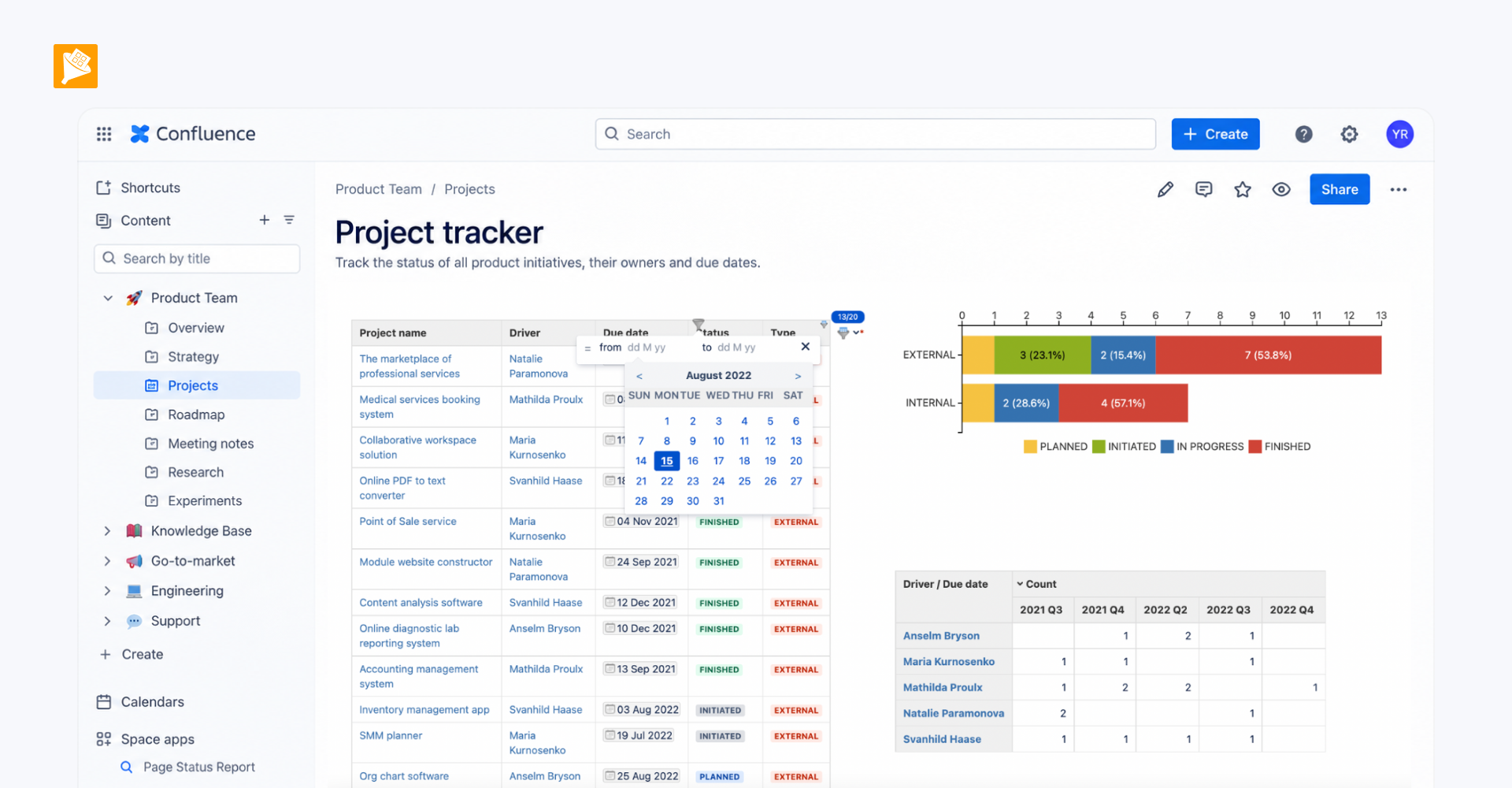
- Data is maintained in a native Confluence table.
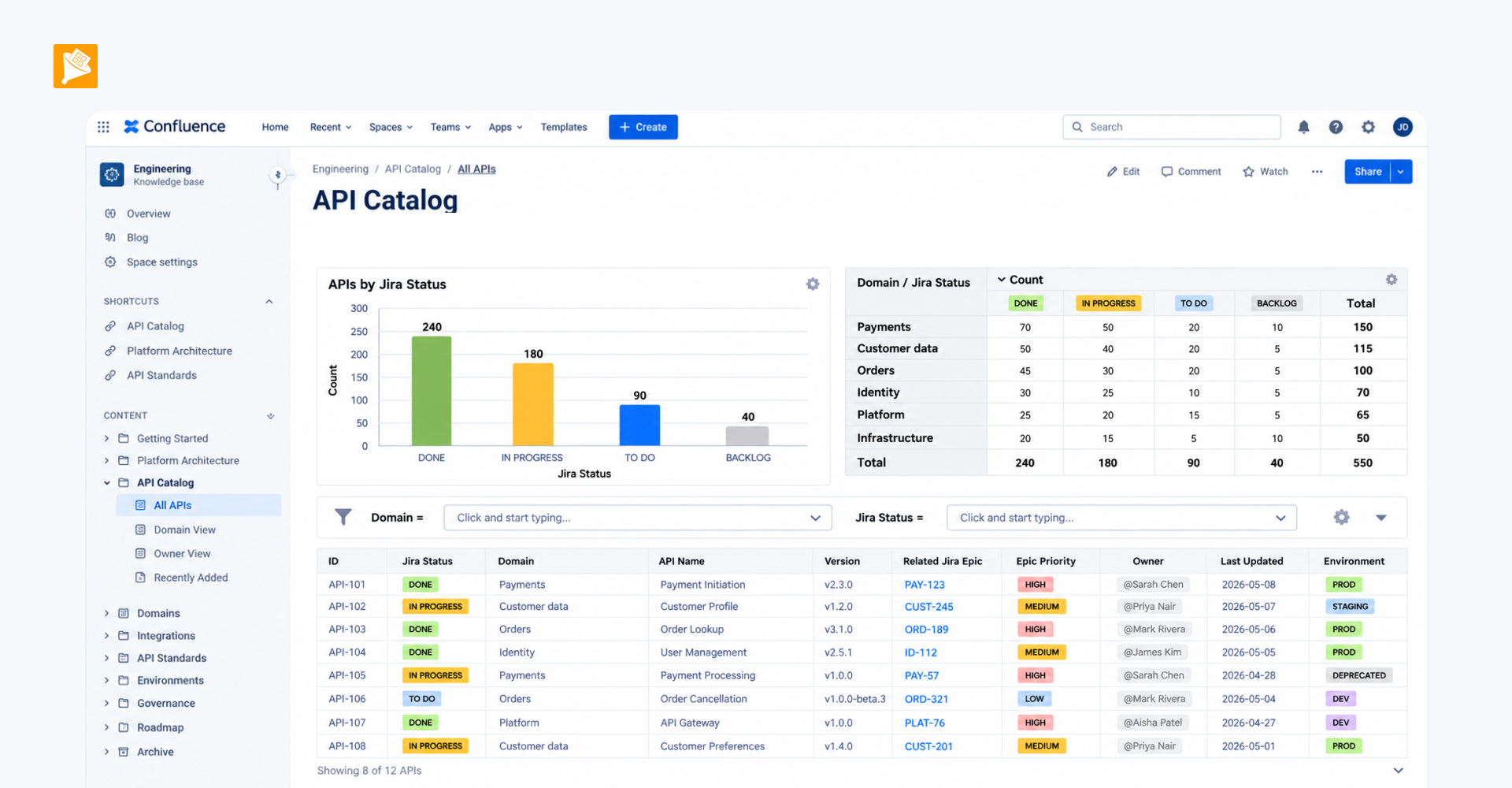
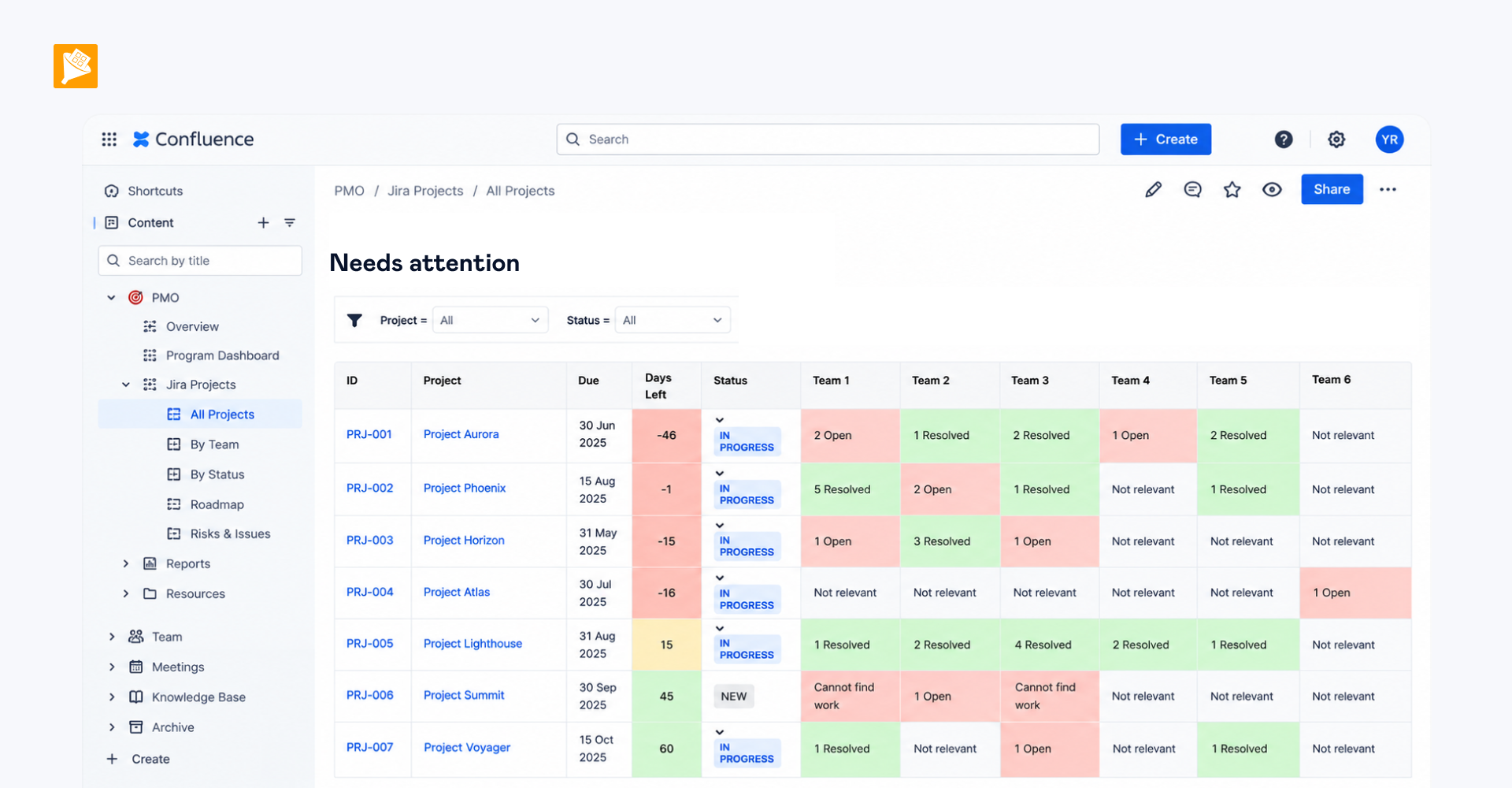
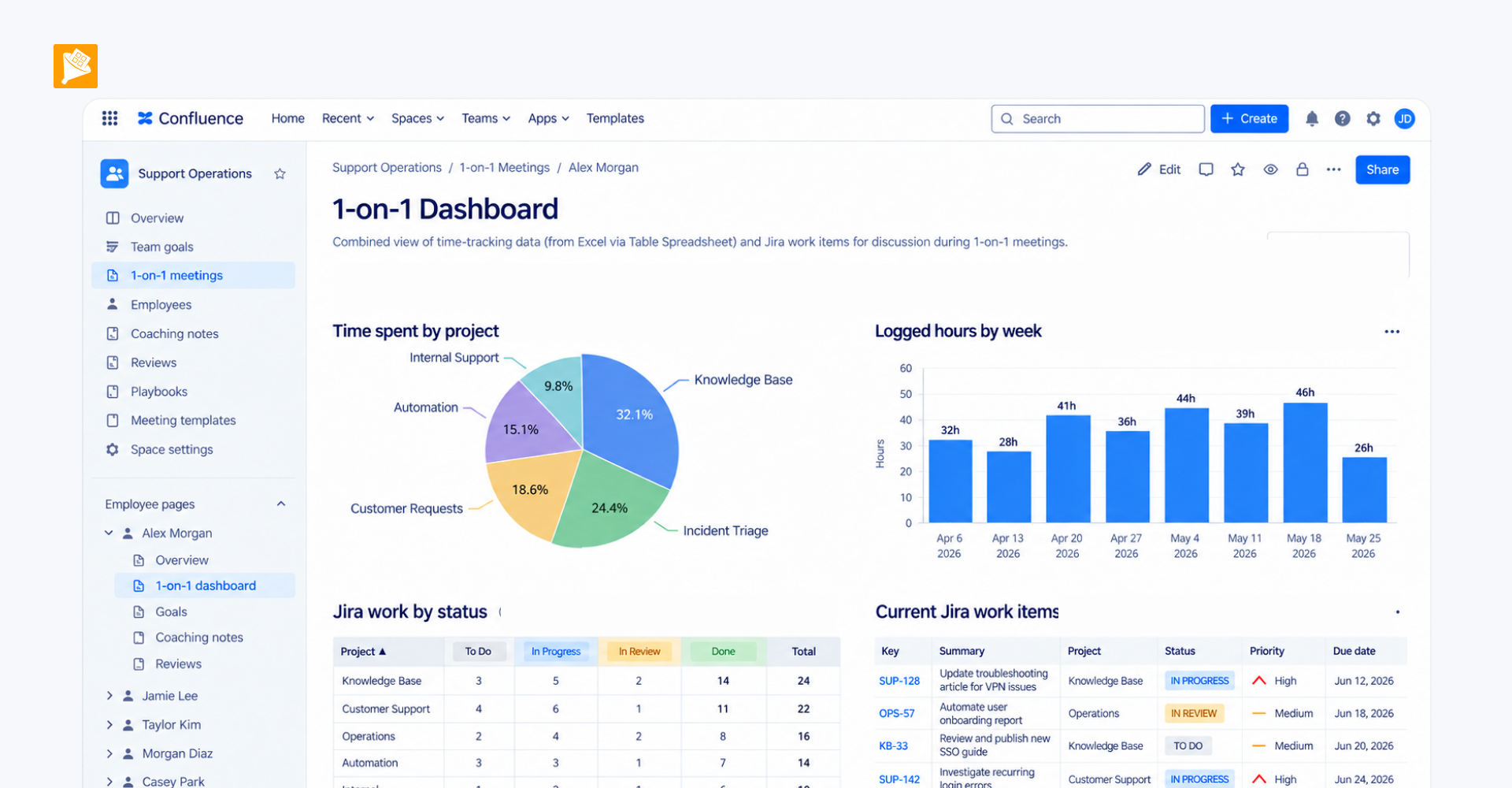
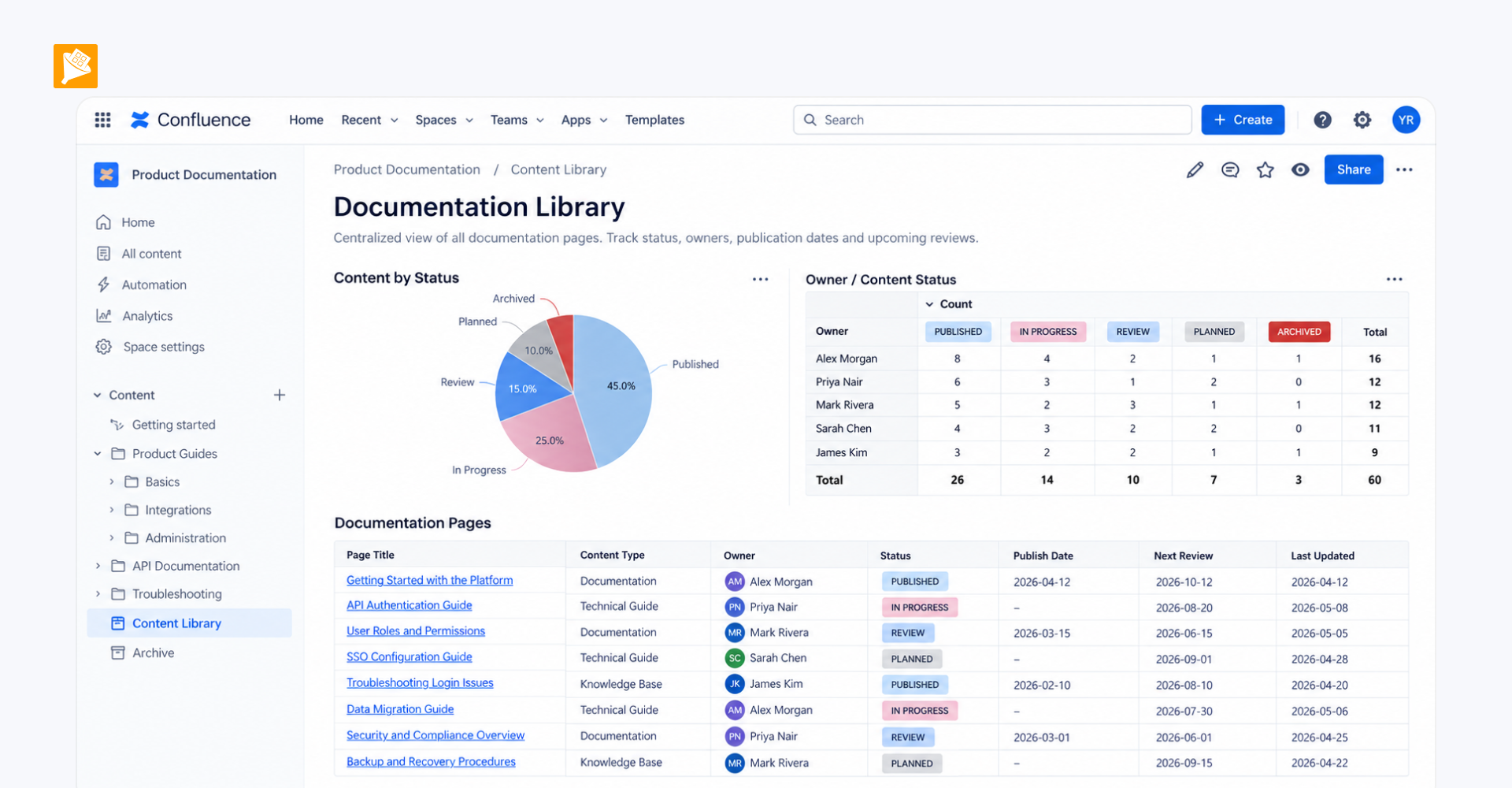
- Table Filter is added on top of the table to provide filtering directly on the page, so users can work with the data without embedding an Excel spreadsheet.
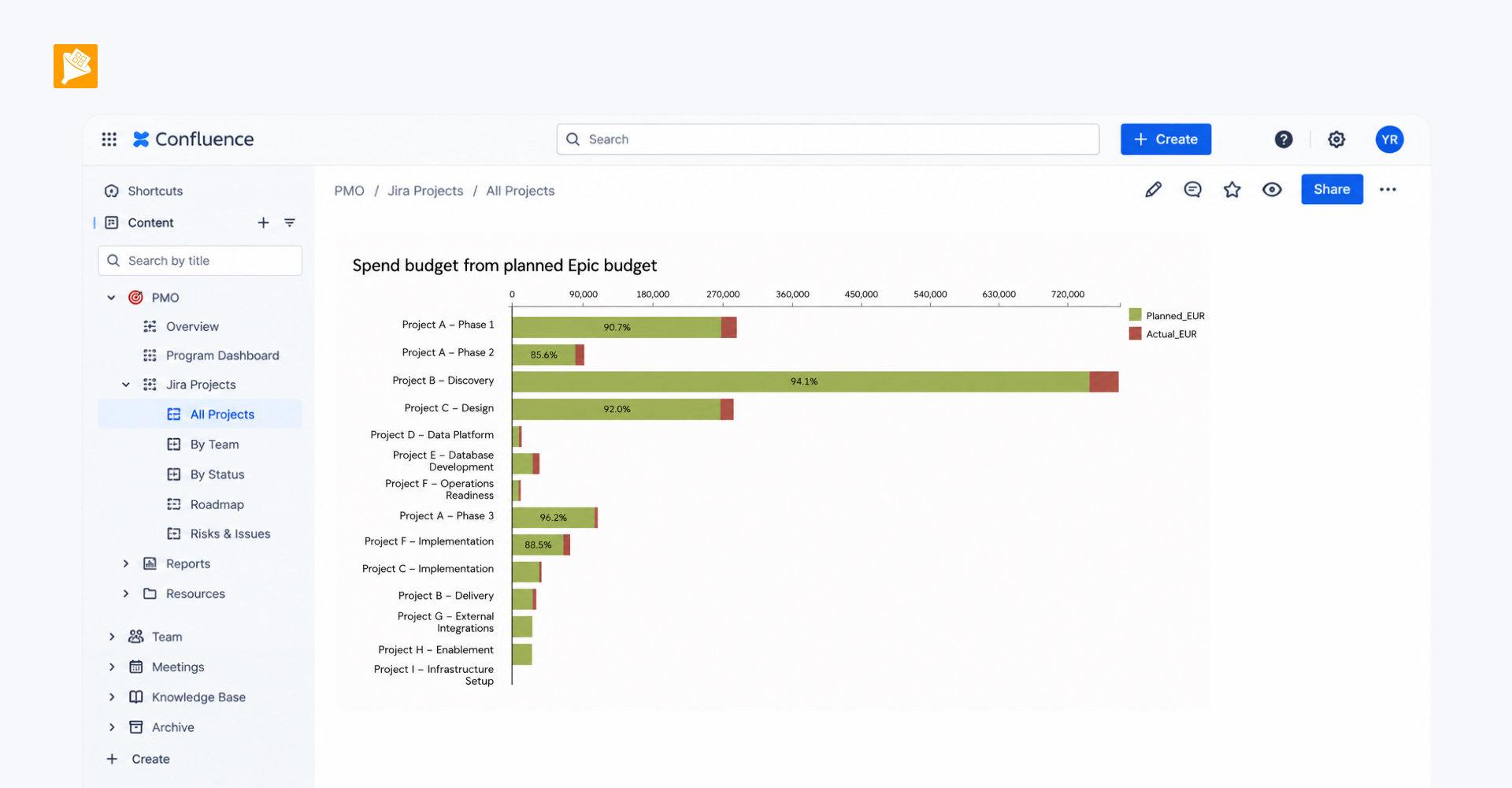
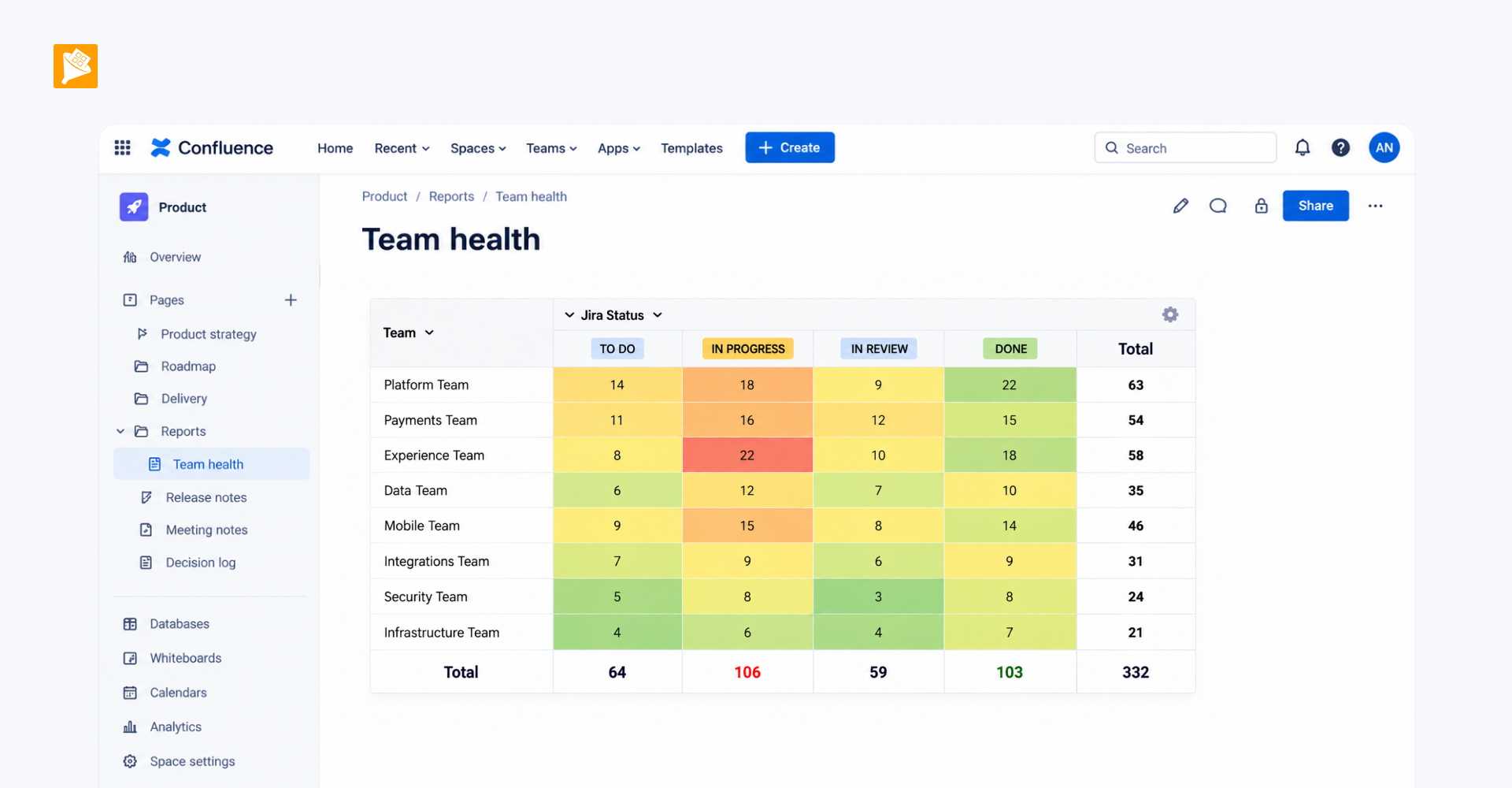
- Teams can build summaries and aggregated views, create reports, or visualize it with charts using Pivot Table and Chart from Table.