15K+
 4.9/5
 3M
Build a searchable vendor & solution catalog in Confluence
Context and Challenge
An IT governance and enterprise architecture team needs to keep track of the solutions and vendors used across the organization.
Information about each solution — such as the vendor, category, description, scope, relevant experience, and last update — needs to be maintained individually, while procurement and IT teams need one place to browse all available solutions and quickly find vendors that match a specific need.
Result
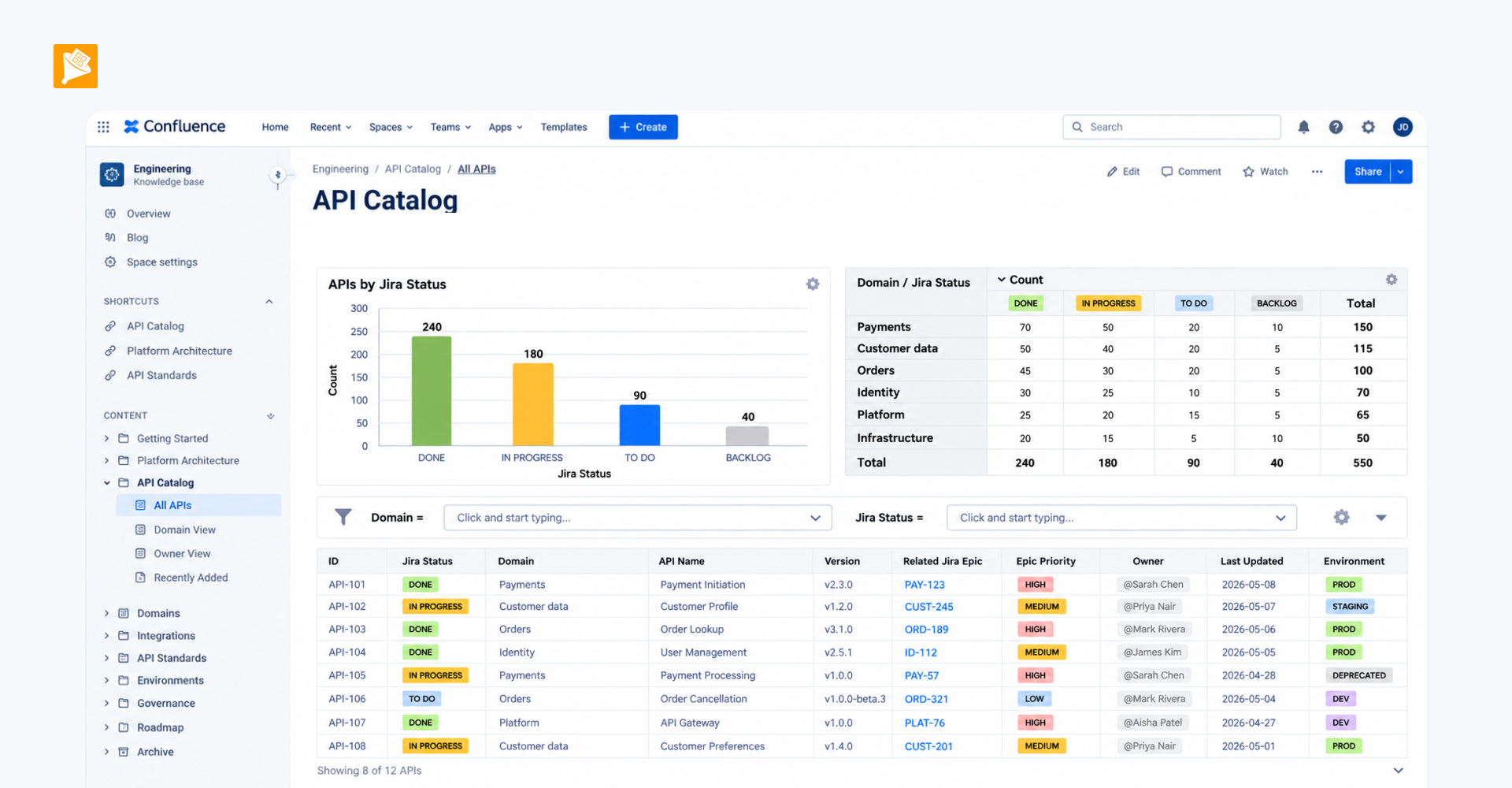
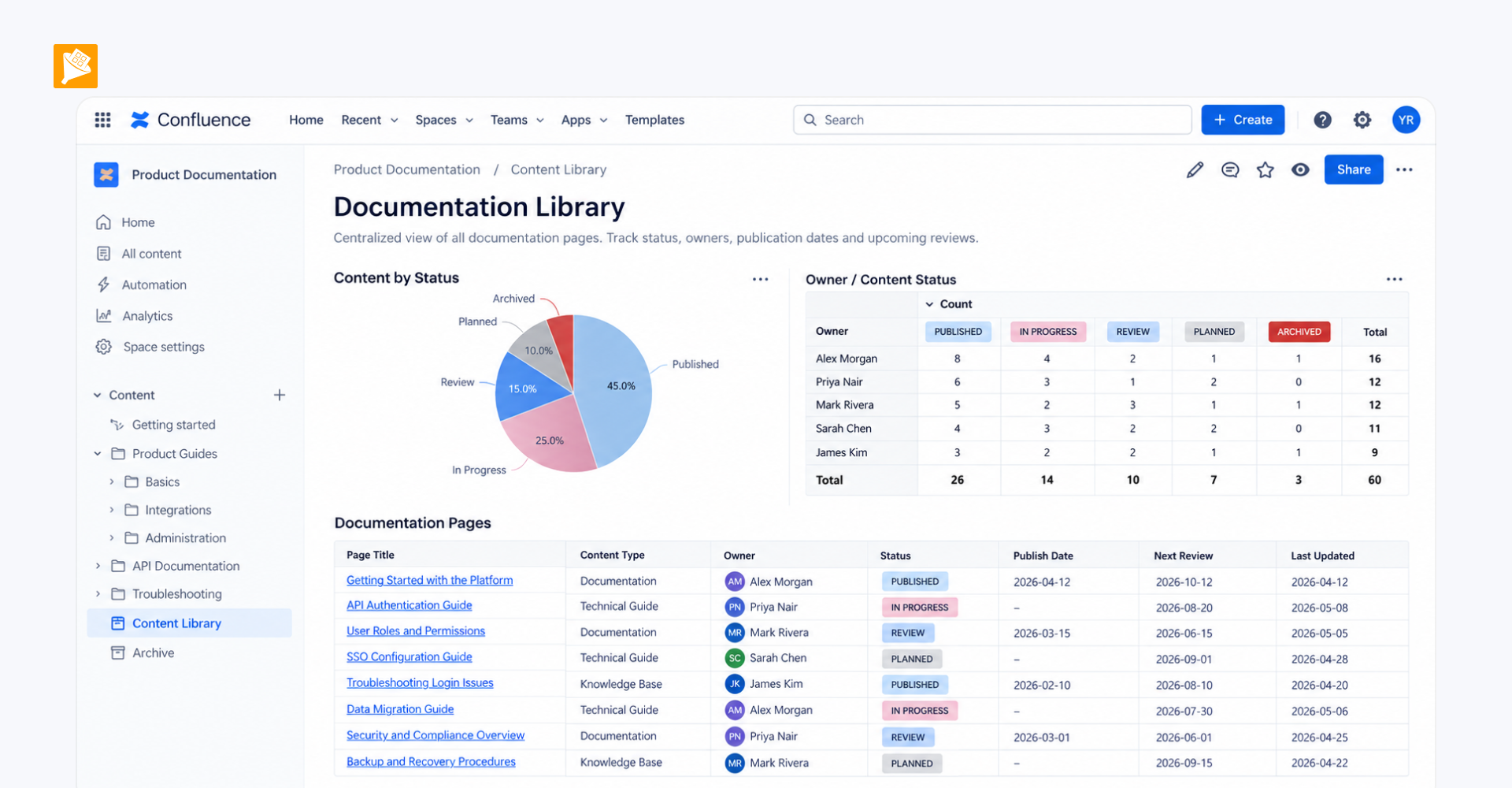
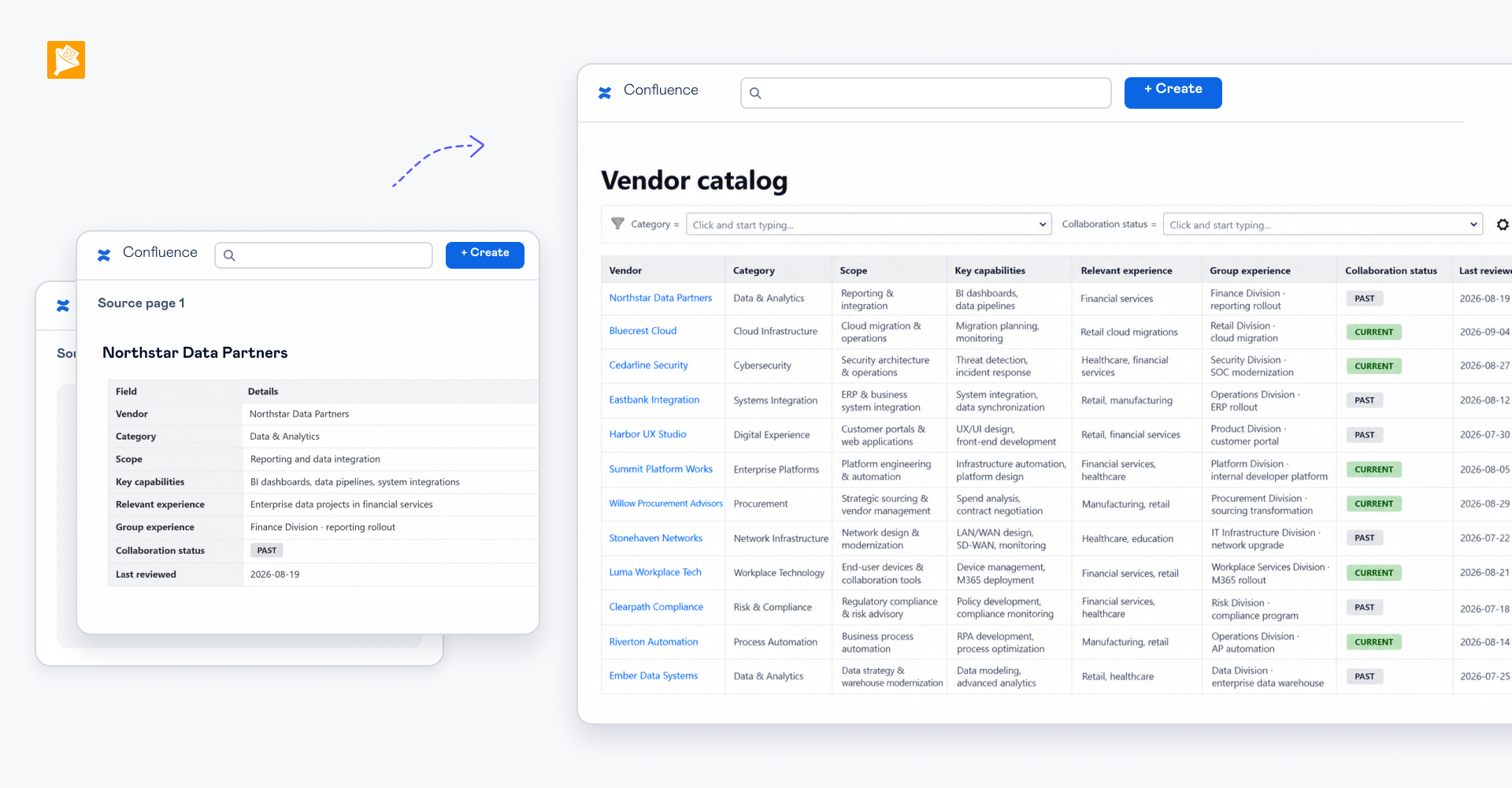
Each solution or vendor has its own Confluence page, while the structured information from all pages is automatically consolidated into one searchable catalog.
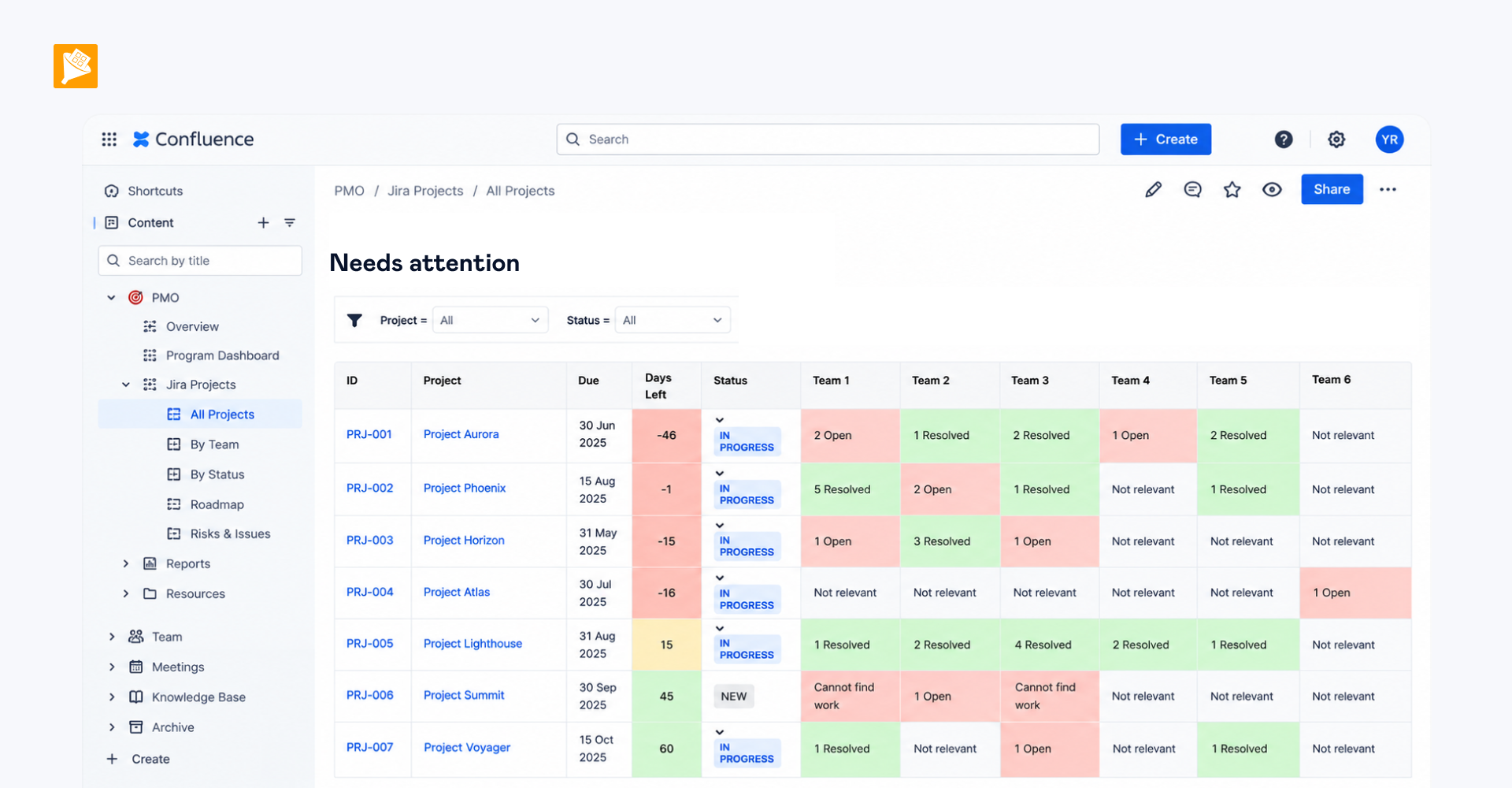
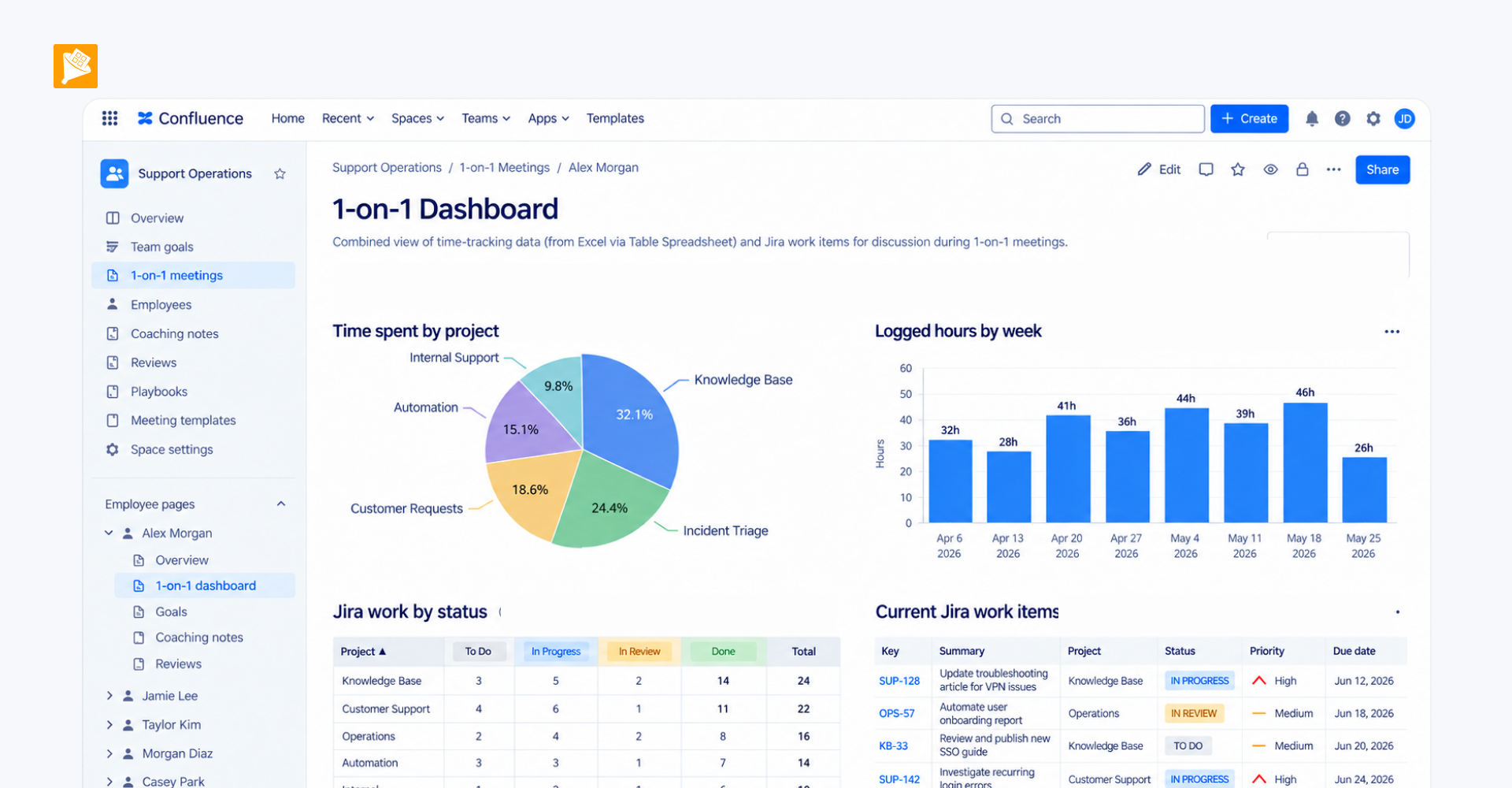
Teams can search and filter the catalog by category and other relevant fields, compare available solutions, and quickly identify vendors with the right scope or experience without opening individual pages one by one.
How it is built
- Create a dedicated Confluence page for each solution or vendor. Add a structured table with fields such as solution name, vendor, category, description, scope, relevant experience, etc. Wrap the table in Page Properties or Table Excerpt.
- Collect data from all solution pages into one catalog. Use Page Properties Report or Table Excerpt Include to automatically pull the structured information from all individual pages into one consolidated table.
- Make the catalog searchable and filterable. Wrap the consolidated table in Table Filter so users can search the catalog and filter solutions by category or other relevant fields.