15K+
 4.9/5
 3M
Build a searchable corporate abbreviation dictionary in Confluence
Context and Challenge
A Salesforce architect maintains a corporate dictionary containing hundreds of internal abbreviations. The dictionary is kept in a Confluence table rather than Excel because its entries need to include links to related resources.
But as the dictionary grows to hundreds of rows, finding a specific abbreviation by manually scanning the table becomes impractical.
Result
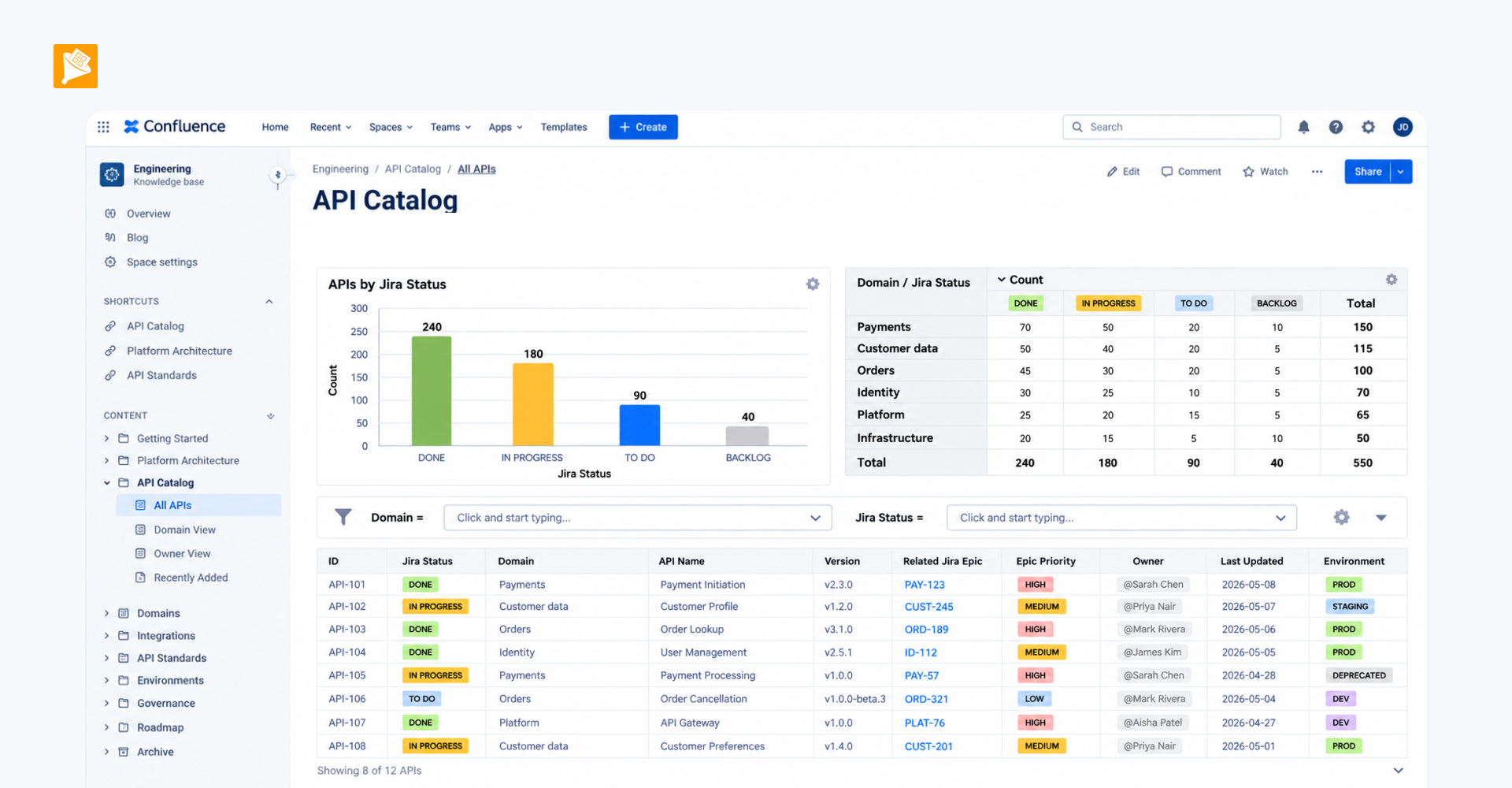
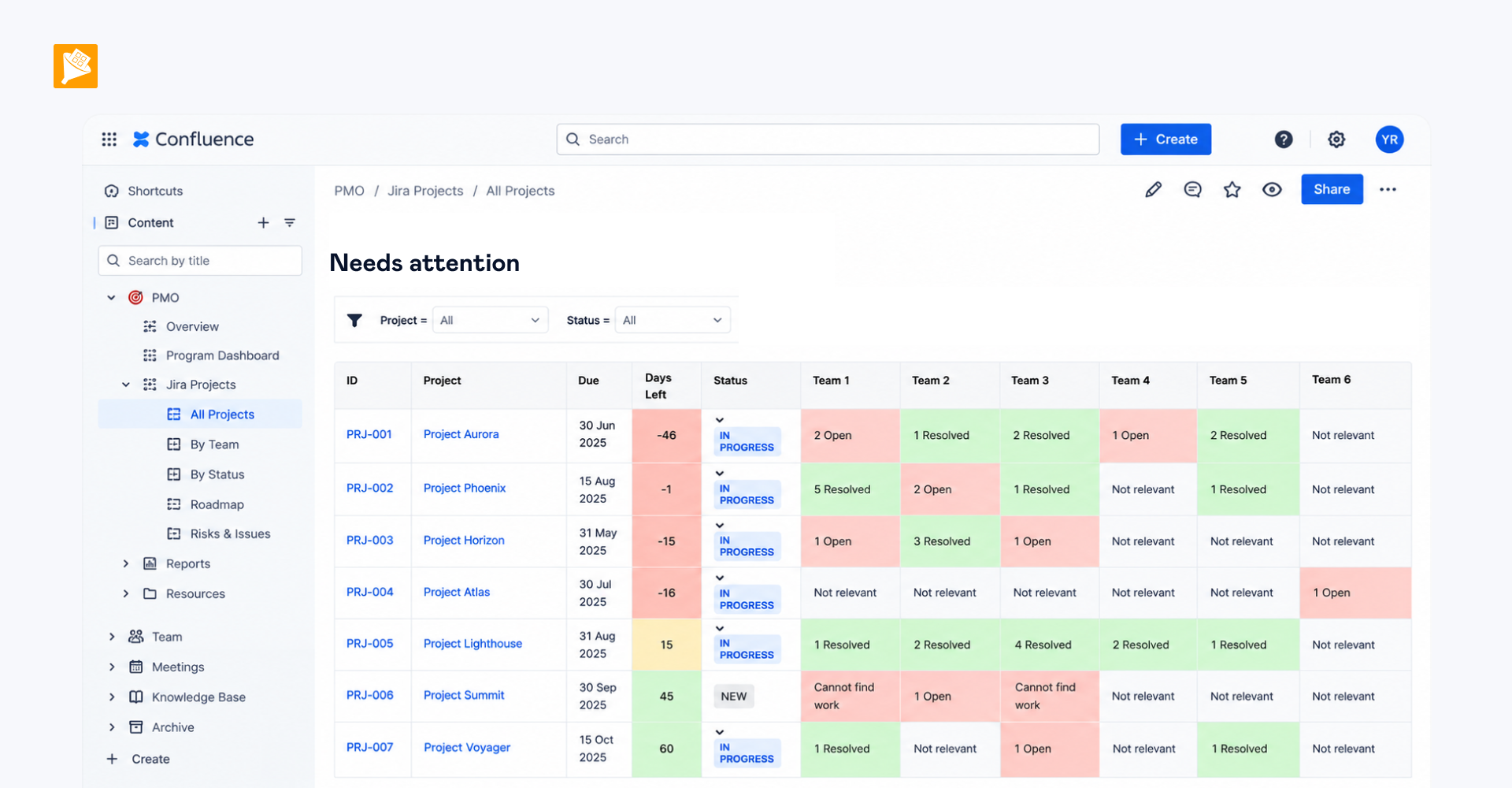
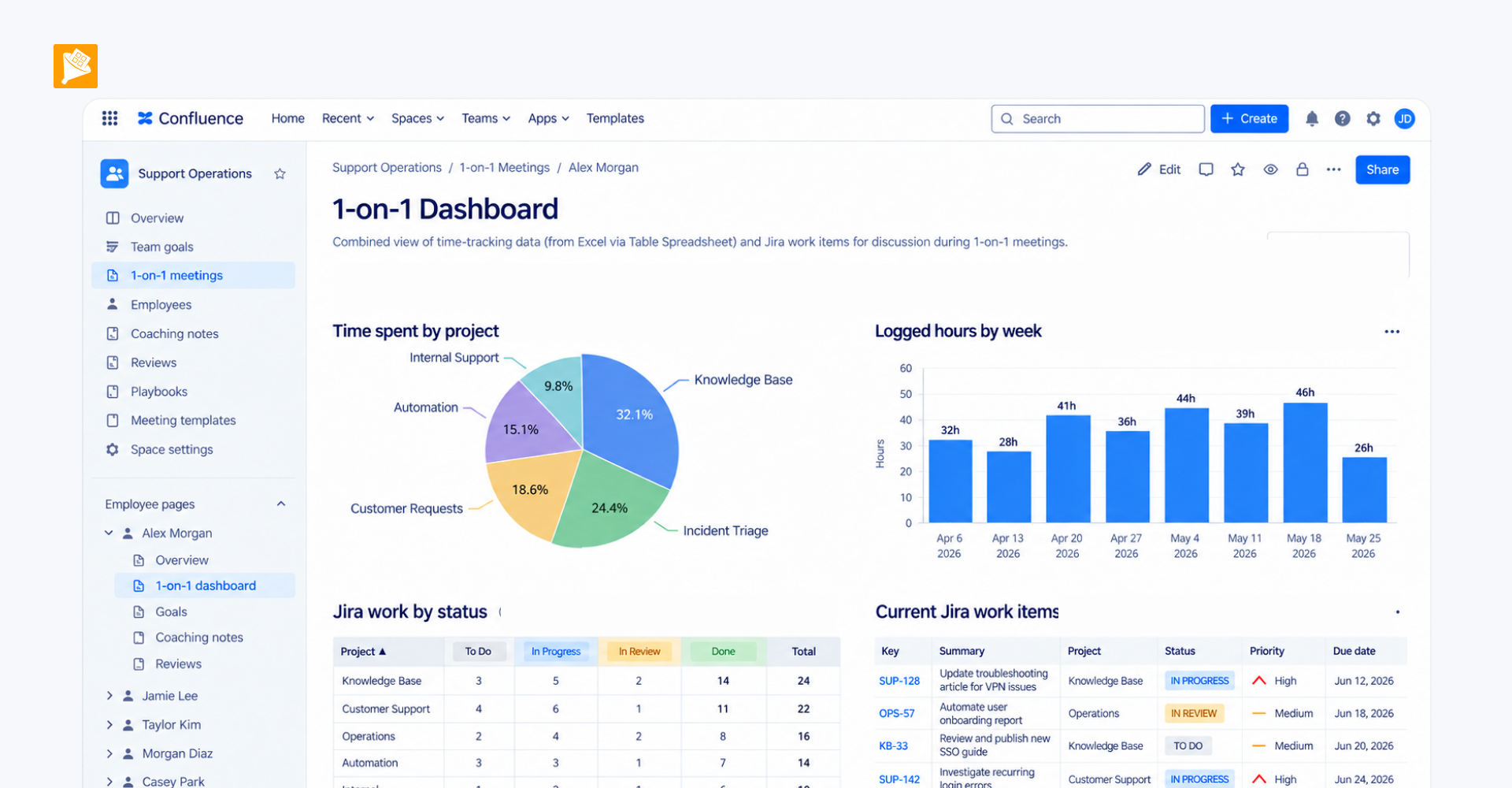
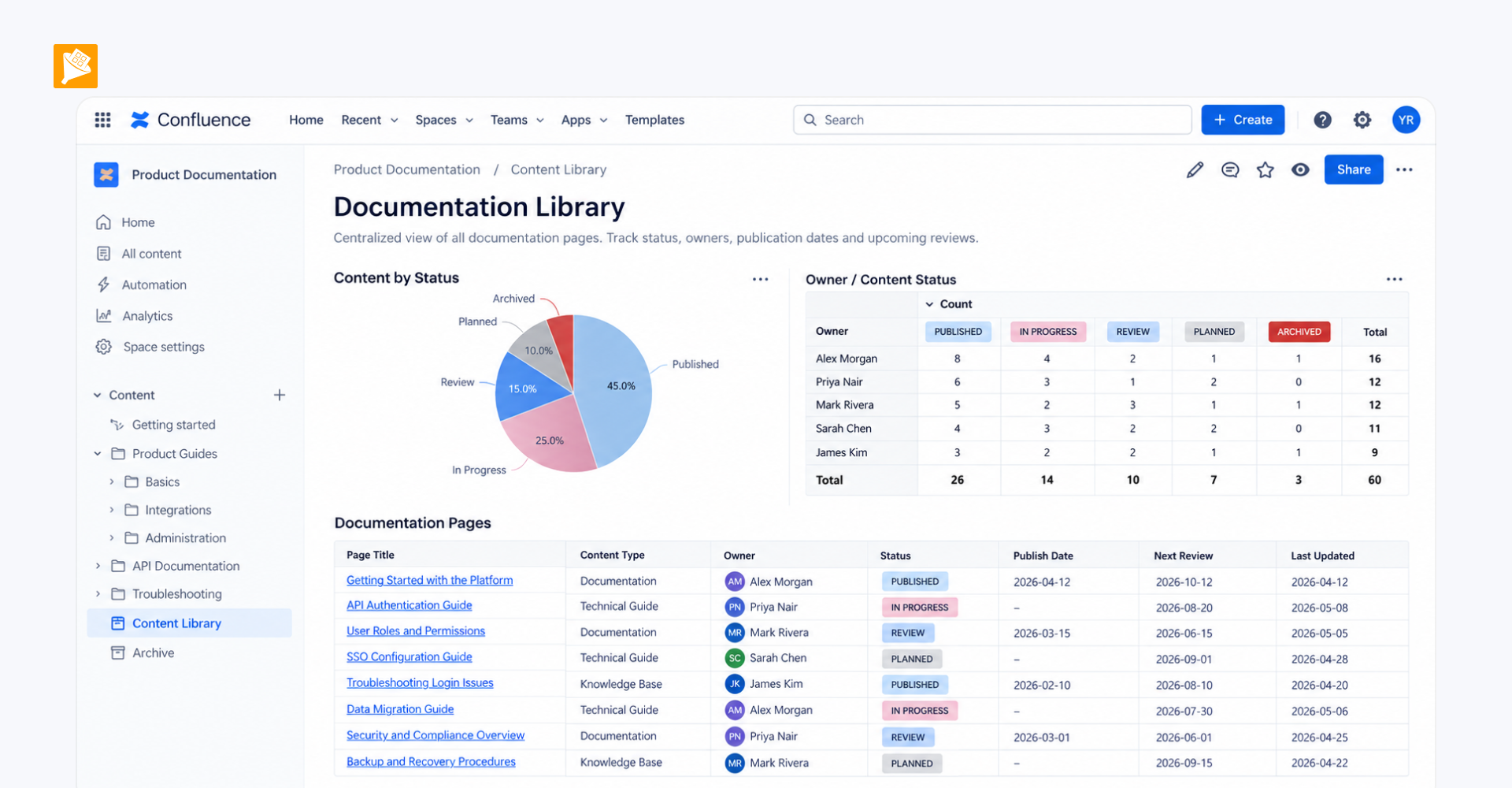
The corporate dictionary remains directly in Confluence, with its links and reference information in one place, while Table Filter makes hundreds of entries instantly searchable. Users can enter an abbreviation or keyword and immediately narrow the table to matching rows instead of scanning a long glossary or maintaining the information in a separate Excel file.
How it is built
A native Confluence table containing the corporate abbreviation dictionary is wrapped in Table Filter to add instant search and filtering.