15K+
 4.9/5
 3M
Collect IT testing data in Confluence instead of scattered Excel files
Context and Challenge
An IT testing team was managing testing data across Excel files stored on different computers. Participants exchanged updates through email and phone, leaving the data scattered across files and conversations with no shared place to collaborate or see the latest results.
The team needed to move the process into Confluence so participants could work with testing data together and stakeholders could access up-to-date results in the same place.
Result
Testing data can be collected and maintained directly in Confluence instead of being distributed across individual Excel files.
Test participants work with the same shared data, while stakeholders can see the latest results without collecting updates from separate files, emails, or conversations. The testing data also stays alongside the related documentation in Confluence.
How it is built
There are two ways to set up the workflow depending on how the team prefers to work with testing data.
Option 1 — Native Confluence table.
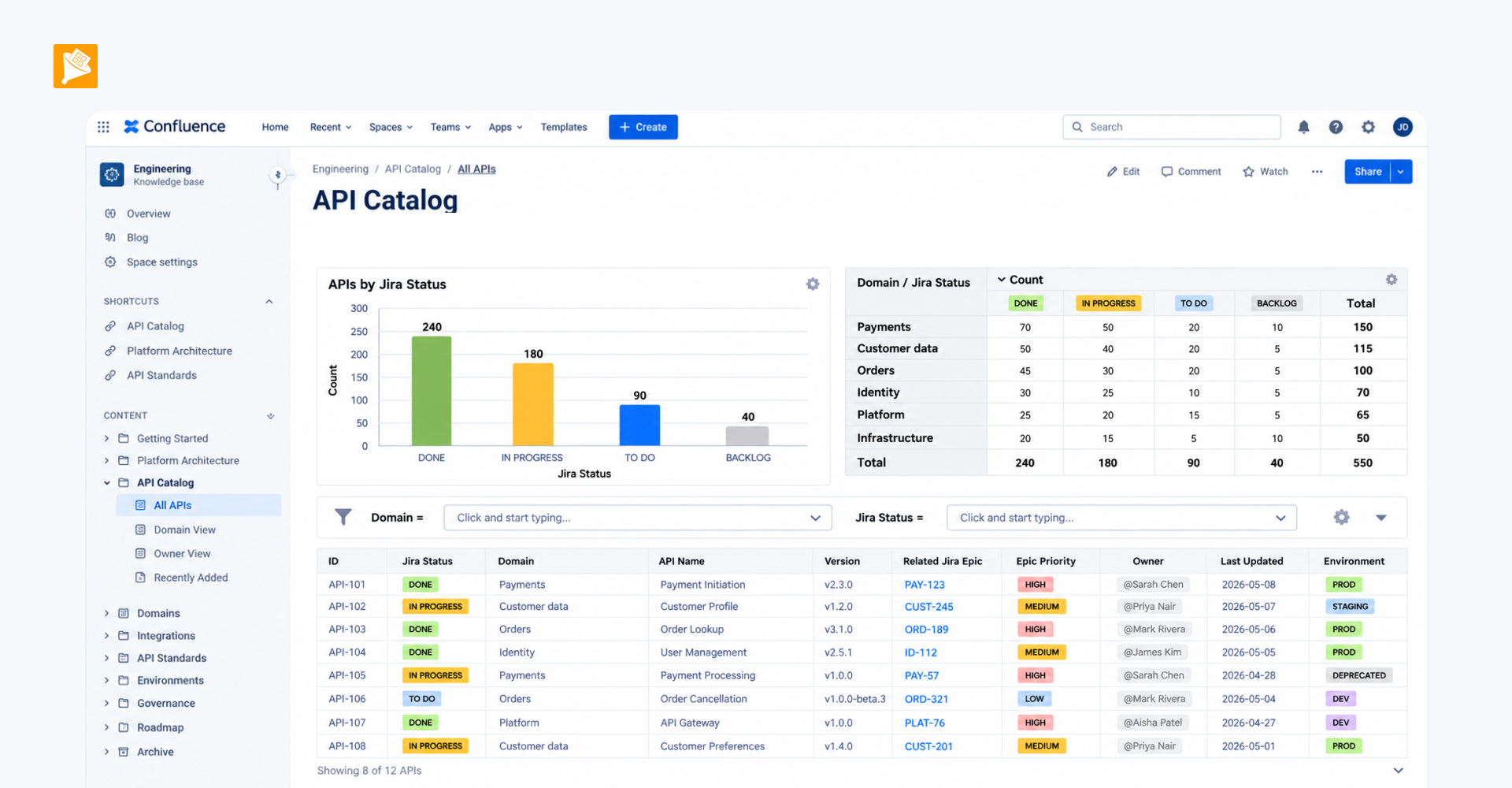
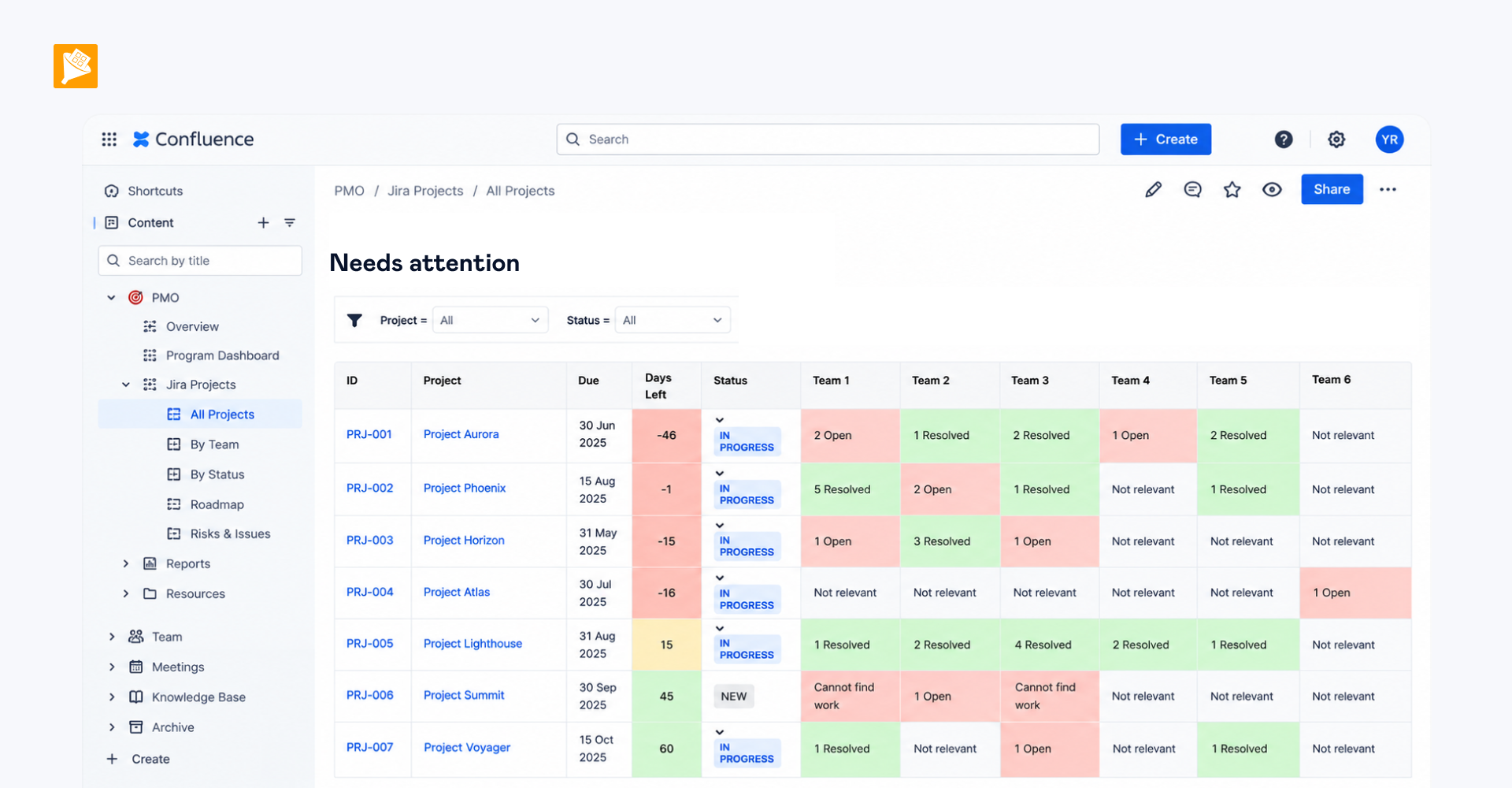
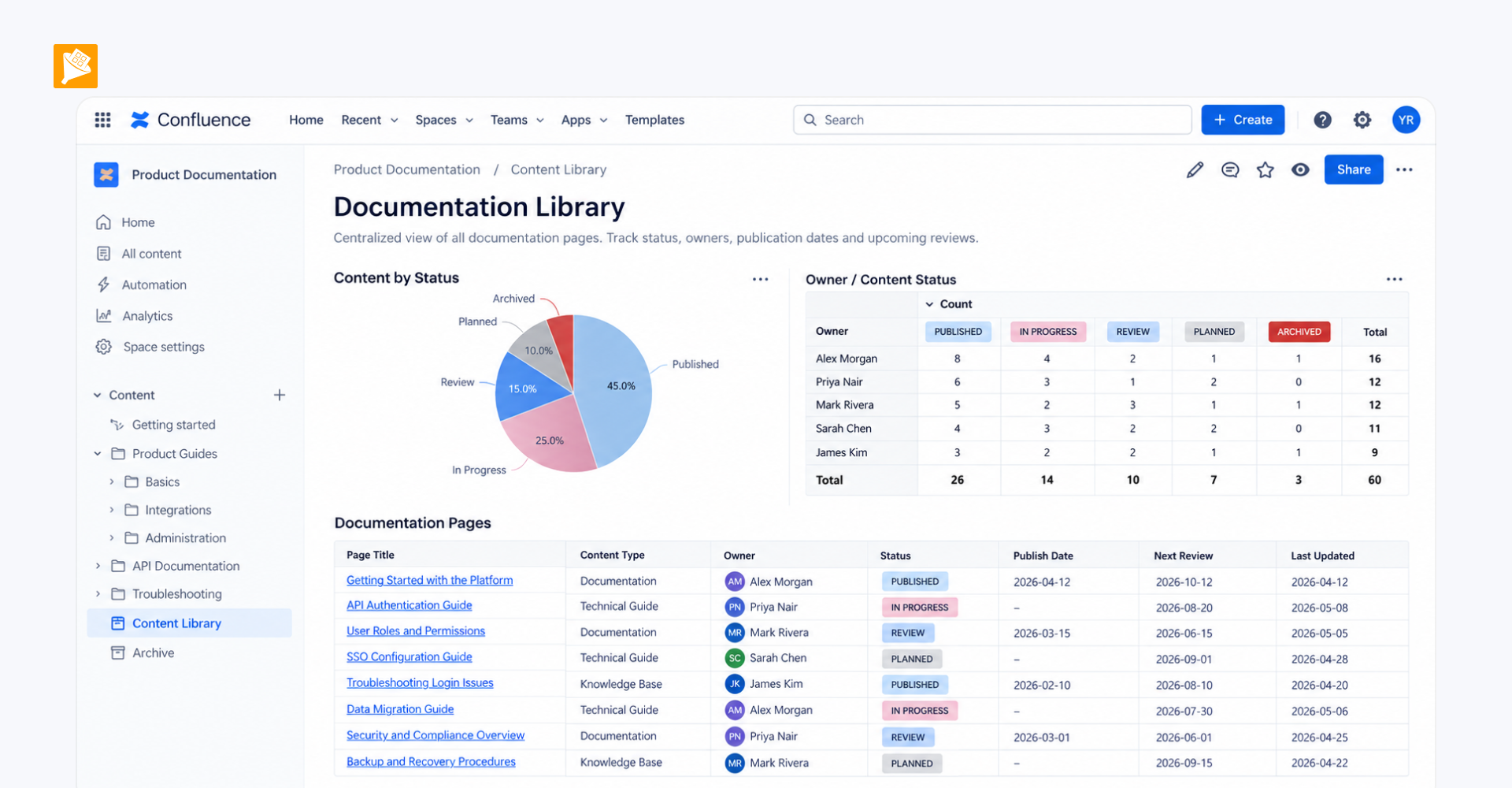
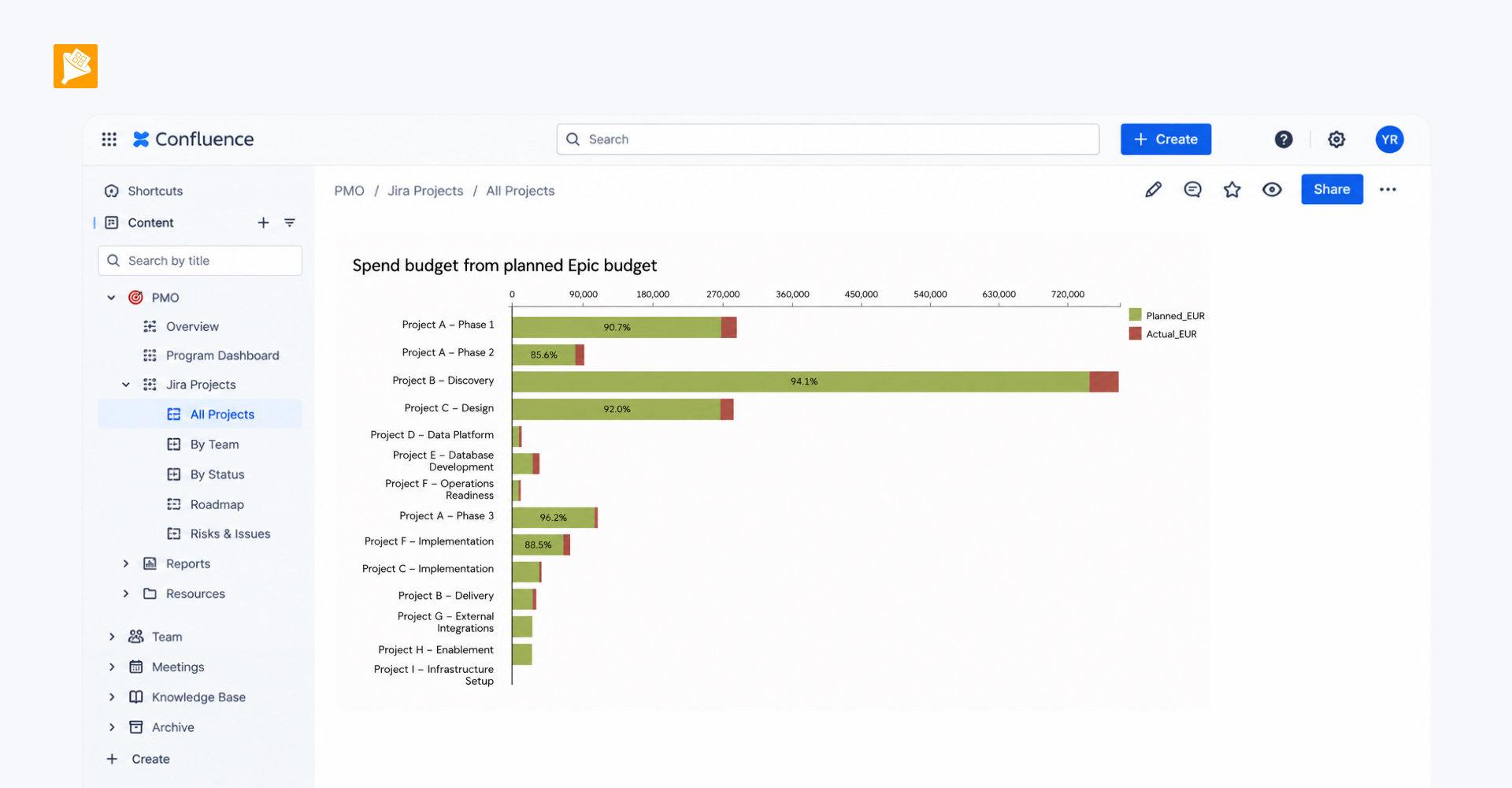
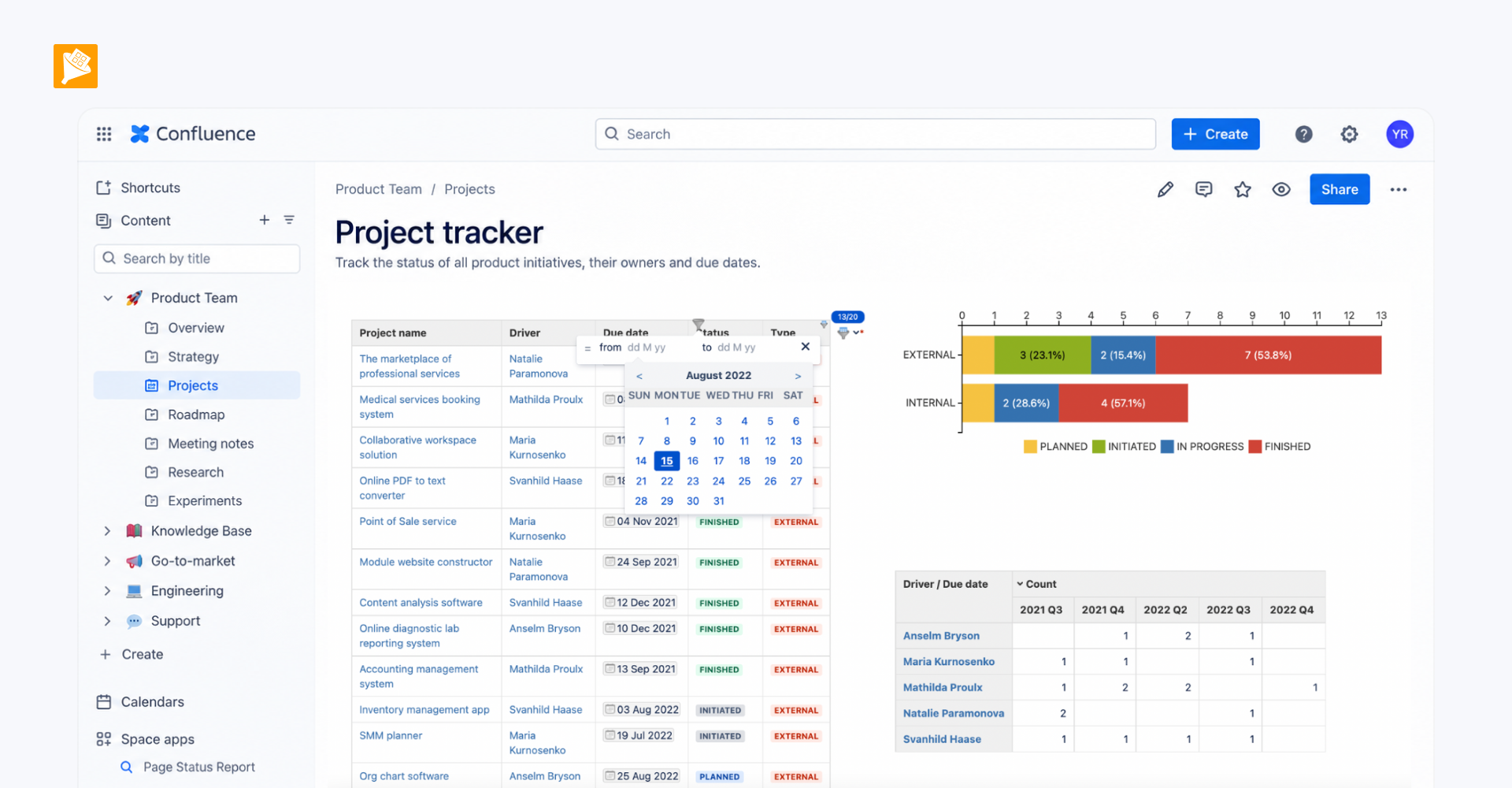
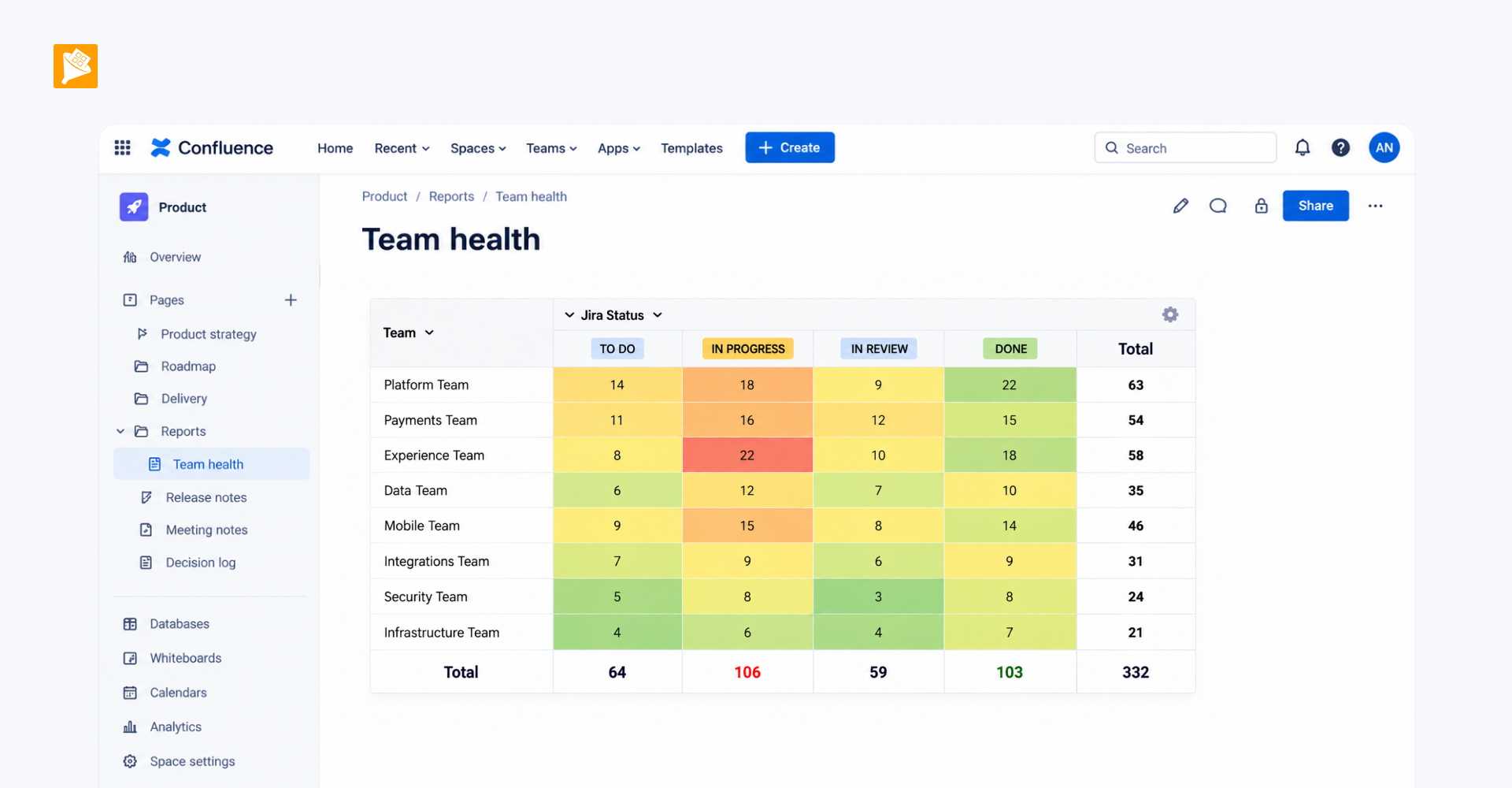
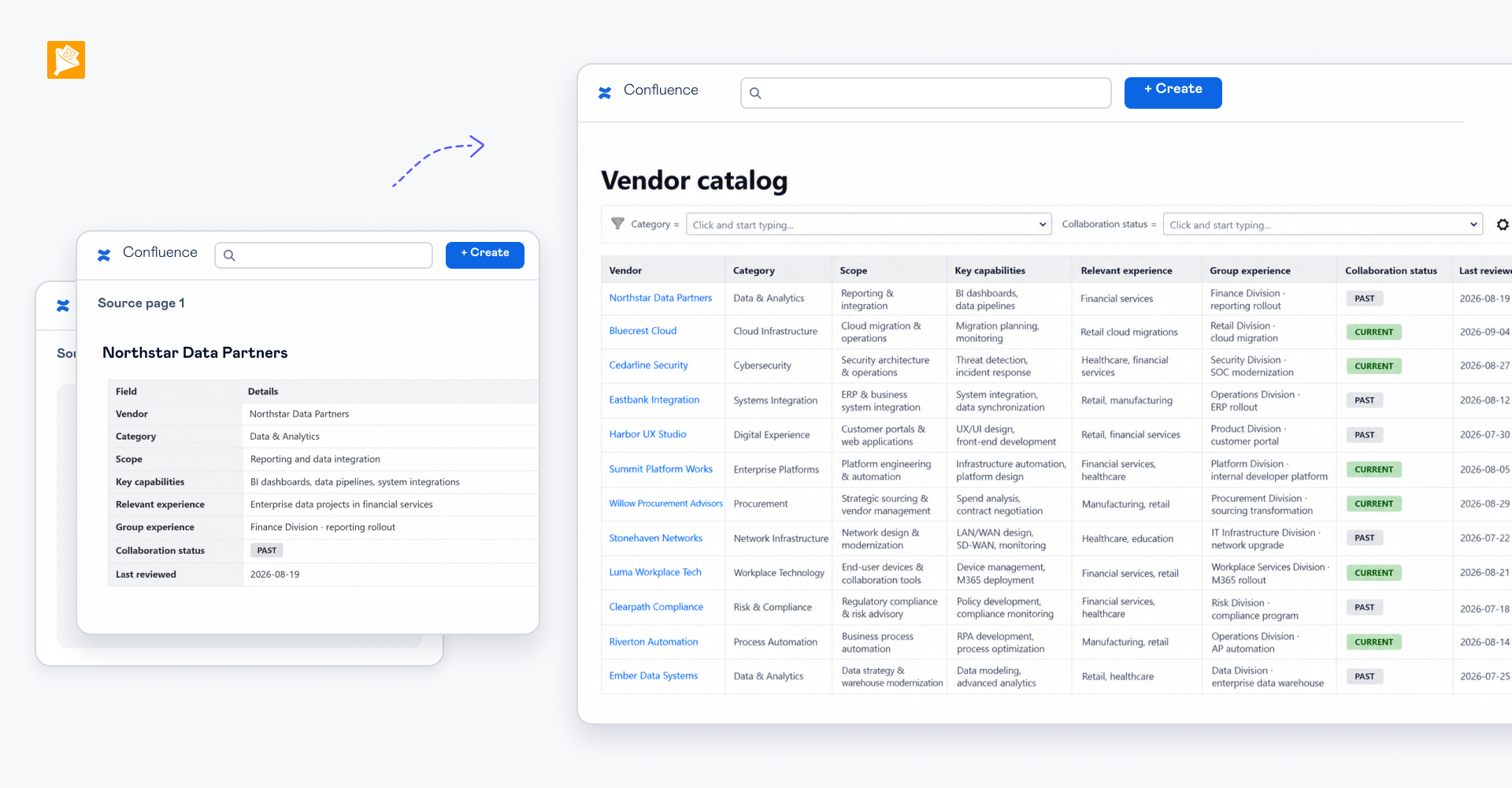
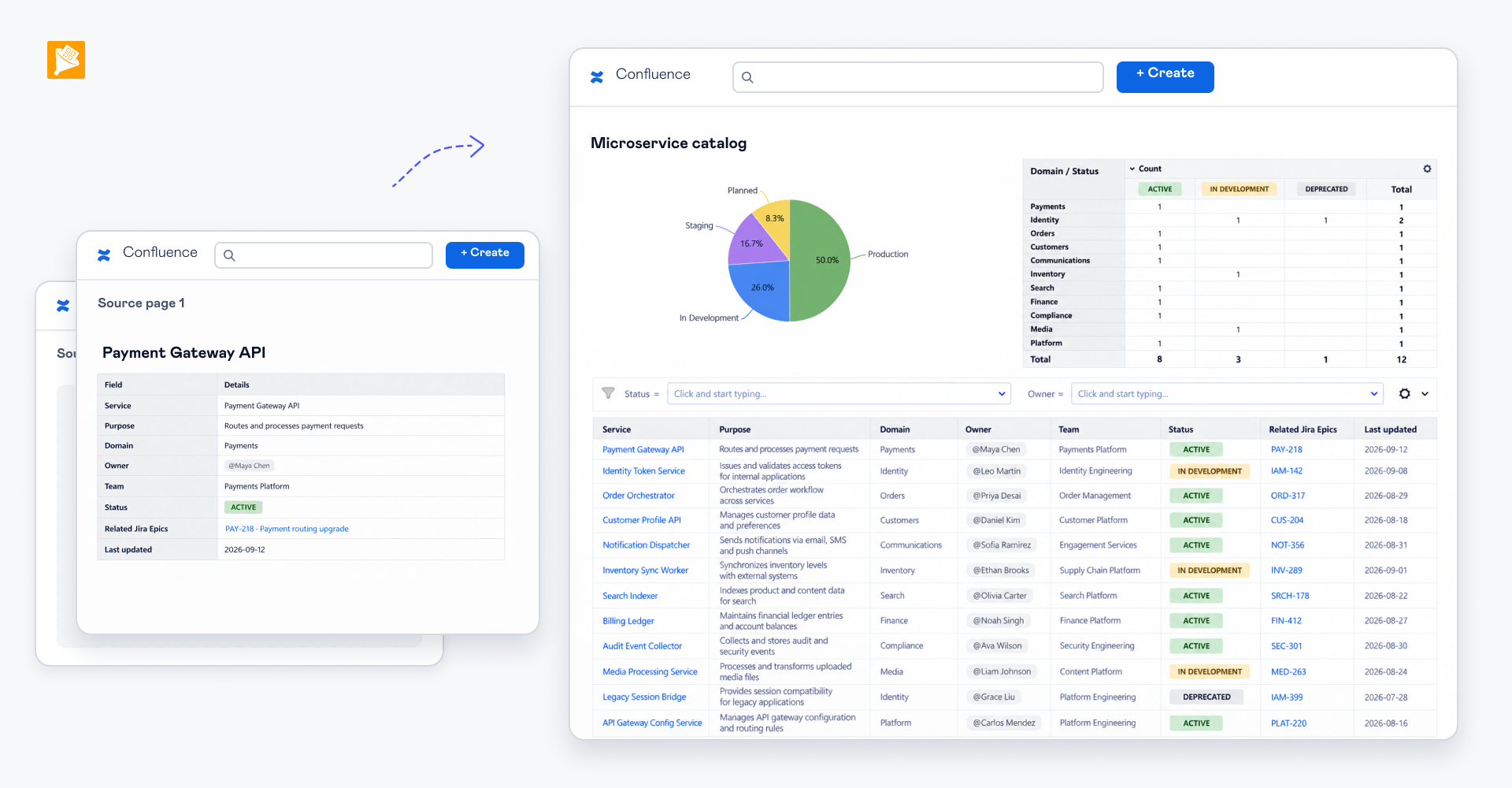
Keep the testing data in a native Confluence table and extend it with macros: Table Filter for filtering, sorting, search, and other everyday table controls. Pivot Table to group and summarize testing data. Table Transformer for custom rules, calculations, additional metrics, data transformations, and formatting using its SQL module. This keeps the familiar Confluence table experience while adding capabilities needed to work with and analyze testing data.
Option 2 — Table Spreadsheet.
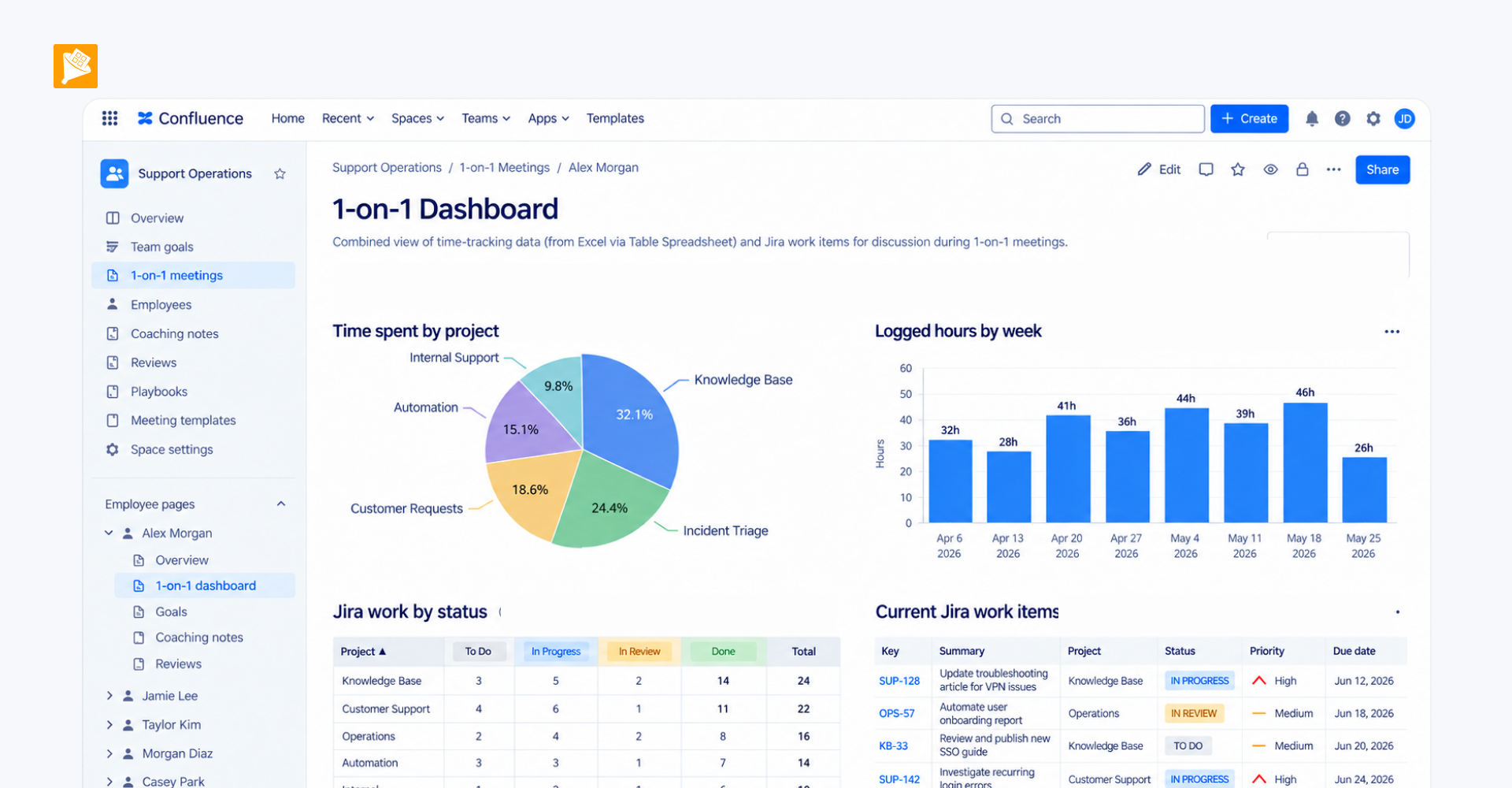
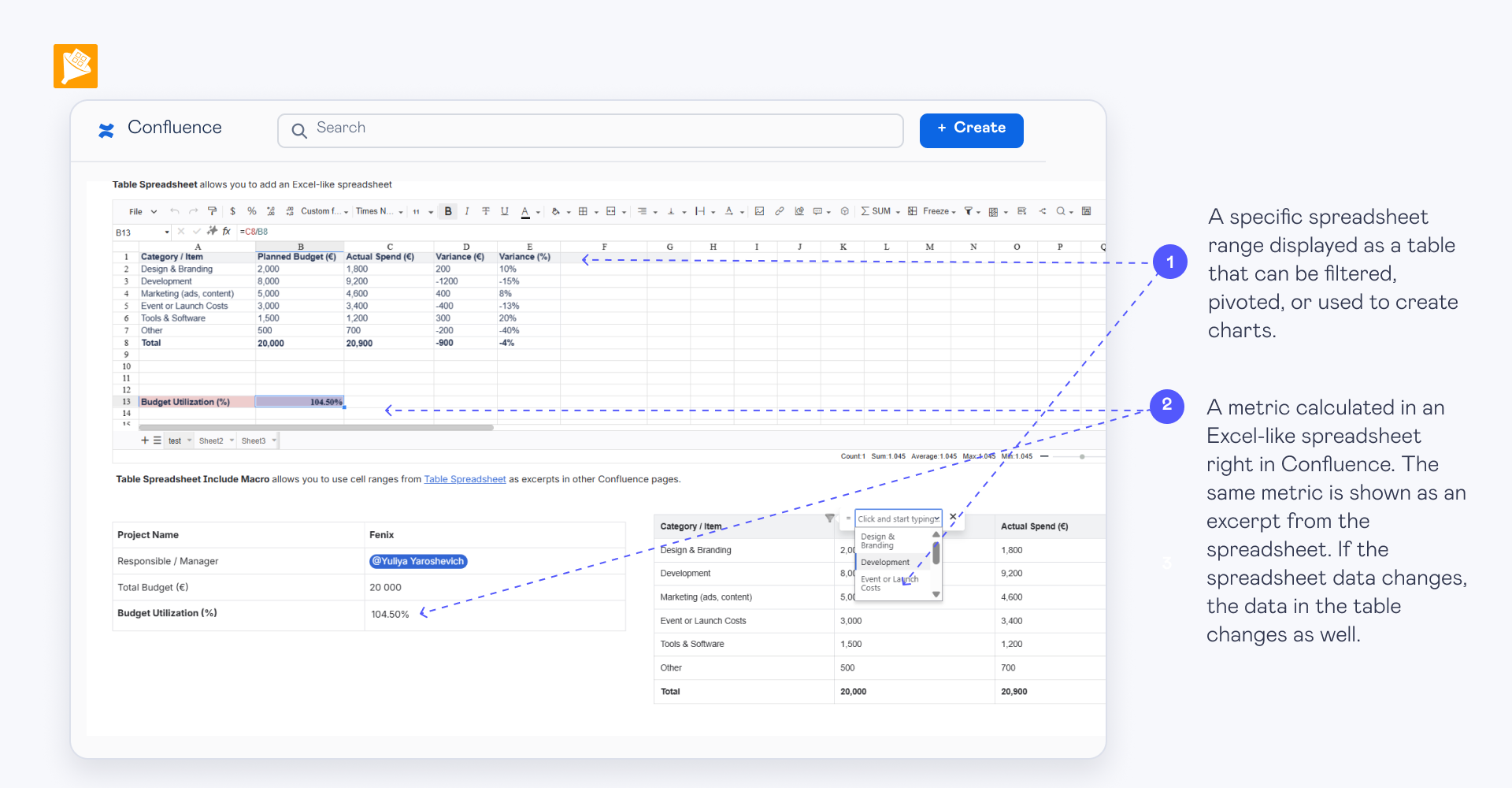
Teams that are used to working in Excel, or need spreadsheet-specific functionality such as formulas, range protection, or more advanced data entry, can use Table Spreadsheet. It provides an Excel-like working environment directly in Confluence, allowing the team to keep a spreadsheet-style workflow without maintaining separate Excel files.