15K+
 4.9/5
 3M
Build a searchable microservice catalog in Confluence
Context and Challenge
An engineering team needs a clear overview of the microservices it owns — what each service does, its current status, who is responsible for it, and which Jira work is related to it.
This information is maintained on individual service pages, but engineering managers and architects also need one place to see the full service landscape and quickly find services by status or owner.
Result
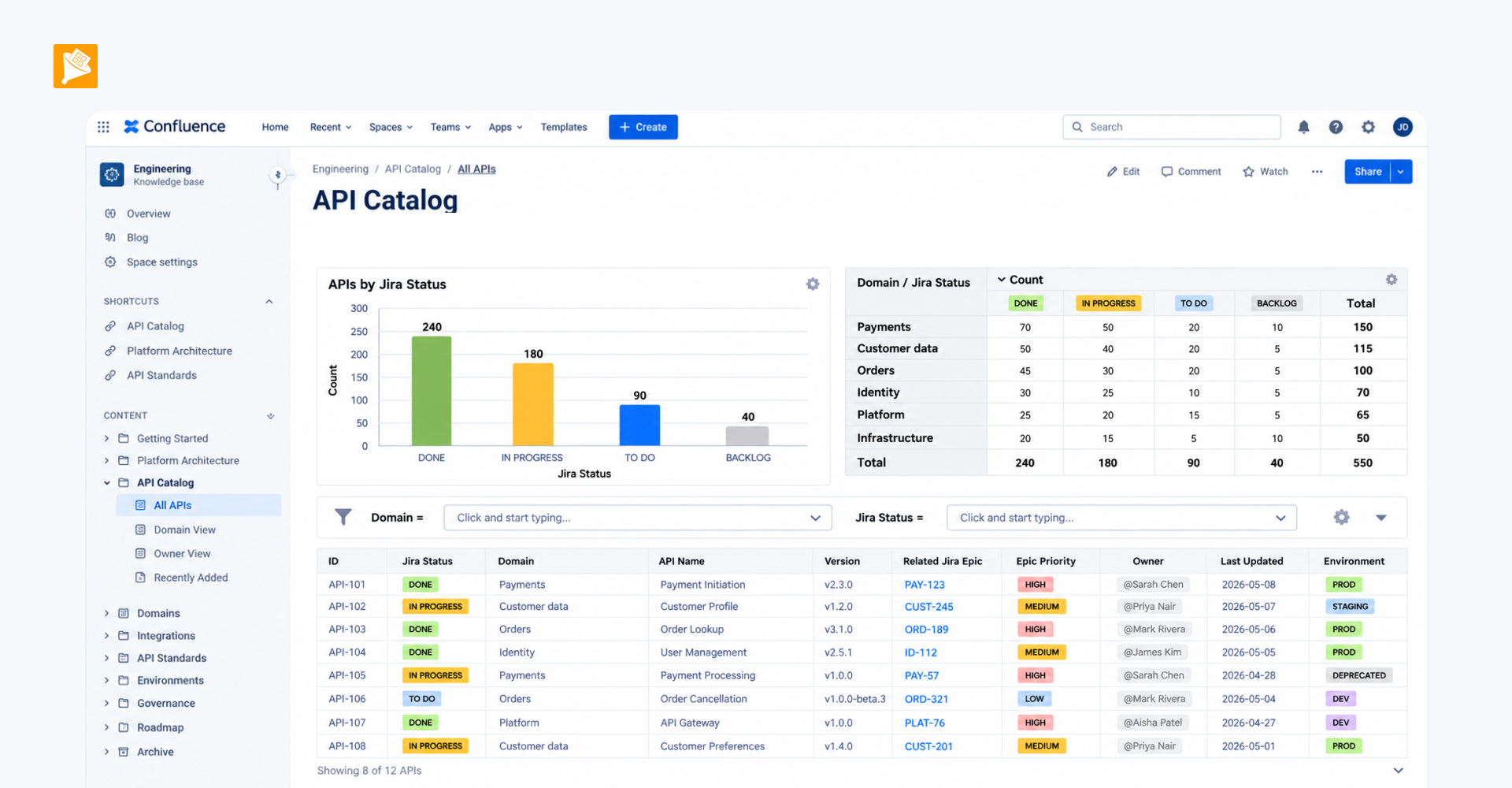
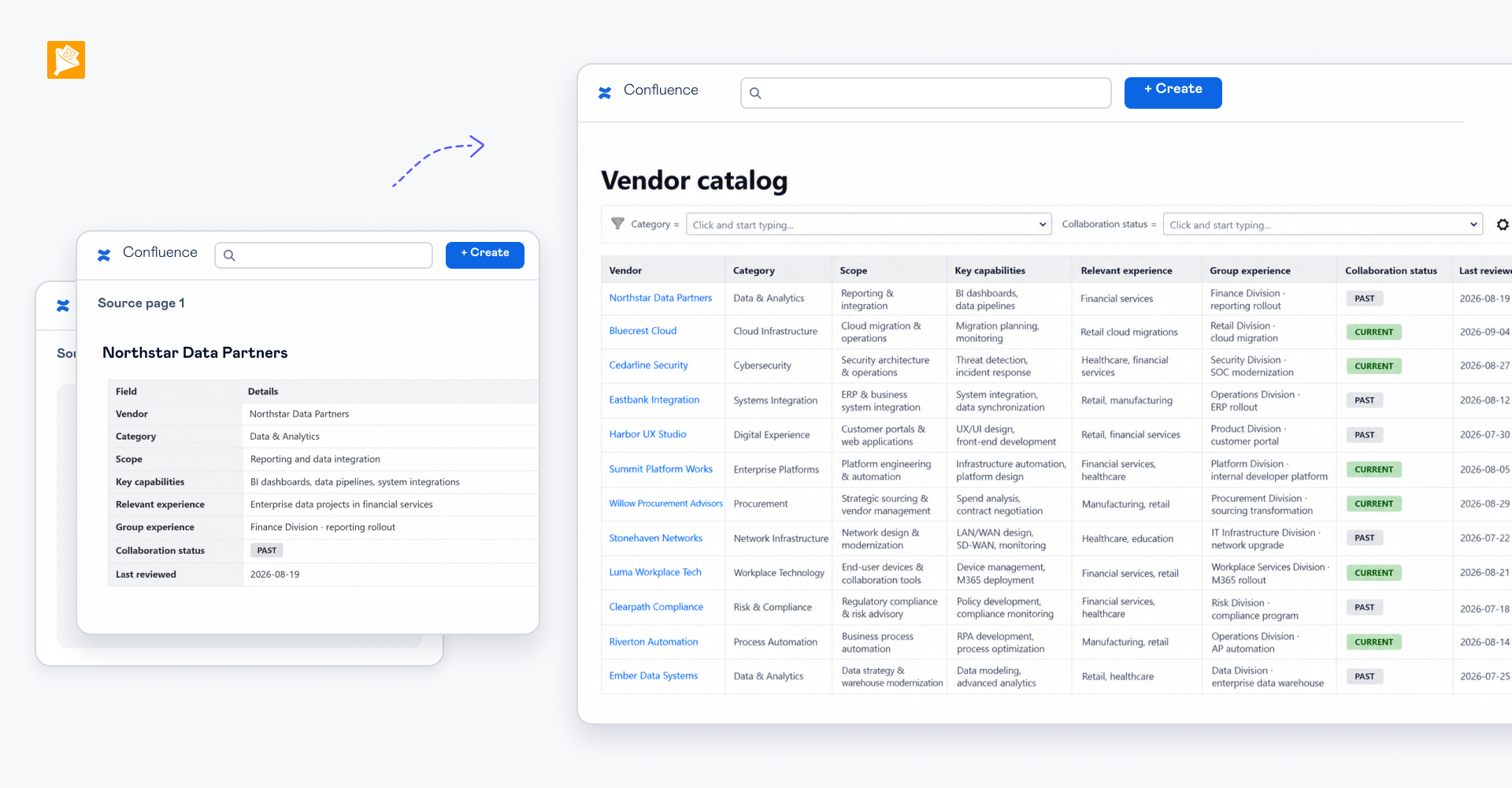
Each microservice has its own Confluence page with structured service information, while data from all service pages is automatically consolidated into one searchable service catalog.
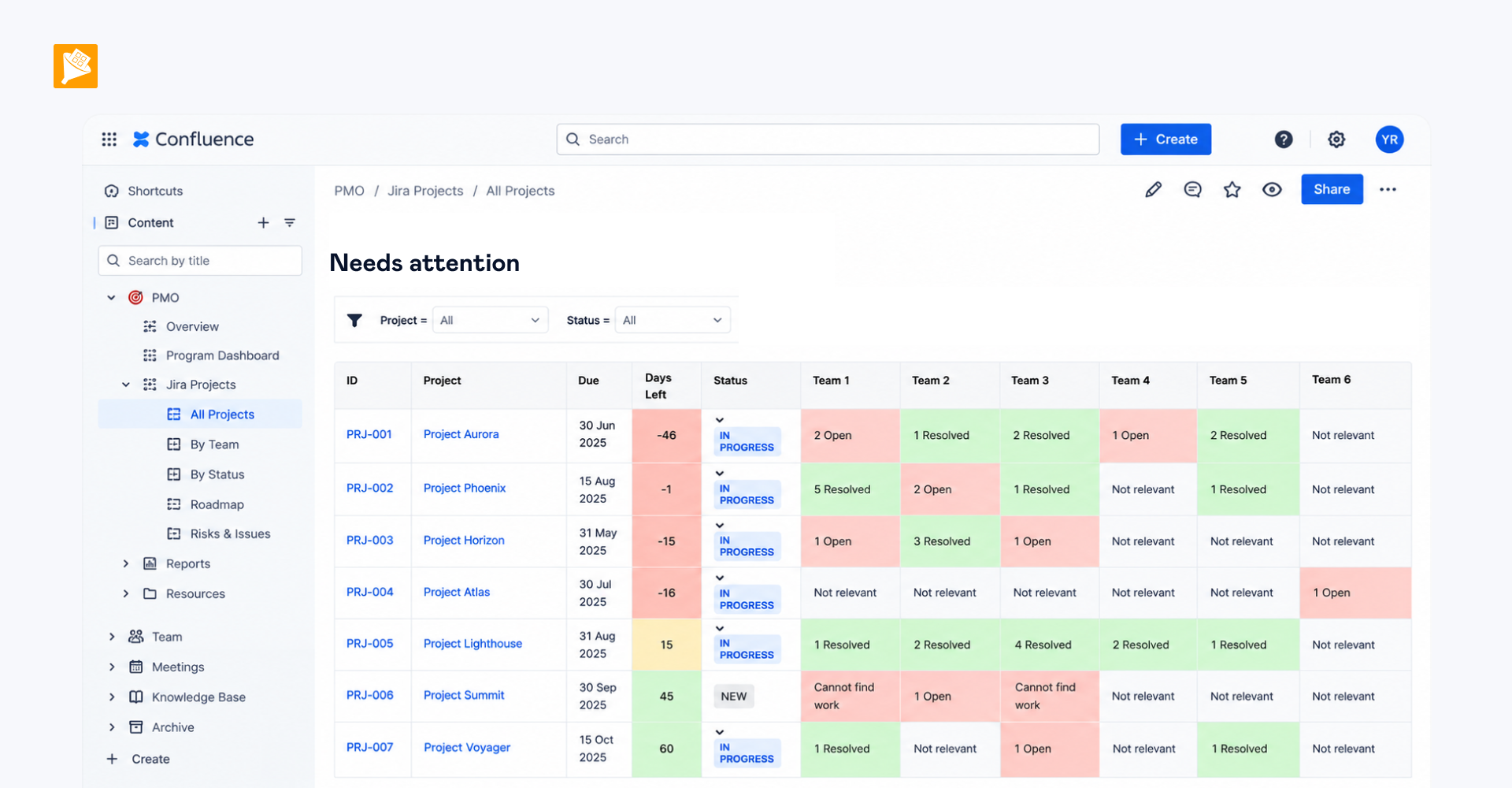
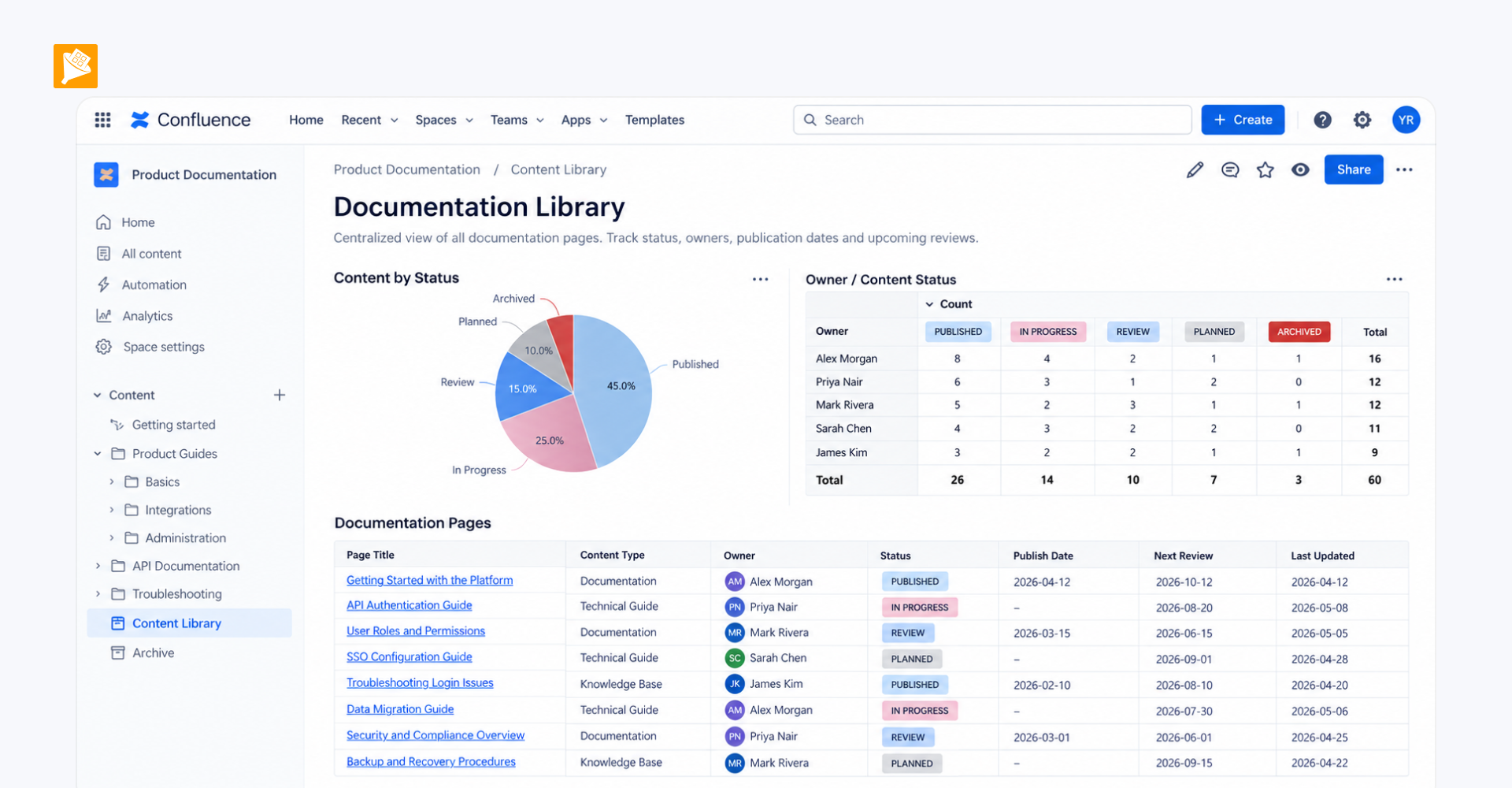
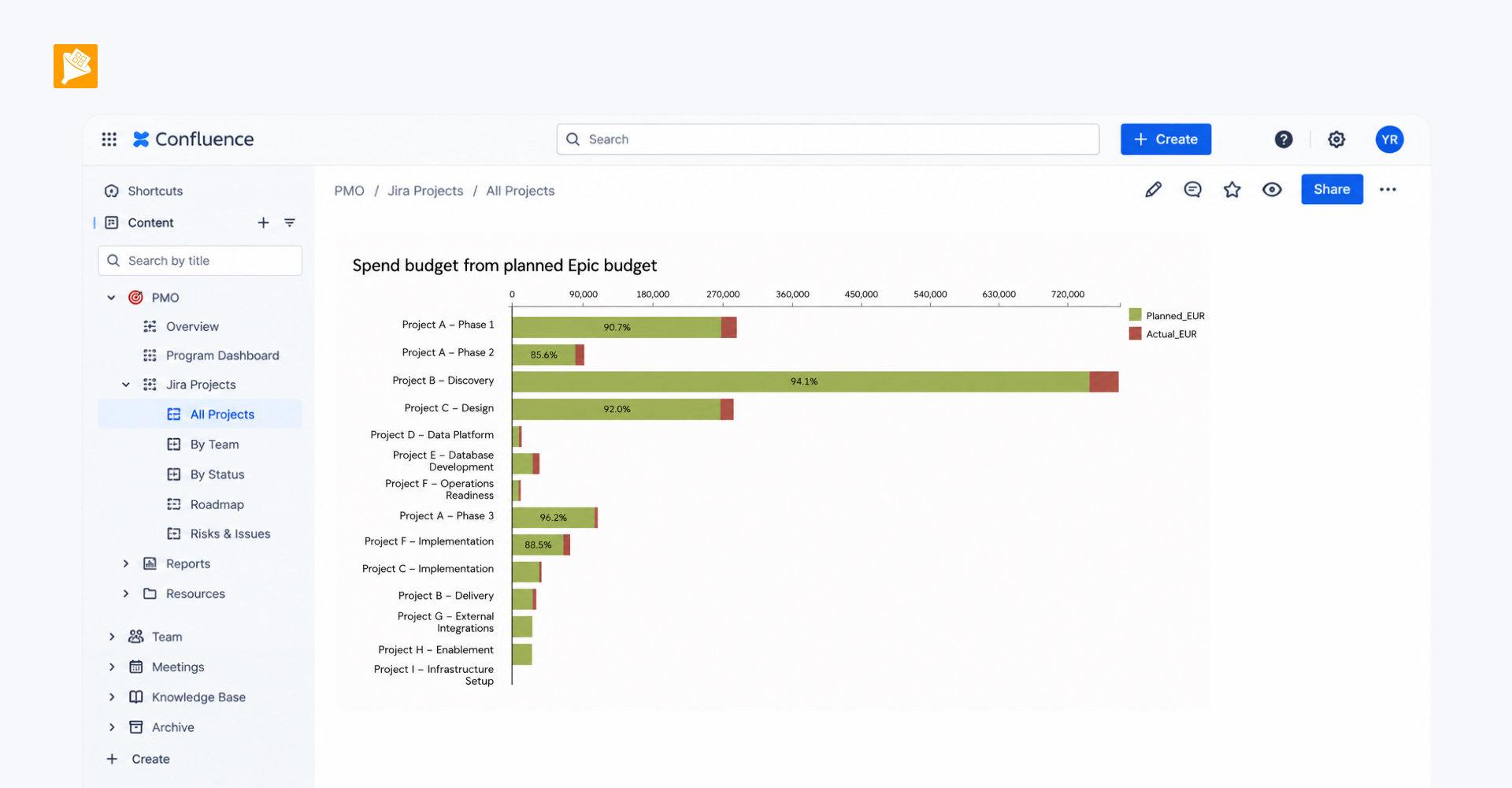
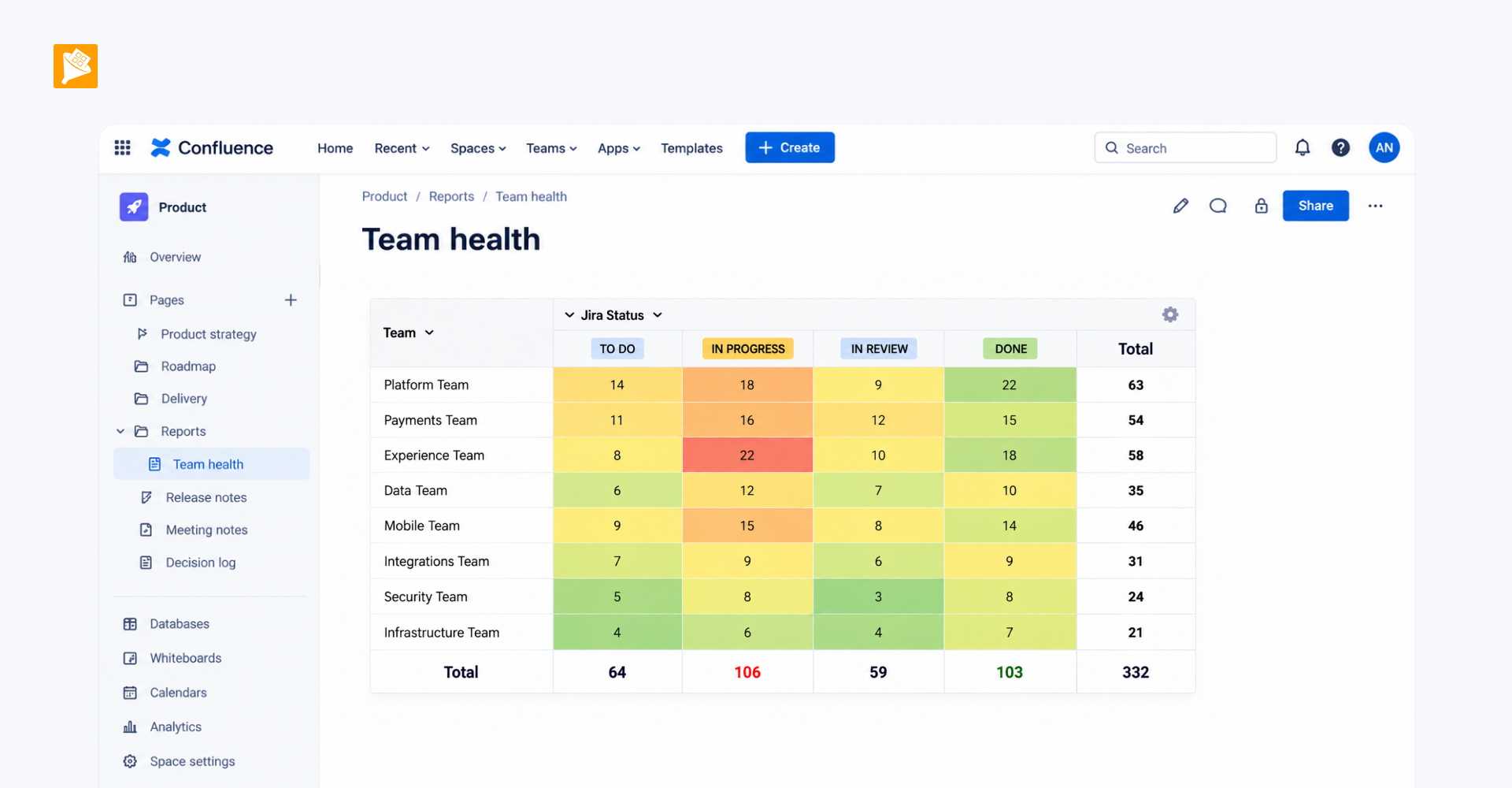
Teams can use the catalog to see the purpose and current status of each service, identify its owner, follow related Jira Epics, and filter the entire service landscape by status or responsible person.

How it is built
- Create a dedicated Confluence page for each microservice. Add a structured table with fields such as service name, purpose, status, and owner, and bring in related Jira data using the native Jira Work Items macro. Wrap the table in Page Properties or Table Excerpt.
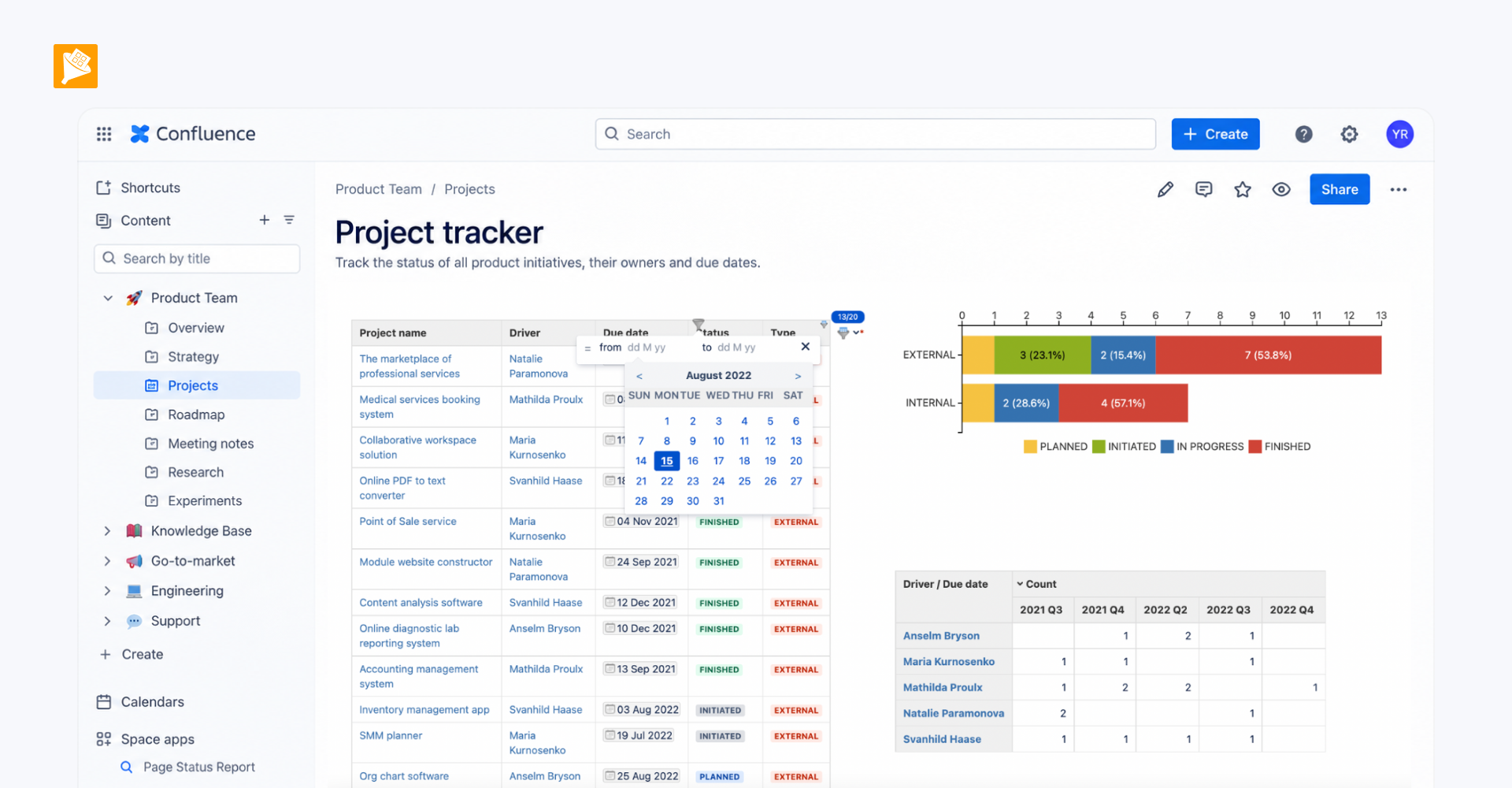
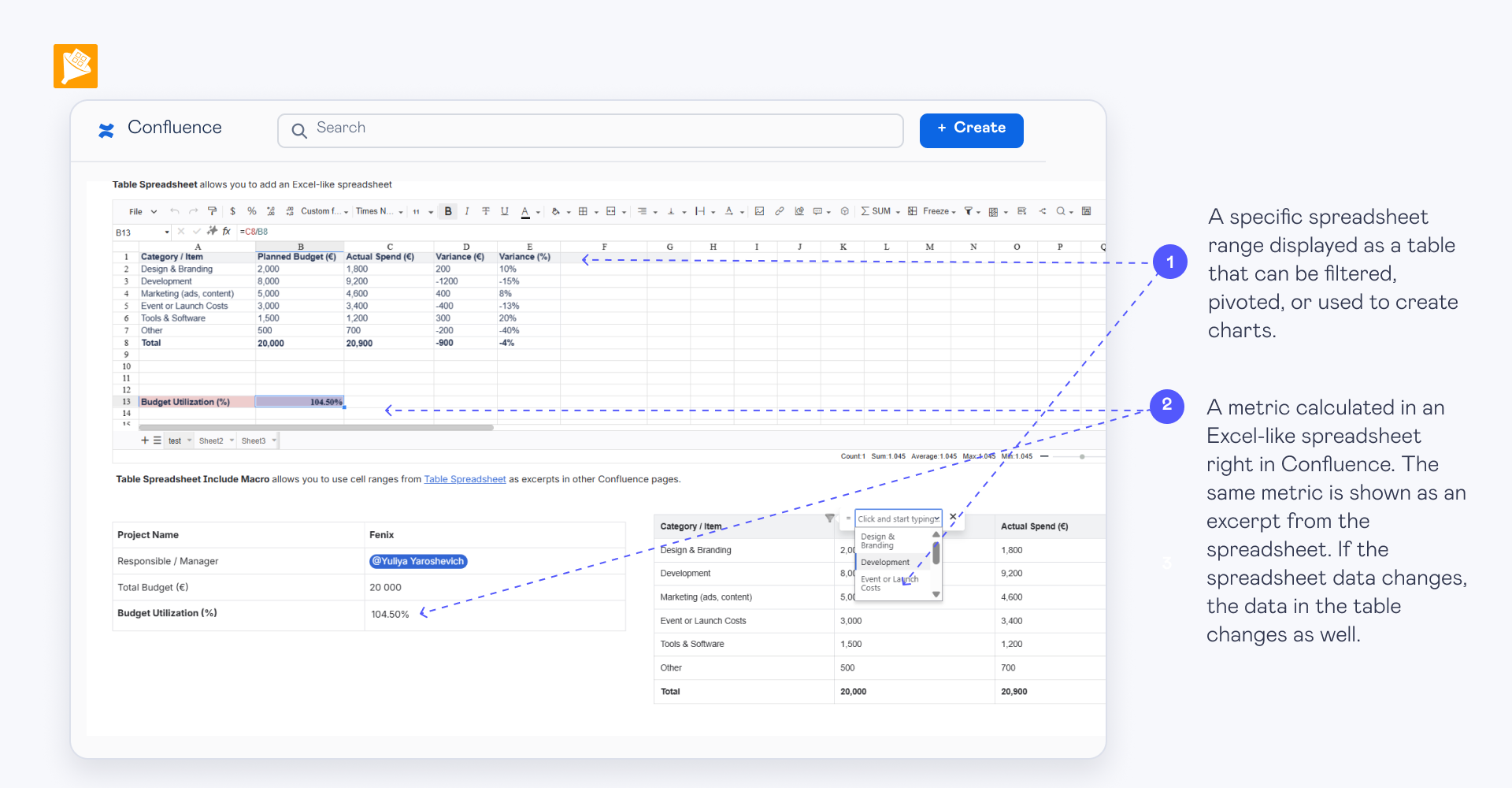
- Collect data from all service pages into one catalog. Use Page Properties Report or Table Excerpt Include to pull the structured information from all individual service pages into one consolidated table.
- Make the service catalog searchable and filterable. Wrap the consolidated table in Table Filter so users can search across services and filter the catalog by status, owner, or other relevant fields.