15K+
 4.9/5
 3M
Data from Multiple Pages & SourcesMove from Excel to ConfluenceAutomated Calculations
Compare manufacturing options with a live cost model in Confluence
Context and Challenge
A systems architect at a semiconductor company needed to compare different manufacturing processes before deciding which option to use.
The decision depends on multiple variables. Some of the underlying data comes from Jira, while additional inputs and calculation logic are maintained in Confluence.
Result
The cost comparison is calculated directly in Confluence using the latest underlying data. When an input changes — including data coming from Jira — the calculations are updated as well, allowing the team to compare manufacturing processes without rebuilding the analysis in Excel.
The same calculation logic can also be reused across different process pages and maintained in one place instead of being copied and updated separately.
How it is built
- Data for each manufacturing process is maintained in Confluence and combined with data coming from Jira.
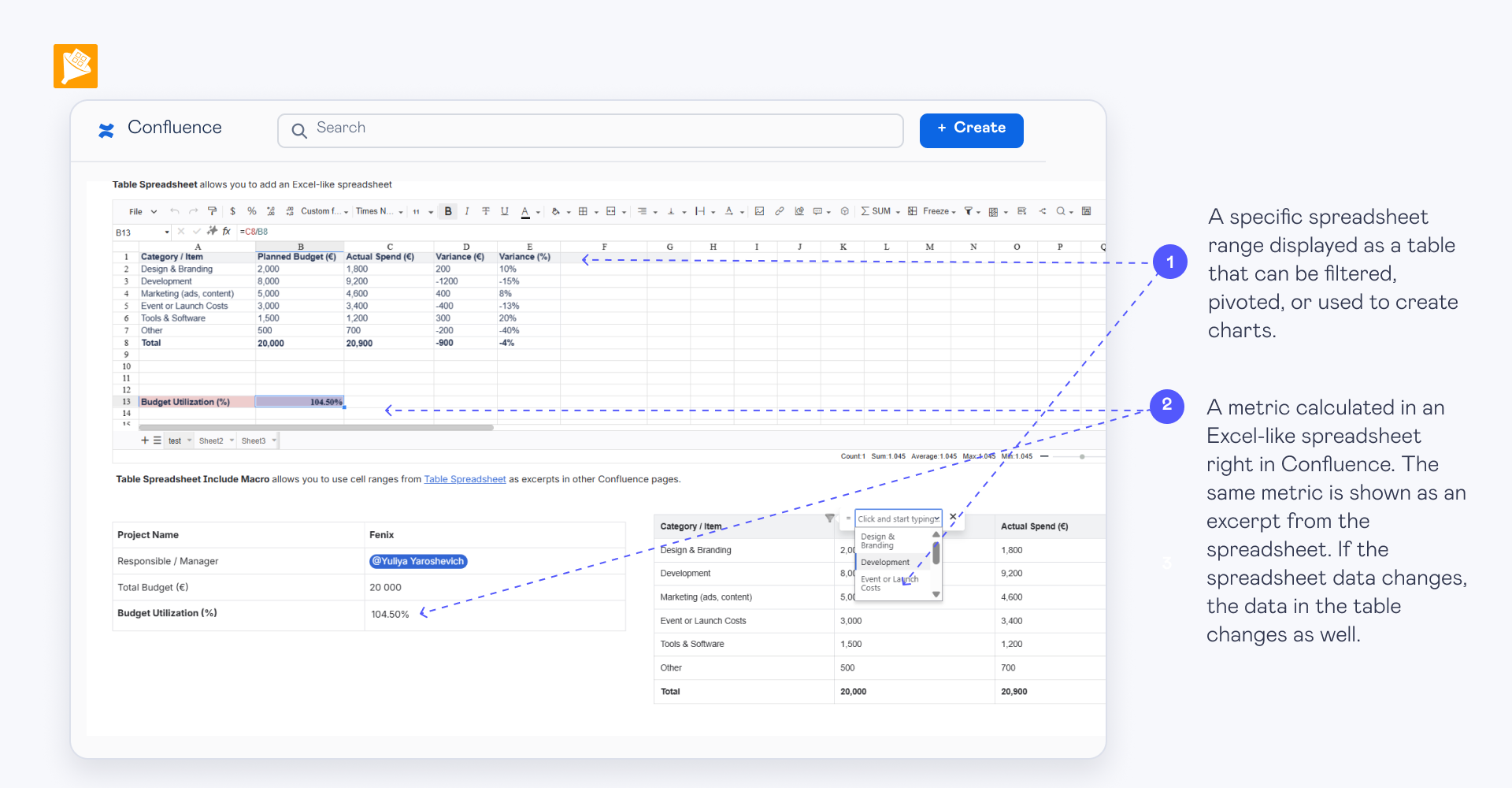
- Relevant inputs are exposed through named Table Excerpts so the same calculation setup can be reused across multiple process pages.
- Multiple Table Transformer layers apply the calculation and scoring logic used to compare the available manufacturing options.
- The reusable setup takes the required inputs from each process page and applies the same calculation logic, so changes to the logic can be made in one place instead of copied across multiple pages.