15K+
 4.9/5
 3M
Find the right information in large Confluence tables while the customer is on the line
Context and Challenge
A claims department keeps large reference tables in Confluence with instructions for calculating insurance payouts. The tables contain text as well as links to supporting pages and PDF attachments.
When a customer calls, the employee needs to find the relevant information in the table while the conversation is happening. Native Confluence tables did not provide the table-level search they needed.
Result
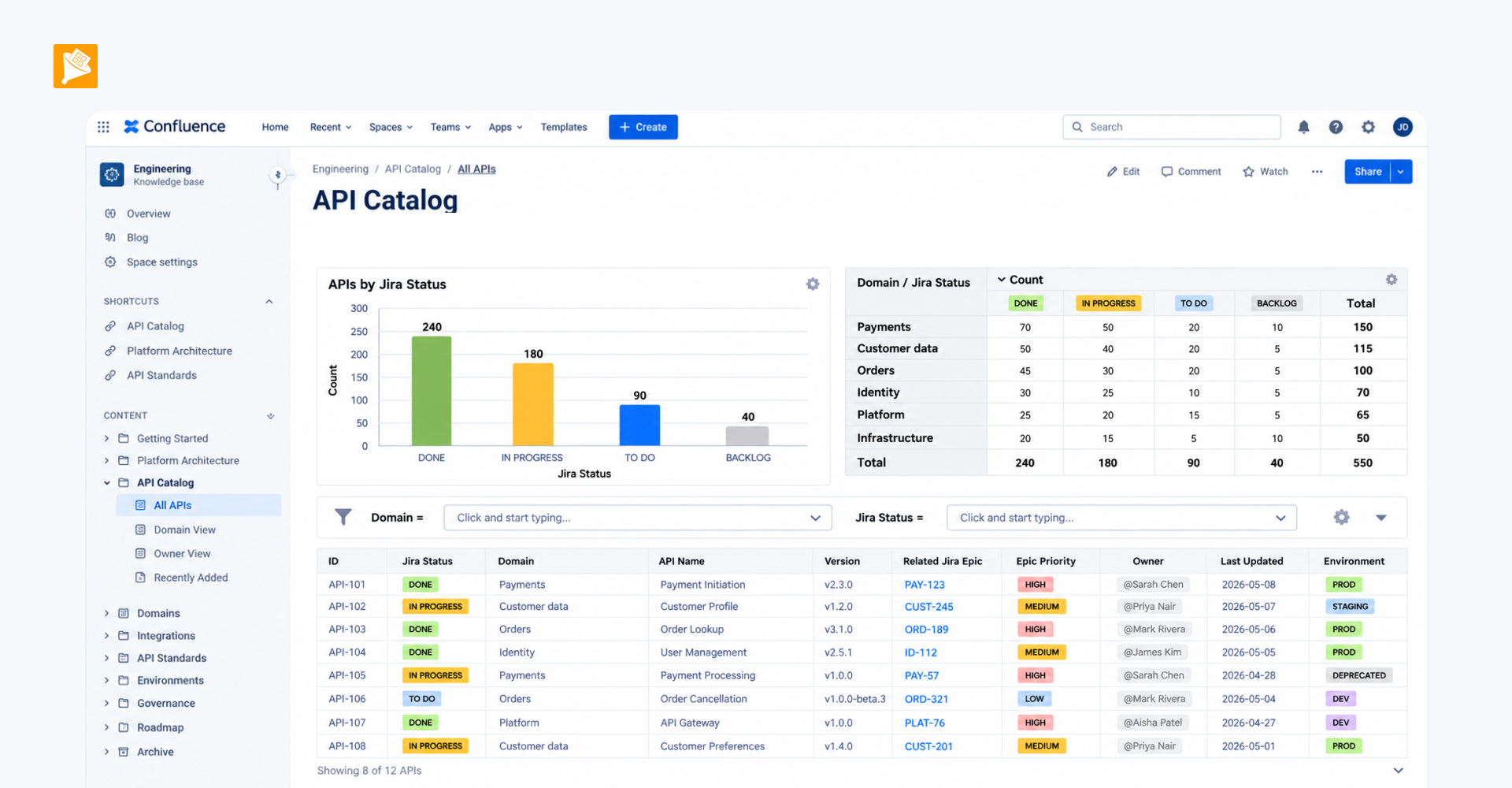
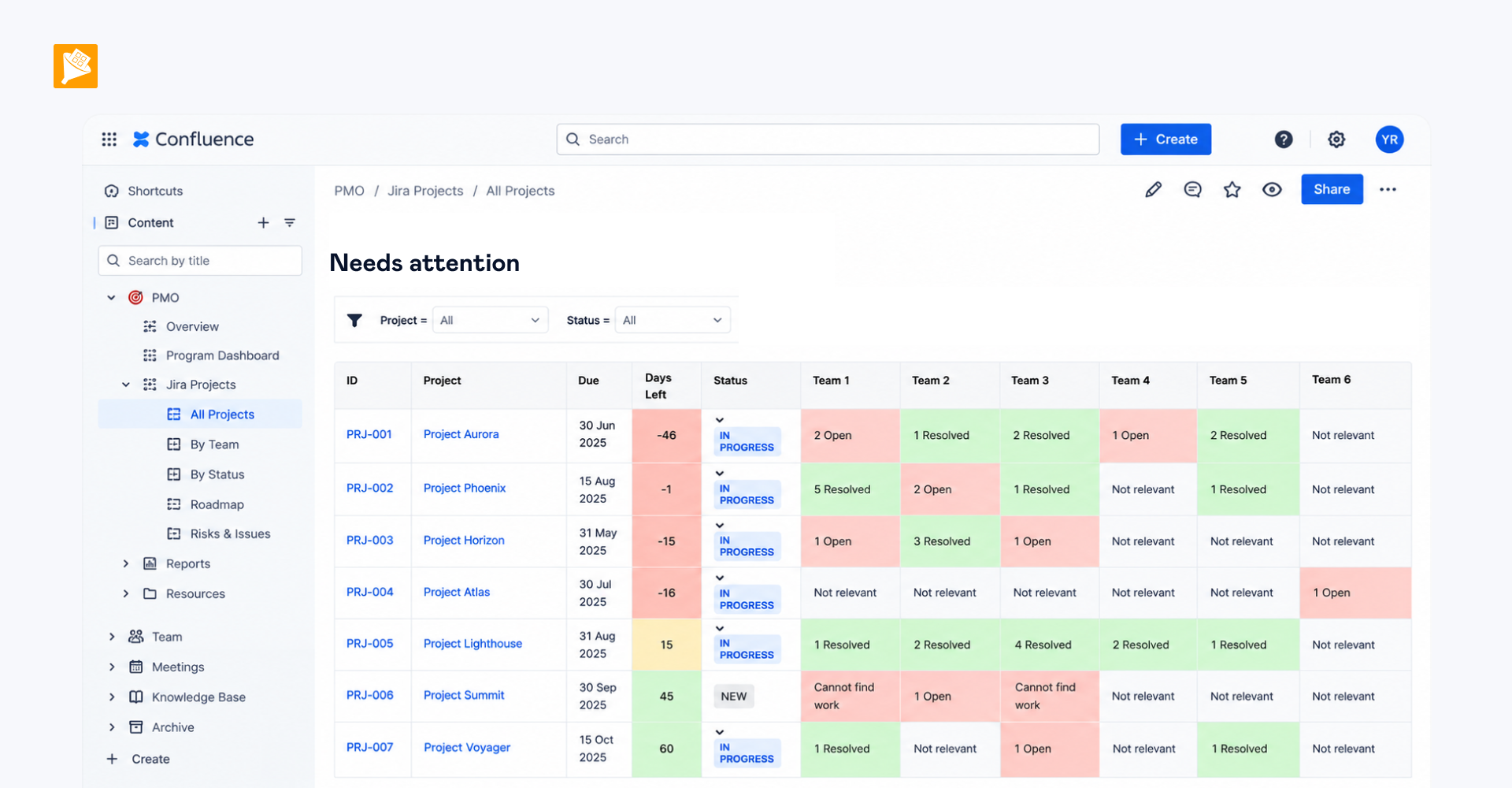
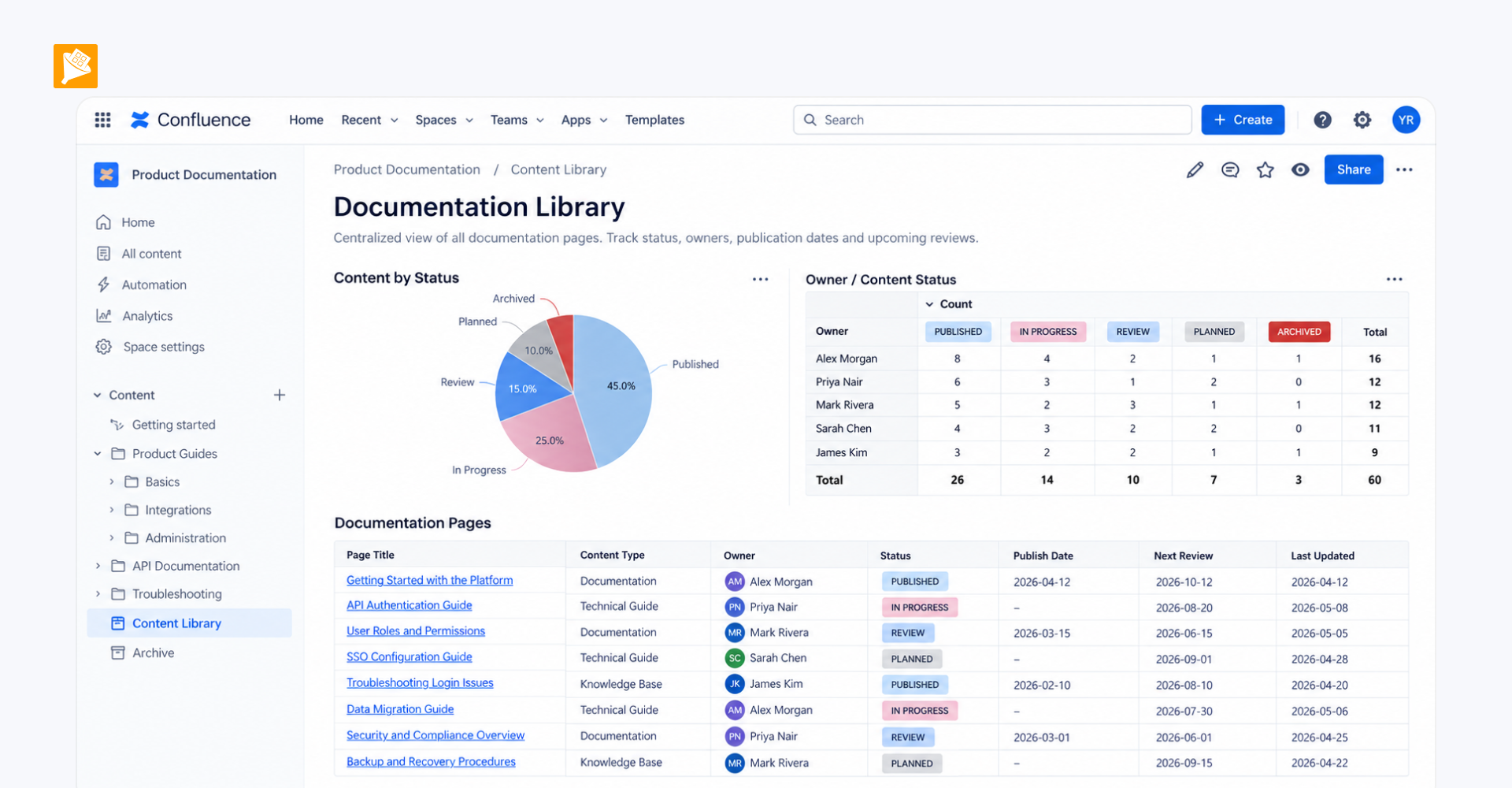
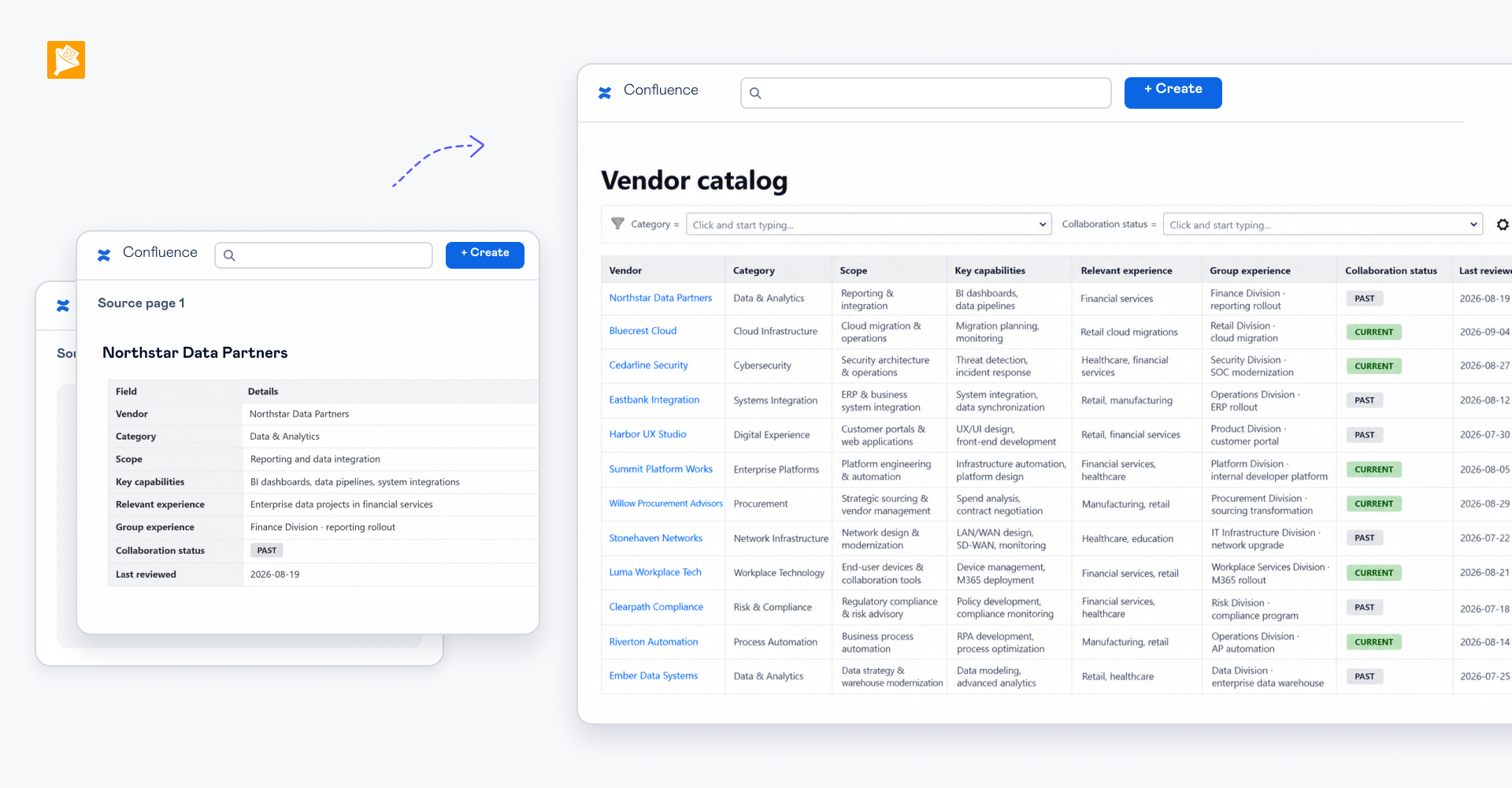
The reference information can now be maintained in regular Confluence tables and searched directly with Table Filter. Employees can enter a search term and immediately narrow a large table to the relevant rows while speaking with a customer, without manually scanning the entire reference table.
How it is built
A native Confluence table containing the reference information is wrapped in Table Filter, which adds search and filtering to the table.